
Networking
Shop all 595 products
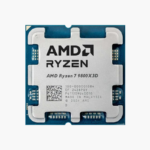
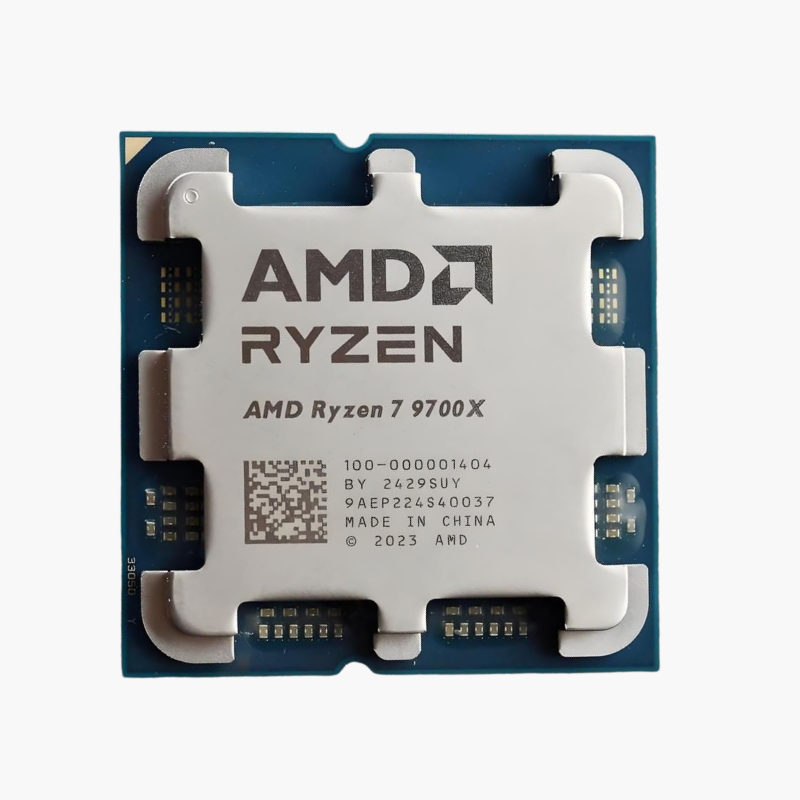
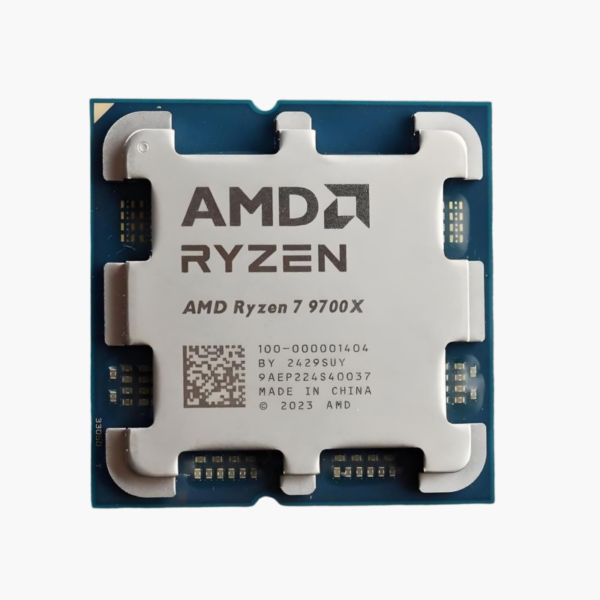
The AMD Ryzen 7 9700X is a Ryzen 9000 Series desktop processor based on Zen 5 (Granite Ridge), featuring 8 cores, 16 threads and boost clocks up to 5.5 GHz. It uses the AM5 socket, supports DDR5-5600 memory and PCIe 5.0, and is aimed at high-refresh gaming, streaming and content creation.
Gaming, Streaming and Creating on One Chip – AMD Ryzen 7 9700X
Gamers who stream, record or edit need more than a fast six-core chip. Once encoders, browsers and chat apps start competing for threads, a smaller processor becomes the bottleneck and frame pacing suffers.
The Ryzen 7 9700X gives you 8 cores and 16 threads at up to 5.5 GHz with 40MB of total cache. That covers high-refresh gaming, streaming with CPU encoding, photo editing and moderate video work without compromise.
Its 65W TDP makes it notably efficient, so a mid-range cooler keeps it quiet under load.
Zen 5 Architecture – Higher IPC and Full AVX-512
Zen 5 improves instructions per clock with a wider core design and full 512-bit AVX-512 data paths, accelerating AI, scientific and media workloads. The Ryzen 7 9700X supports DDR5-5600 with EXPO profiles and PCIe 5.0.
Unlocked, With Basic Integrated Graphics
The Ryzen 7 9700X is unlocked for Precision Boost Overdrive and manual overclocking on B650, X670 and 800-series boards. Its integrated AMD Radeon Graphics (2 CUs) provides display output for setup, troubleshooting and office use, although a discrete GPU is recommended for gaming.
Setup Instructions
How to Install the AMD Ryzen 7 9700X
- Confirm your motherboard uses the AM5 socket with an AMD 600-series or 800-series chipset. Update a 600-series board to a BIOS with Ryzen 9000 support before installing the processor.
- Open the socket retention frame, align the triangle on the Ryzen 7 9700X with the triangle on the socket, and lower it straight down. AM5 is an LGA socket, so the pins are on the motherboard; avoid touching them. Close the frame and lever.
- Apply a thin layer of thermal paste and mount an AM5-compatible cooler; a basic tower cooler or the boxed cooler suits this 65W processor.
- Power on (the first boot can take a few minutes while memory training runs), enter the BIOS, enable the EXPO memory profile, then install Windows and the latest AMD chipset drivers.






Reviews
There are no reviews yet.