
Networking
Shop all 595 products

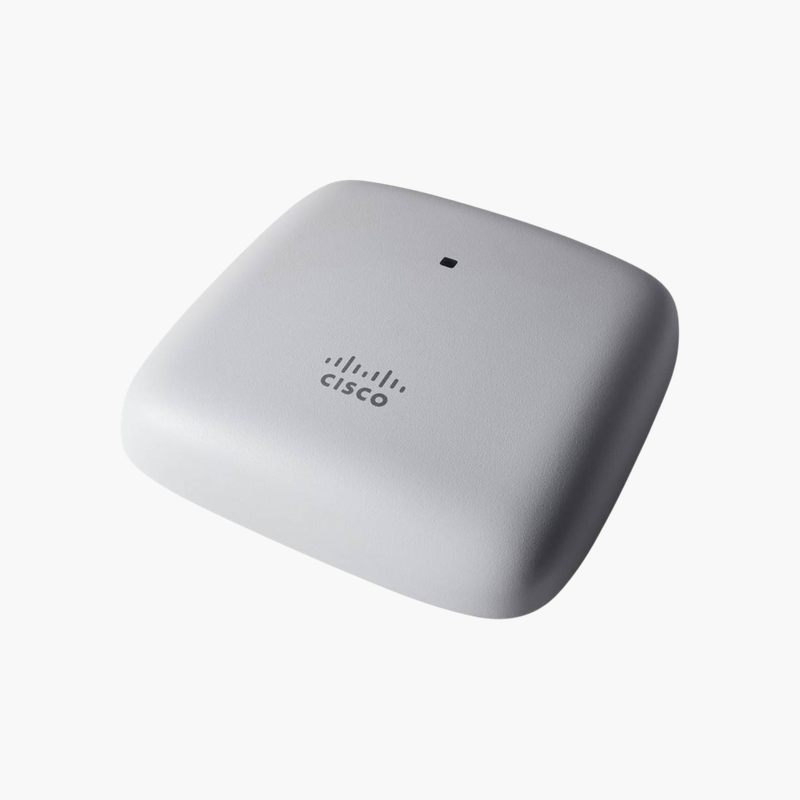
Reliable Wi-Fi 5 coverage for small offices, shops and clinics.
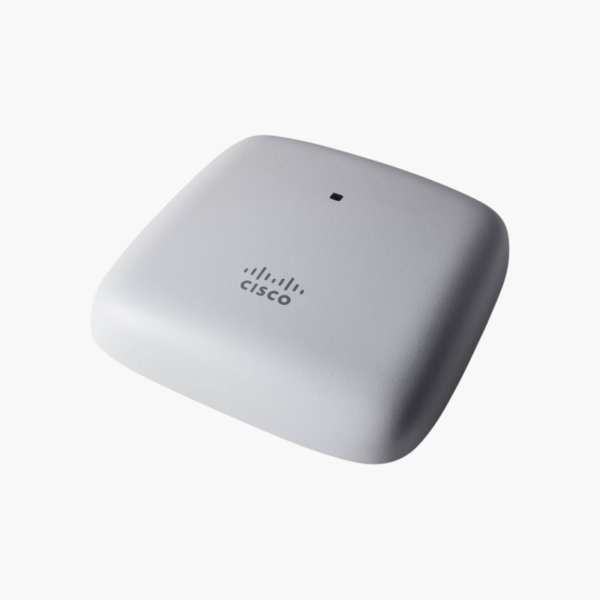
The Cisco CBW140AC is a Wi-Fi 5 access point using 802.11ac Wave 2, delivering up to 867 Mbps on 5 GHz. It has a Gigabit Ethernet uplink and is powered by 802.3af PoE. Built for small offices, shops and clinics, it is managed through the Cisco Business mobile app.
Why Consumer Routers Struggle to Cover a Business
A single consumer router in a corner office leaves dead zones, slows down as more phones and laptops join, and offers no way to separate guests from staff. Range extenders add hops and cut throughput further.
The CBW140AC is designed to be placed where users are, on a ceiling or wall, and connected back to the network by Ethernet. Wi-Fi 5 Wave 2 MU-MIMO lets it transmit to several clients at the same time, improving performance in busy rooms.
Multiple SSIDs, VLAN tagging and guest isolation keep business and visitor traffic apart, and Cisco Business mobile app provides one place to configure, monitor and update every access point.
Performance Where Users Work
With up to 867 Mbps on 5 GHz, the CBW140AC handles video calls, cloud apps and file transfers for small offices, shops and clinics. Adding more access points on the same network extends coverage with seamless roaming between them.
Simple Installation and Management
Powered by 802.3af PoE lets the access point run from a single Ethernet cable, so it can be placed in the best spot for coverage rather than near a power outlet. Management via Cisco Business mobile app, web UI, Cisco Business Dashboard keeps firmware, settings and security consistent.
How to Set Up the Cisco CBW140AC
- Choose a central mounting position (ceiling or high on a wall) away from metal obstructions, and fit the mounting bracket.
- Run an Ethernet cable from a PoE switch or injector to the access point and connect the Gigabit Ethernet uplink.
- Power on, then adopt or set up the access point using Cisco Business mobile app.
- Create your SSIDs (staff and guest), set WPA2/WPA3 security and VLANs, and update to the latest firmware.














Reviews
There are no reviews yet.