
Networking
Shop all 595 products
One compact Cisco router for internet, VPN, voice and security at the branch.
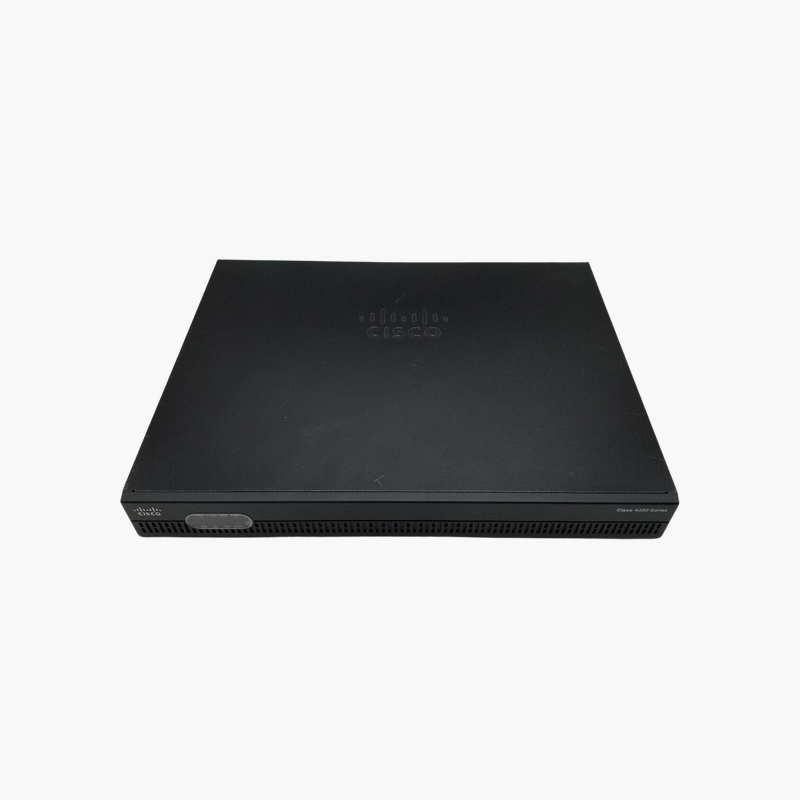
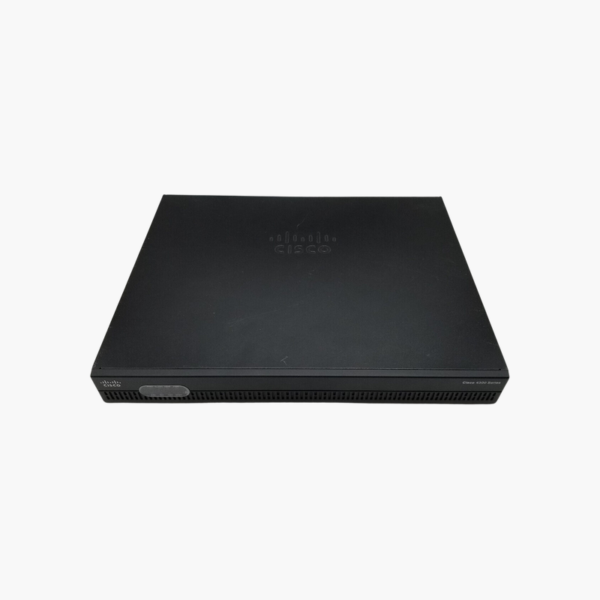
The Cisco ISR4321/K9 is a branch router from the Cisco 4000 Series Integrated Services Routers, with two Gigabit WAN/LAN ports, two NIM slots and 50 Mbps throughput upgradable to 100 Mbps. It suits small branches and offices that need secure WAN connectivity, VPN and optional voice in one device.
Why Branches Outgrow Consumer Routers
Small branches often start with a basic internet router, then add a firewall, a VPN appliance and a voice gateway. Each extra box adds cost, power and another device to manage, and consumer routers lack the routing protocols and redundancy that connect a branch to head office reliably.
The ISR4321/K9 combines routing, IPsec VPN, NAT, QoS and zone-based firewall in Cisco IOS XE. Its multicore design separates the control plane from the data plane, so routing updates and management tasks do not slow forwarding of user traffic.
Two Network Interface Module (NIM) slots let you add interfaces as needs change, such as an LTE backup link, T1/E1 for legacy circuits, FXS/FXO voice ports or a small Gigabit switch module.
Modular Interfaces for Changing WAN Needs
Start with the two onboard Gigabit ports, one of which accepts an SFP module for fiber circuits. Add NIM modules later for cellular failover, DSL, serial WAN or voice, without replacing the router.
Pay-as-You-Grow Performance
The router ships with 50 Mbps of aggregate forwarding throughput. When branch traffic grows, a Cisco performance license raises it to 100 Mbps. Feature licenses such as Security and Unified Communications add capabilities in the same way.
How to Set Up the Cisco ISR4321/K9
- Rack-mount or desk-mount the router, install any NIM modules while it is powered off, and connect power.
- Connect the WAN port to your ISP circuit (copper or SFP) and the second Gigabit port to your LAN switch.
- Use the console port or Cisco Configuration Professional/WebUI to set the hostname, credentials, interfaces, routing and NAT.
- Configure IPsec VPN, firewall policies and QoS as required, activate any licenses, and save the configuration.














Reviews
There are no reviews yet.