
Networking
Shop all 595 products
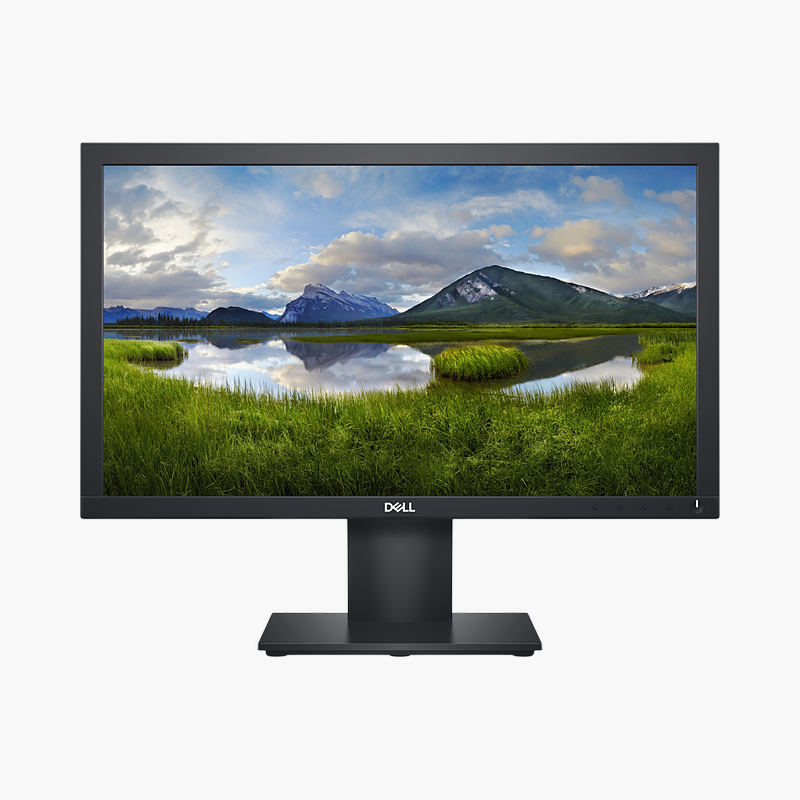
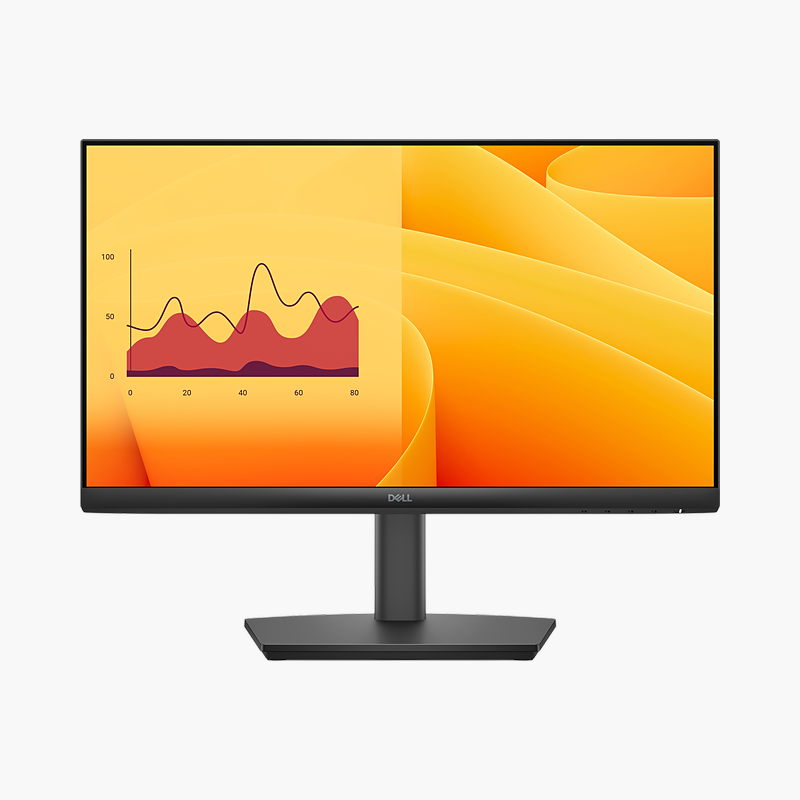
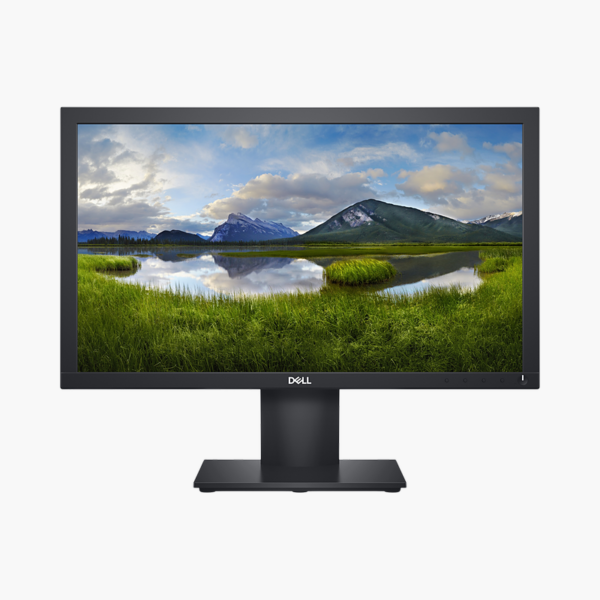
The Dell E2020H is a 19.5″ HD+ TN monitor with a 60Hz refresh rate. It is built for offices, schools, front desks and home workspaces, giving a clear, comfortable screen for long working days. DisplayPort 1.2, VGA inputs connect desktops and laptops, including older PCs.
Built for productive workdays.
A Clearer, More Comfortable Screen for Everyday Work
Small, dim or low-refresh monitors make text harder to read, force constant window switching and contribute to eye strain and neck discomfort over a full working day.
The Dell E2020H gives a 19.5″ HD+ TN screen with 60Hz refresh rate, 250 nits brightness and 72% NTSC colour, so text is sharp, scrolling is smooth and the matte screen keeps glare down in bright offices.
Flexible Connections
DisplayPort 1.2, VGA inputs connect desktops, laptops and docking stations.
Comfort for Long Days
Flicker-free and the tilt stand help you work comfortably for hours.
Setup Instructions
How to Set Up the Dell E2020H
- Unbox the monitor, attach the stand and place it on a stable desk.
- Connect your PC or laptop with an HDMI or DisplayPort cable, then connect the power cable.
- Power on, open the on-screen menu and set the resolution to 1600 x 900 at 60Hz in your operating system’s display settings.
- Adjust the screen tilt so the top of the screen sits at or slightly below eye level.




Reviews
There are no reviews yet.