
Networking
Shop all 595 products
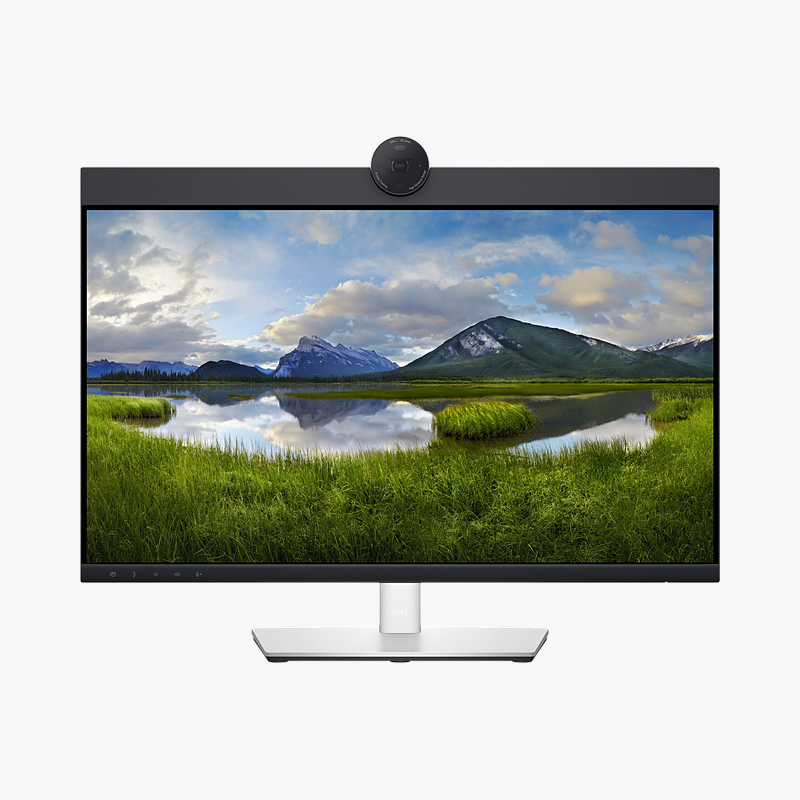
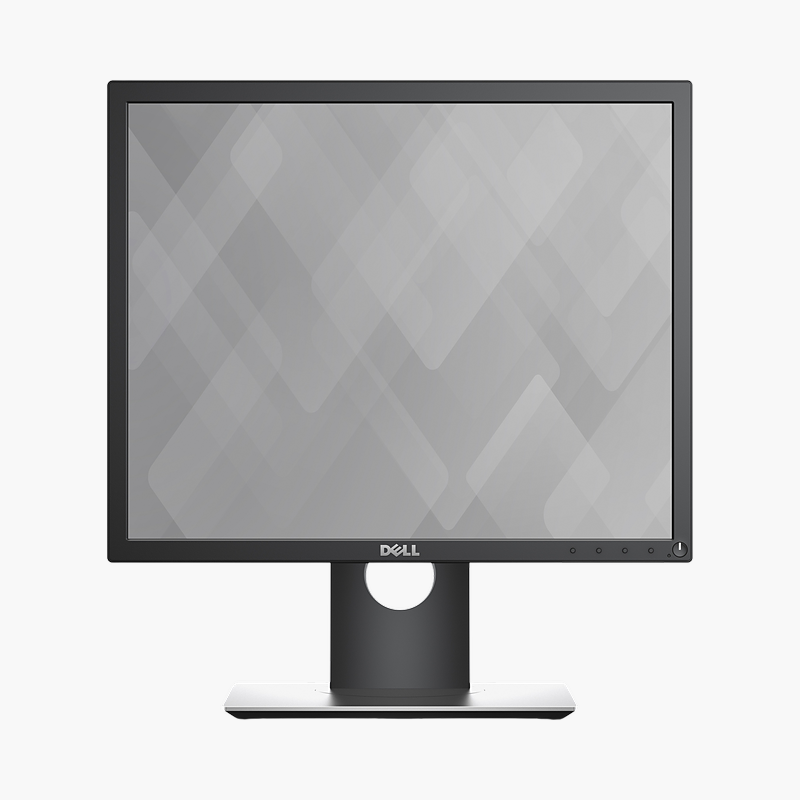
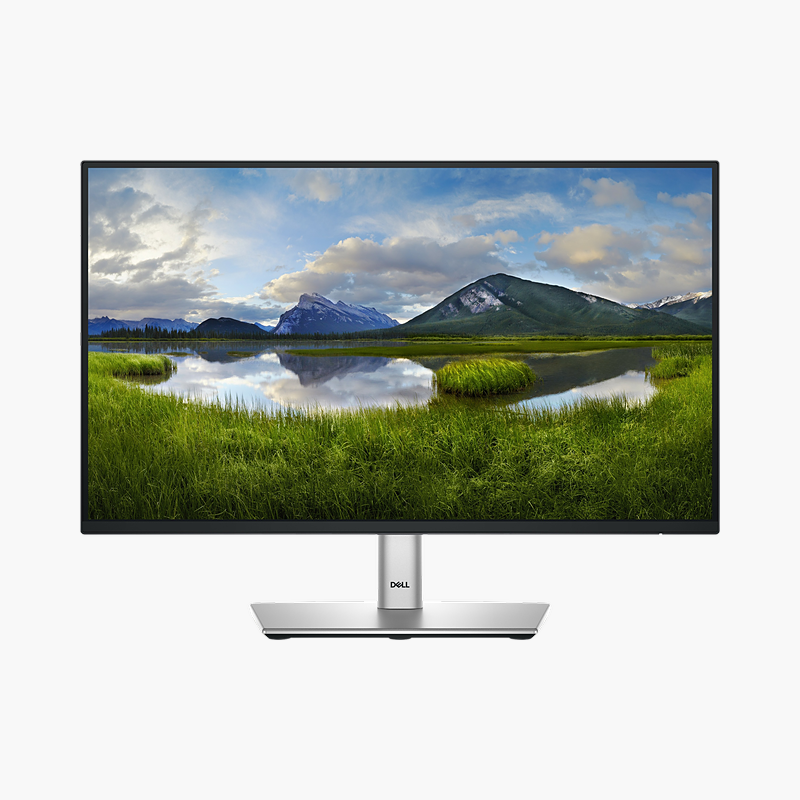
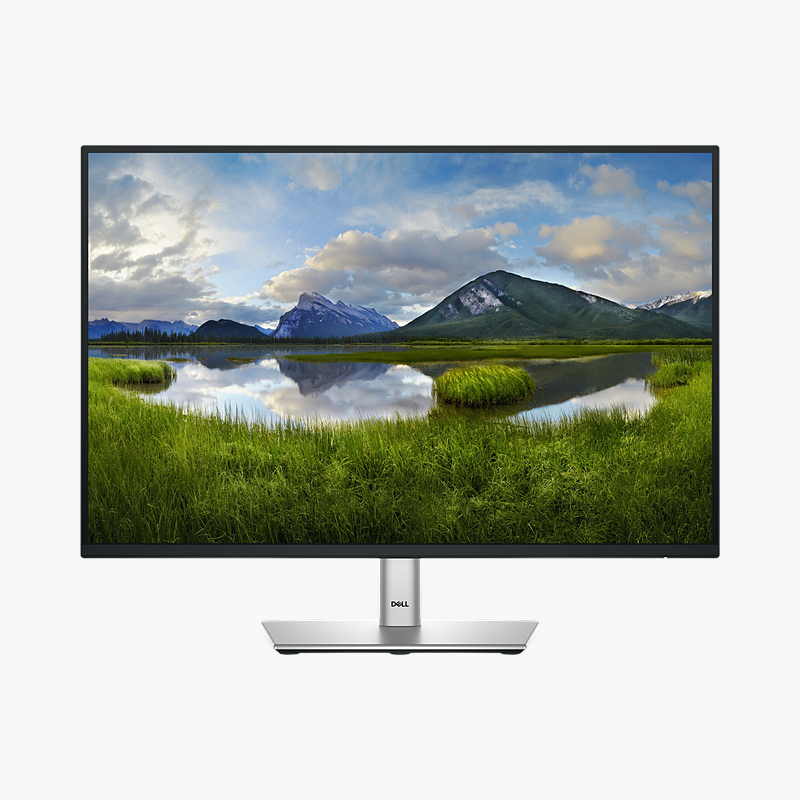
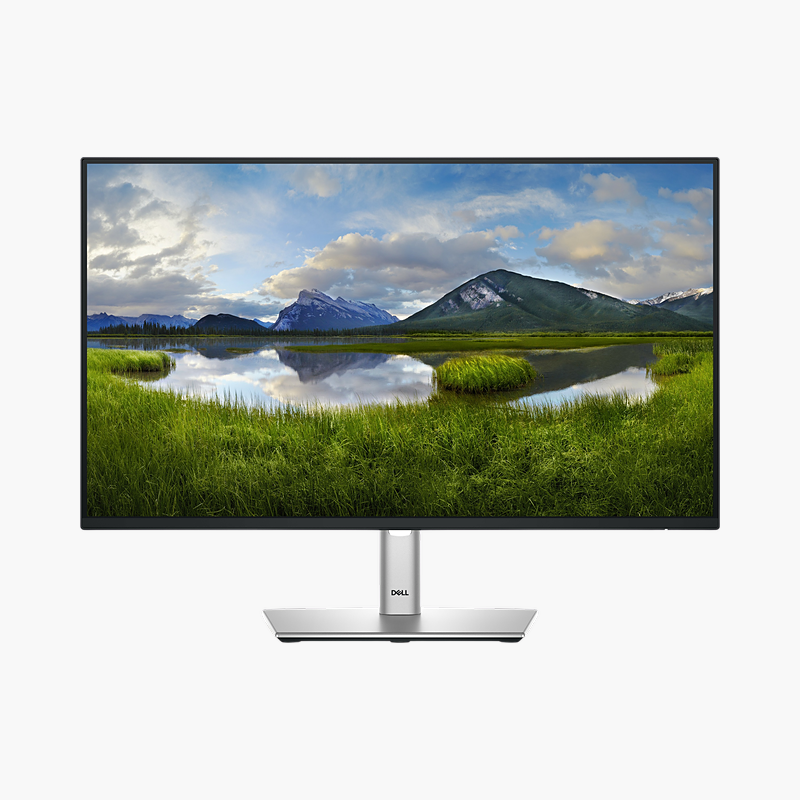
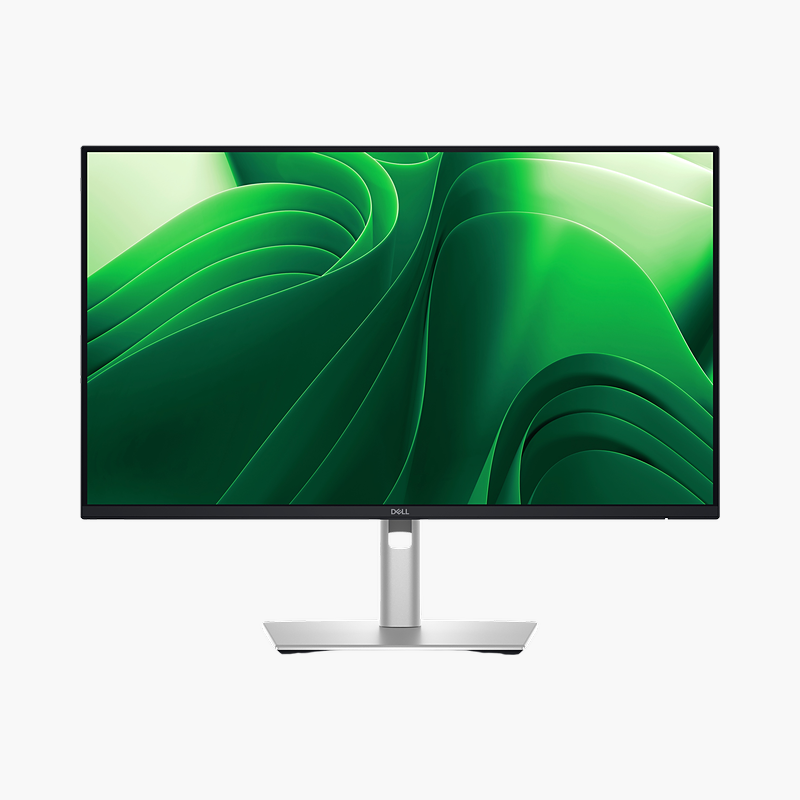
The Dell P2424HEB is a 23.8″ Full HD IPS video conferencing monitor with a 60Hz refresh rate, 90W USB-C power delivery and a 4MP pop-up webcam. It is built for hybrid workers and teams who take frequent video calls, giving a clear, comfortable screen and a single-cable connection to your laptop.
Meet face-to-face without extra gear.
A Conferencing Setup Built Into the Screen
Laptop webcams sit low and pick up poor angles, small speakers sound thin, and adding a separate webcam, speakerphone and dock fills the desk with cables and gadgets that all need setting up.
The Dell P2424HEB builds the 4MP pop-up webcam into the top of the 23.8″ screen at eye level and adds 2x 5W speakers. One USB-C cable carries video, data, Ethernet and up to 90W of charging, so a laptop docks in seconds.
Clear Picture and Sound for Every Call
The camera is positioned at eye level so colleagues see you face-on, and built-in noise-cancelling microphones reduce keyboard and background noise.
A Full Workspace Between Meetings
Outside calls, the Full HD IPS panel gives room for documents, spreadsheets and browser windows, and the height (150 mm), tilt and swivel stand adjusts to your posture.
Setup Instructions
How to Set Up the Dell P2424HEB
- Unbox the monitor, attach the stand and place it on a stable desk.
- Connect your PC or laptop with the USB-C/Thunderbolt cable for one-cable video, data and charging, then connect the power cable.
- Power on, open the on-screen menu and set the resolution to 1920 x 1080 at 60Hz in your operating system’s display settings.
- Adjust the stand so the screen and webcam sit at eye level, then select the monitor’s camera, microphone and speakers in your video-call app.




Reviews
There are no reviews yet.