
Networking
Shop all 595 products
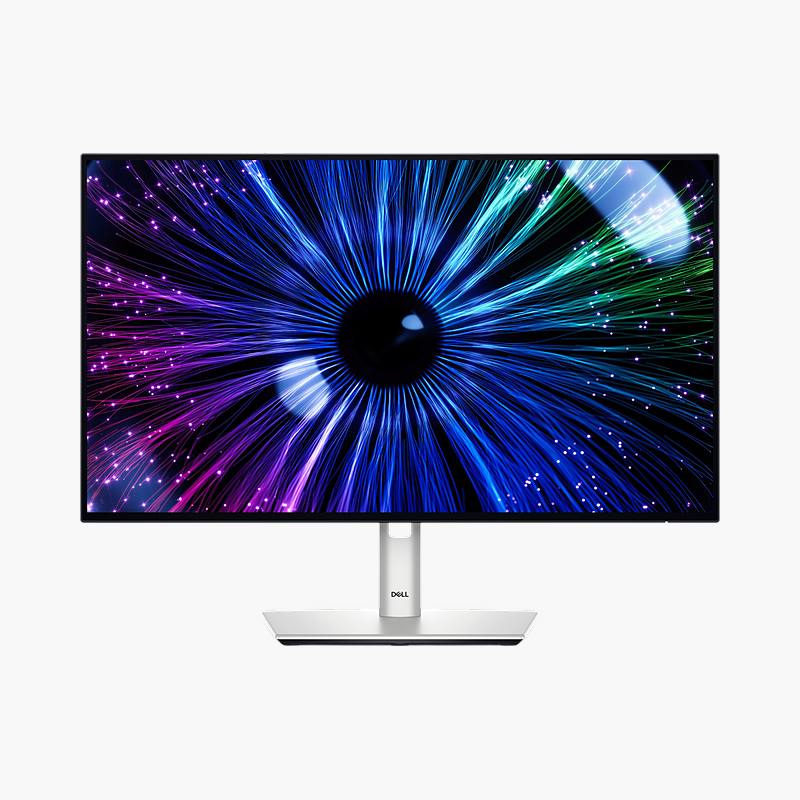
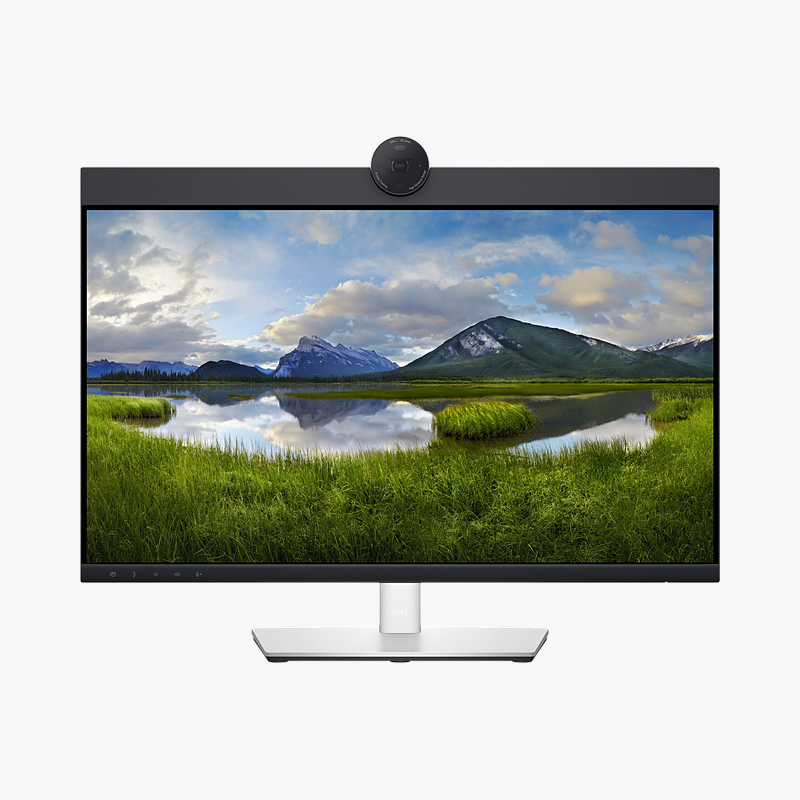
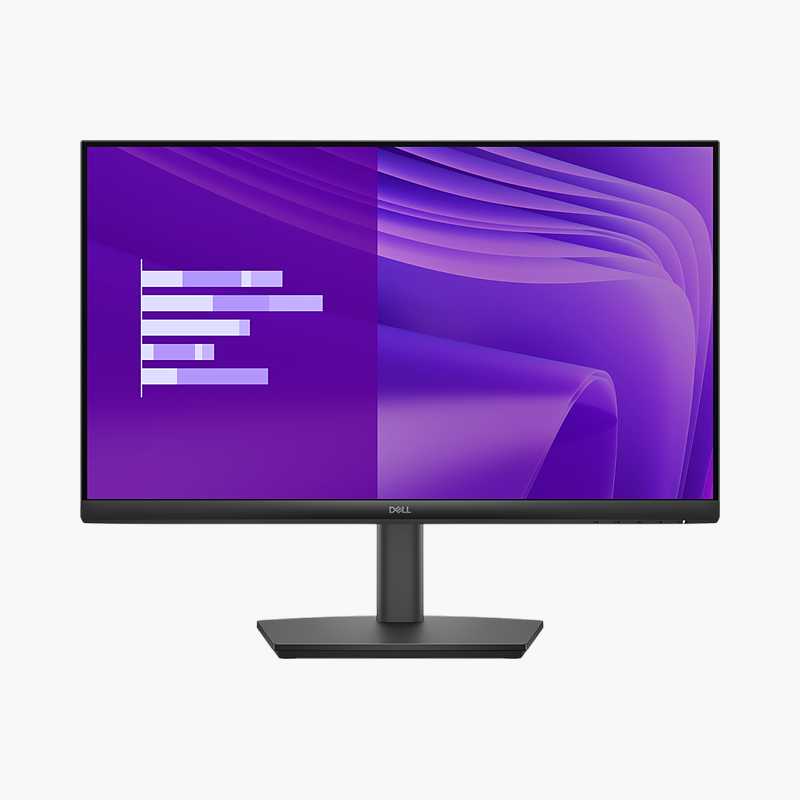
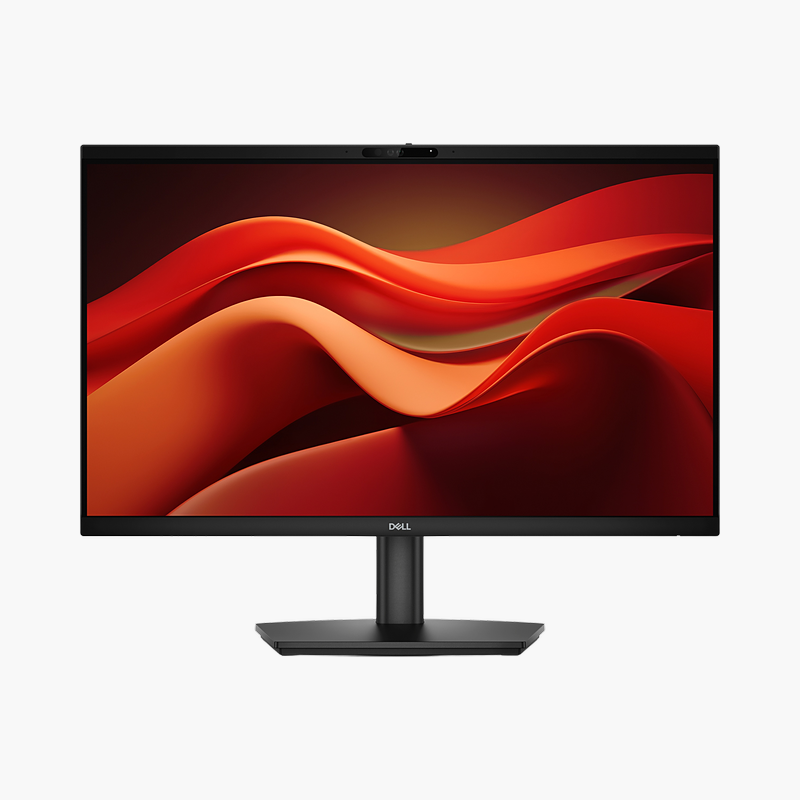
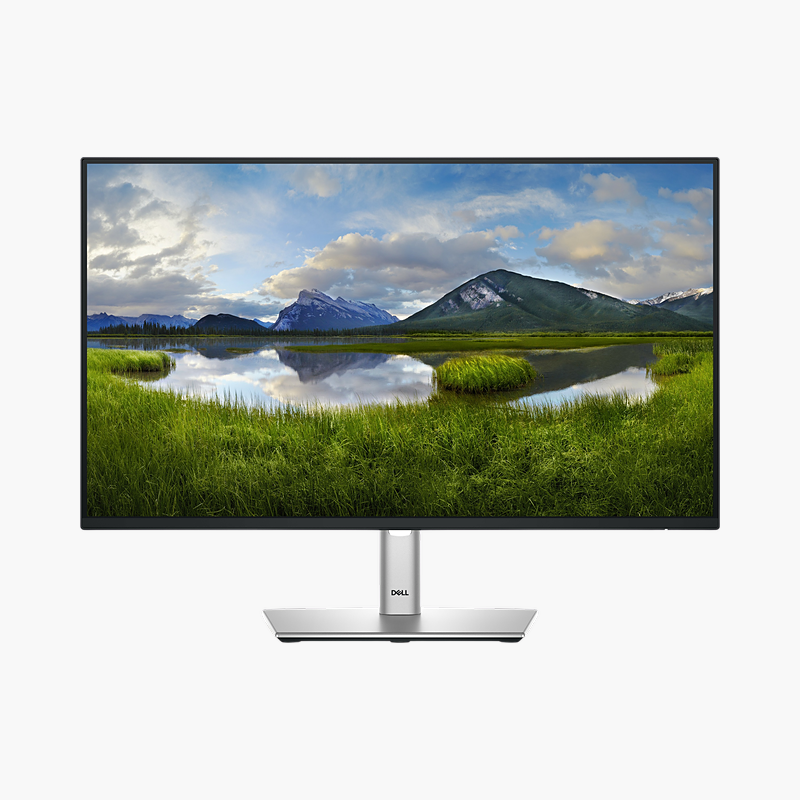
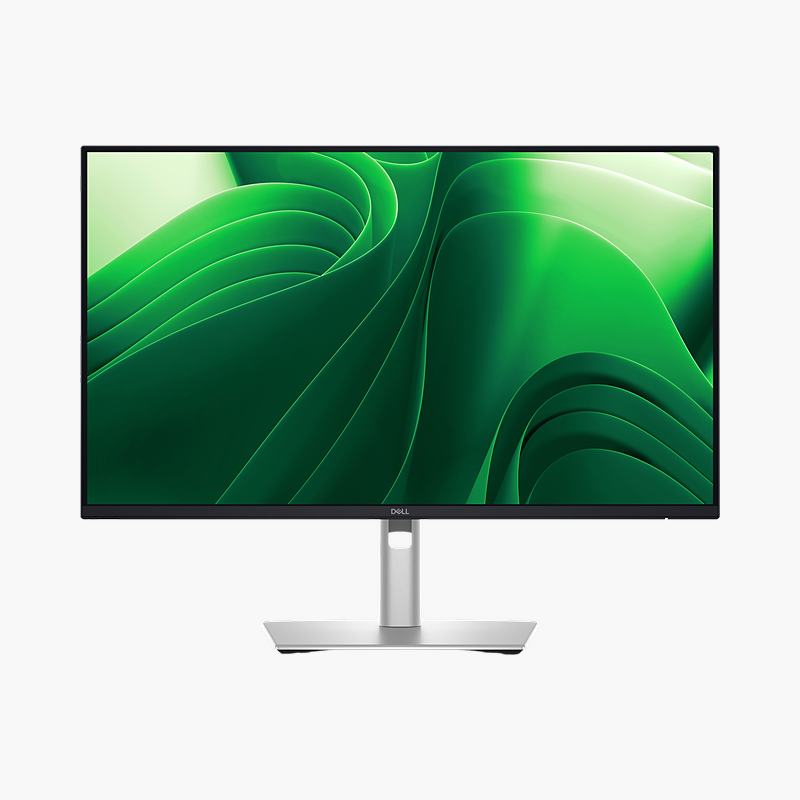
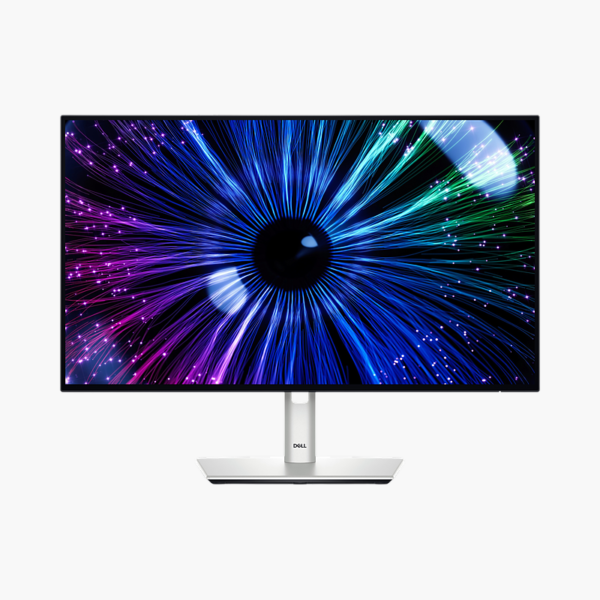
The Dell UltraSharp U2424HE (part number U2424HE) is a 23.8″ Full HD IPS Black USB-C hub monitor with a 120Hz refresh rate and 90W USB-C power delivery. It is built for professionals, creators and analysts who spend all day in front of the screen, giving a clear, comfortable screen and a single-cable connection to your laptop.
One cable. Full desk setup.
One Cable for Video, Charging and Your Network
Docking a laptop usually means a power brick, a video cable, a USB hub and an Ethernet adapter, and plugging them all in every morning wastes time and clutters the desk.
The Dell UltraSharp U2424HE replaces that with one USB-C cable that carries video, USB data and up to 90W of power to charge the laptop, while the built-in RJ45 port adds wired Gigabit Ethernet. The 23.8″ Full HD IPS Black screen with 120Hz refresh rate keeps everyday work sharp and smooth.
Sharp, Comfortable Picture
The Full HD IPS Black panel covers 100% sRGB and uses ComfortView Plus (built-in low blue light) to reduce eye strain during long days.
Desk-Friendly Connectivity
Downstream USB-A and USB-C hub ports connect keyboards, mice and drives through the monitor, and DisplayPort output lets you daisy-chain a second monitor.
Setup Instructions
How to Set Up the Dell UltraSharp U2424HE
- Unbox the monitor, attach the stand and place it on a stable desk.
- Connect your PC or laptop with the USB-C/Thunderbolt cable for one-cable video, data and charging, then connect the power cable.
- Power on, open the on-screen menu and set the resolution to 1920 x 1080 at 120Hz in your operating system’s display settings.
- Adjust the stand height and tilt so the top of the screen sits at or slightly below eye level.



Reviews
There are no reviews yet.