
Networking
Shop all 595 products

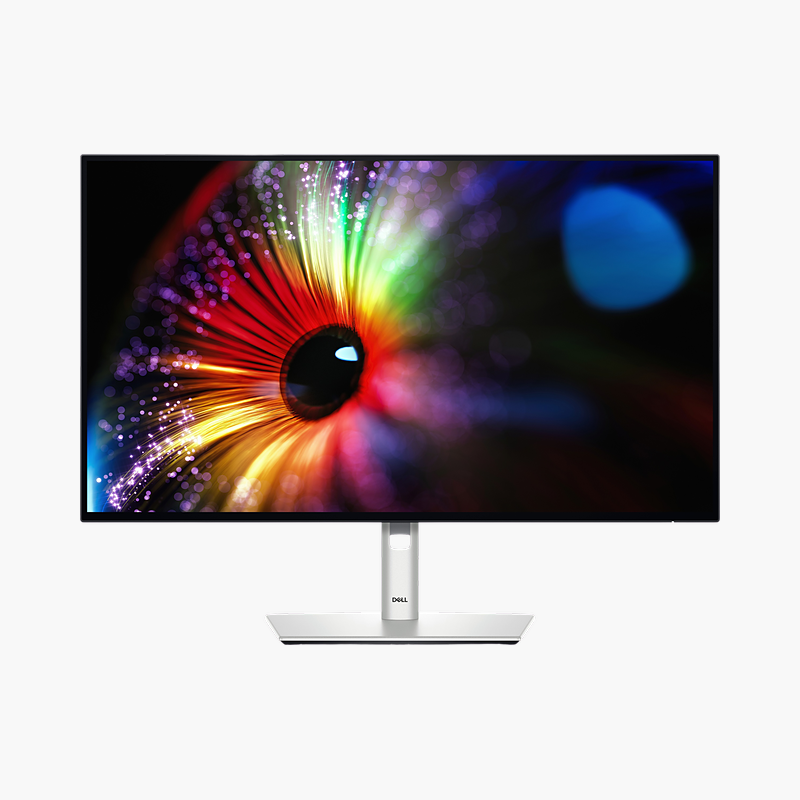
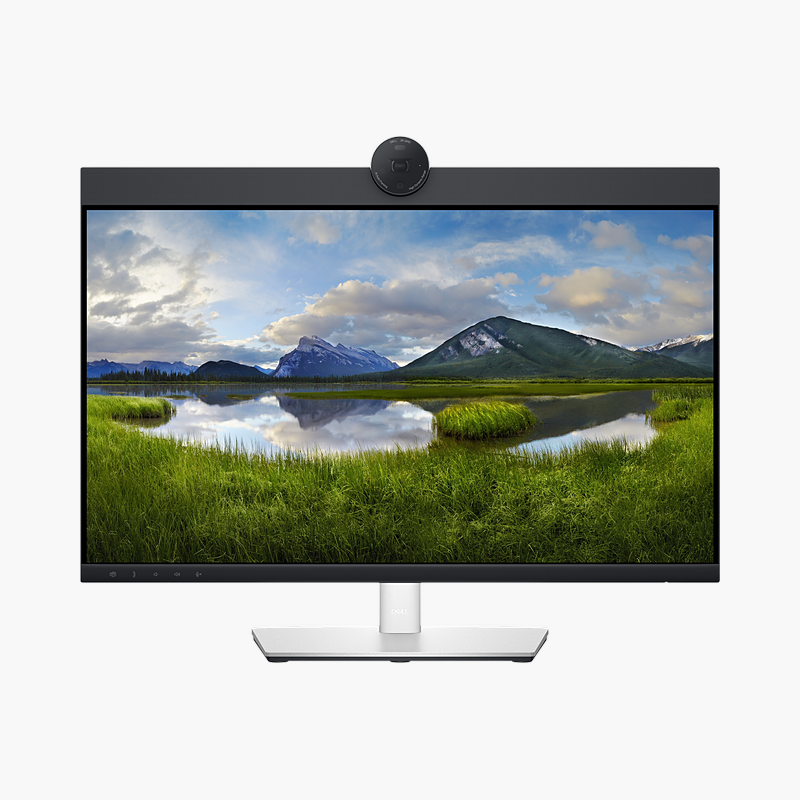
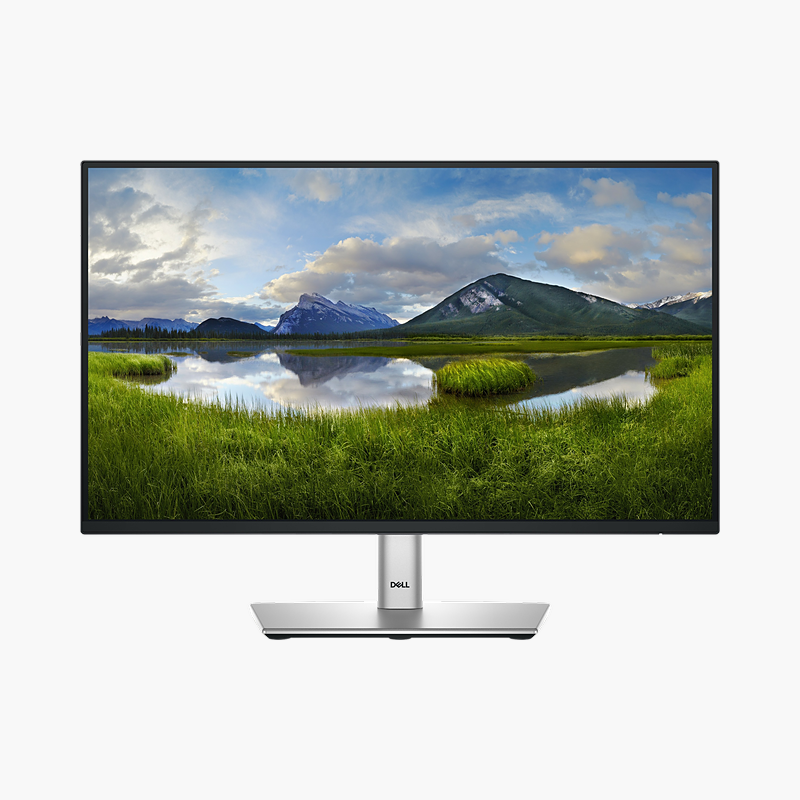
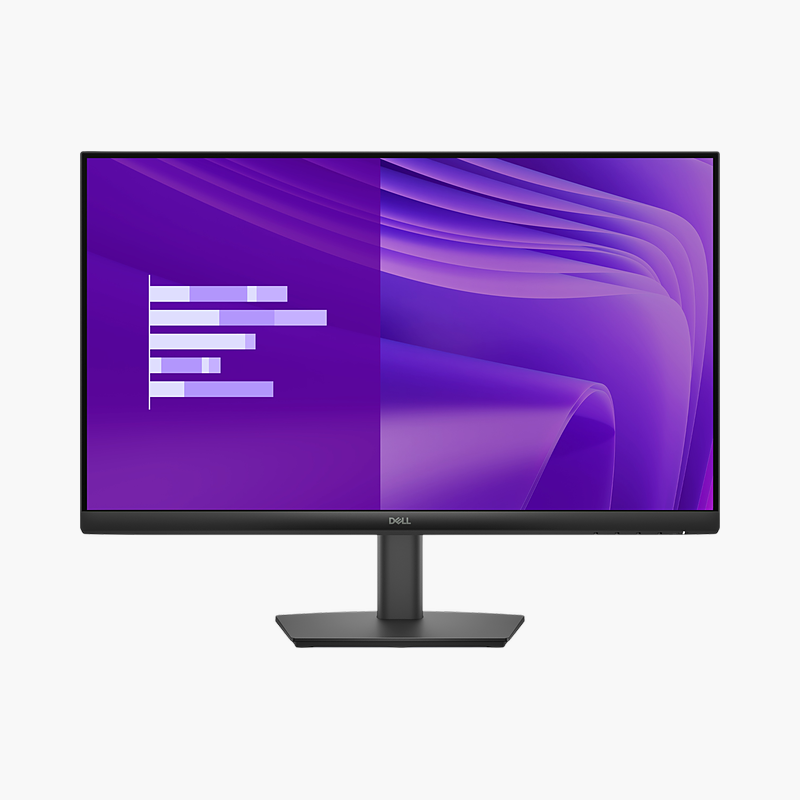
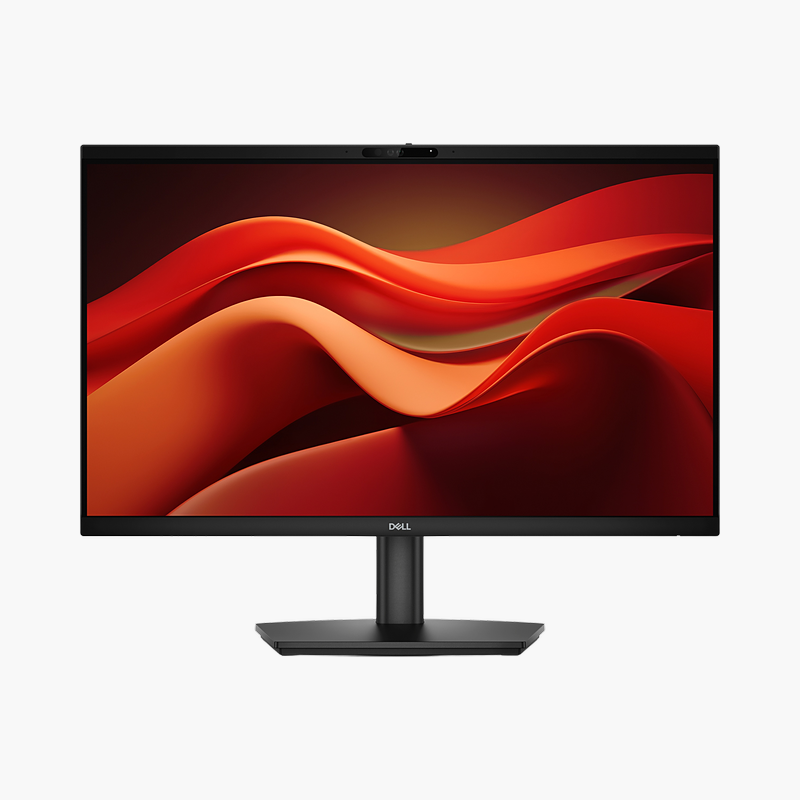
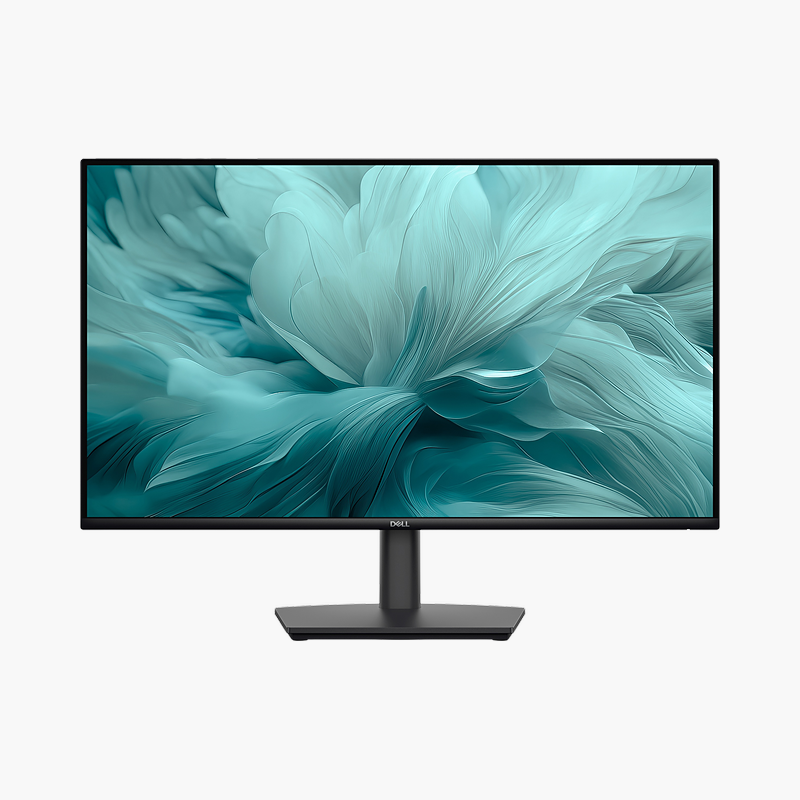
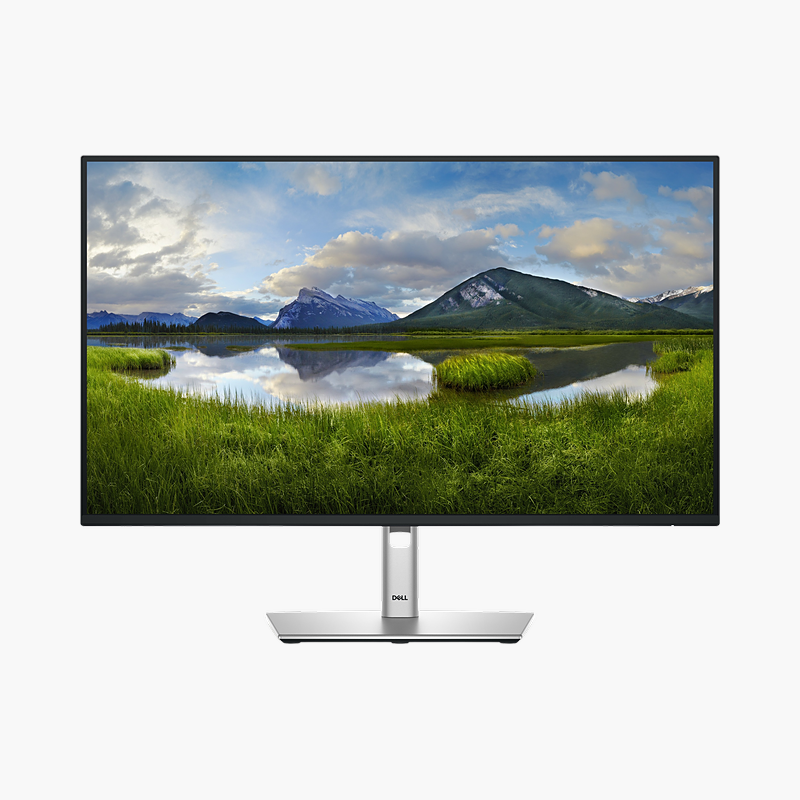
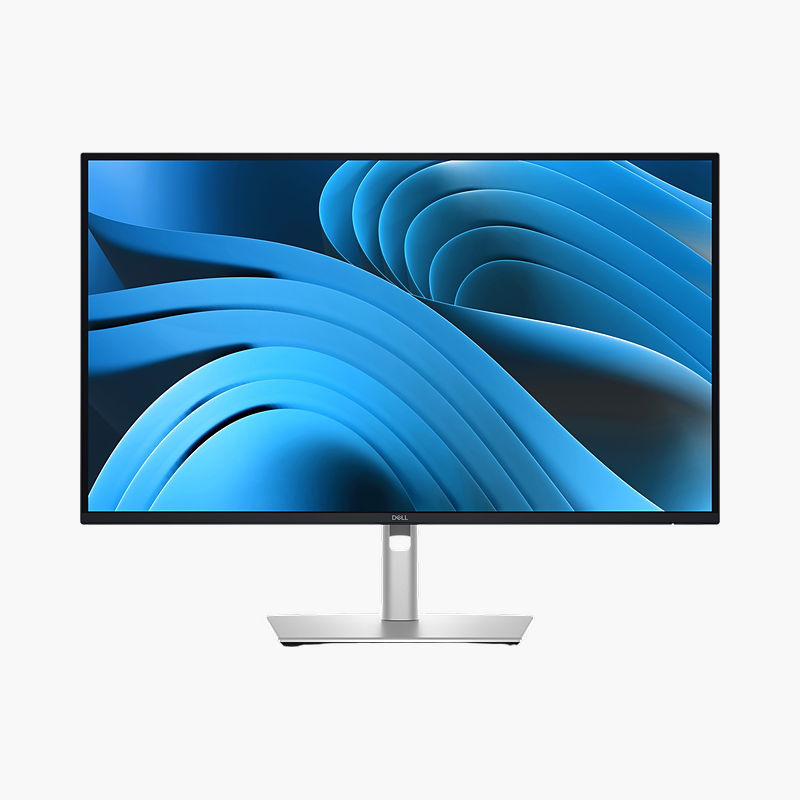
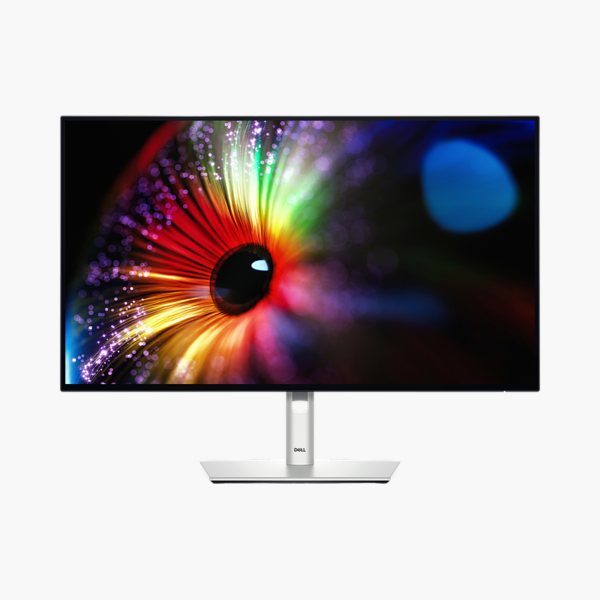
The Dell UltraSharp U2724D is a 27″ QHD IPS Black monitor with a 120Hz refresh rate. It is built for professionals, creators and analysts who spend all day in front of the screen, giving a clear, comfortable screen for long working days.
A clearer screen for everyday work.
Upgrade From a Small or Dated Office Display
Small, dim or low-refresh monitors make text harder to read, force constant window switching and contribute to eye strain and neck discomfort over a full working day.
The Dell UltraSharp U2724D gives a 27″ QHD IPS Black screen with 120Hz refresh rate, 350 nits brightness and 100% sRGB colour, so text is sharp, scrolling is smooth and colours stay consistent across wide viewing angles.
Flexible Connections
HDMI, DisplayPort in/out, USB-C upstream (data) inputs connect desktops, laptops and docking stations, and USB-A and USB-C hub ports put peripherals within reach.
Comfort for Long Days
ComfortView Plus (built-in low blue light) and the height (150 mm), tilt, swivel and pivot stand help you work comfortably for hours.
Setup Instructions
How to Set Up the Dell UltraSharp U2724D
- Unbox the monitor, attach the stand and place it on a stable desk.
- Connect your PC or laptop with an HDMI or DisplayPort cable, then connect the power cable.
- Power on, open the on-screen menu and set the resolution to 2560 x 1440 at 120Hz in your operating system’s display settings.
- Adjust the stand height and tilt so the top of the screen sits at or slightly below eye level.




Reviews
There are no reviews yet.