
Networking
Shop all 595 products
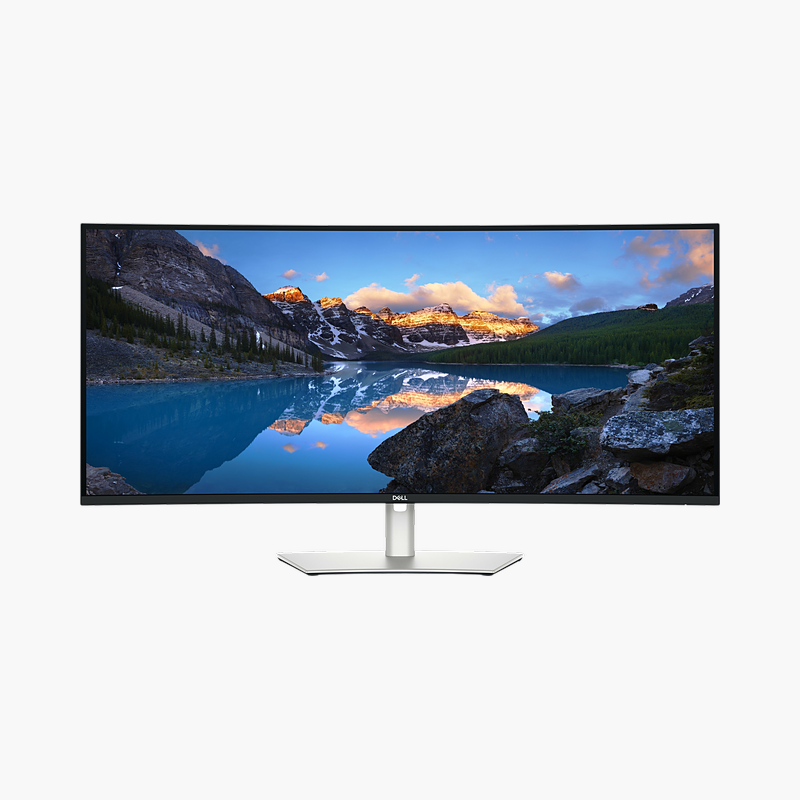
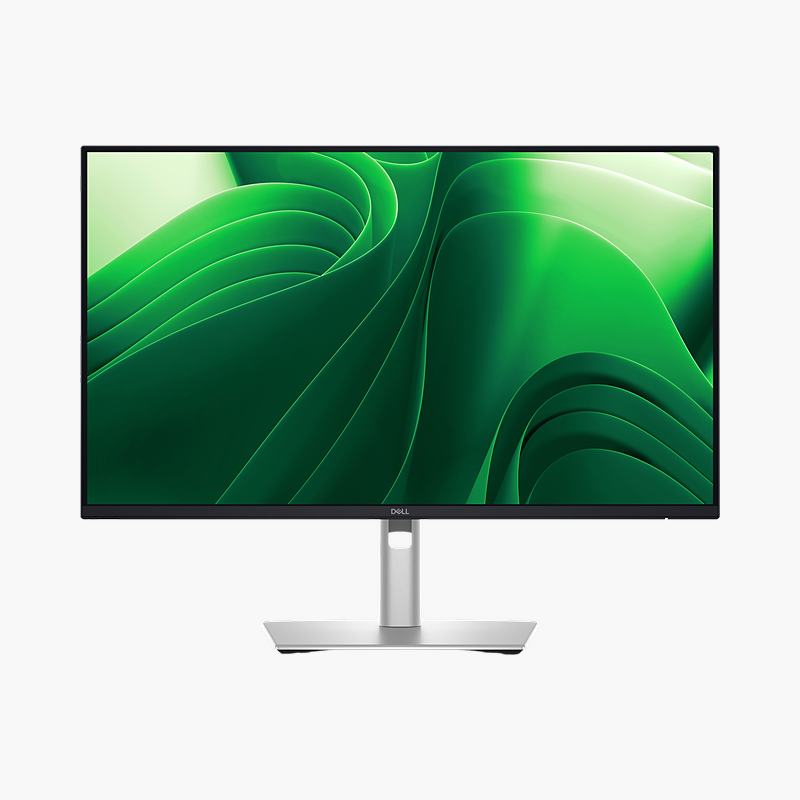
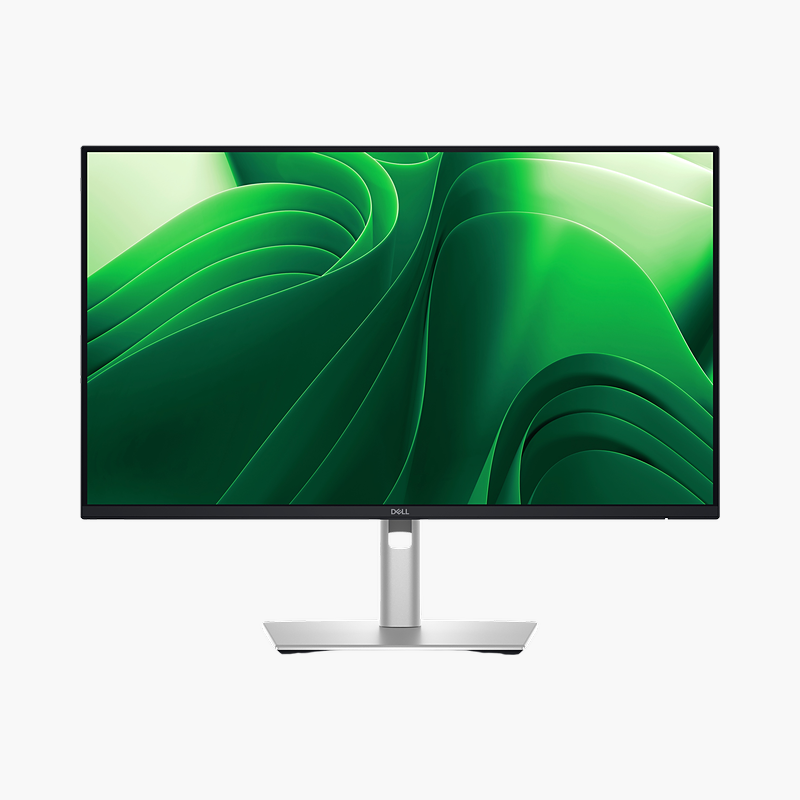
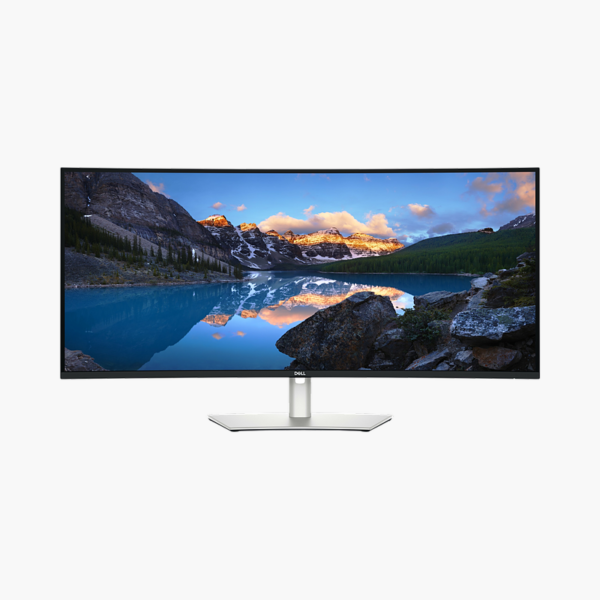
The Dell UltraSharp U4025QW is a 39.7″ 5K2K IPS Black curved ultrawide monitor with a 120Hz refresh rate and 140W Thunderbolt 4 power delivery. It is built for financial traders, analysts, developers and creators who multitask across many windows, giving a clear, comfortable screen and a single-cable connection to your laptop.
One cable. Full desk setup.
Replace Two Monitors With One Wide Screen
Dual-monitor setups split the view with a bezel, need two stands and two cables, and often mix mismatched colours and brightness across screens.
The Dell UltraSharp U4025QW gives a single 39.7″ 5K2K IPS black, curved 2500r workspace where timelines, spreadsheets and several windows sit side by side. KVM lets you work across two computers with one keyboard and mouse.
Wide View, Less Head Movement
The curve brings the edges of the screen into your natural field of view, reducing eye and neck movement across the wide panel.
Single-Cable Desk
Connect a laptop with one cable for video, data and up to 140W of charging, with Gigabit Ethernet through the monitor.
Setup Instructions
How to Set Up the Dell UltraSharp U4025QW
- Unbox the monitor, attach the stand and place it on a stable desk.
- Connect your PC or laptop with the USB-C/Thunderbolt cable for one-cable video, data and charging, then connect the power cable.
- Power on, open the on-screen menu and set the resolution to 5120 x 2160 at 120Hz in your operating system’s display settings.
- Adjust the stand height and tilt so the top of the screen sits at or slightly below eye level.







Reviews
There are no reviews yet.