
Networking
Shop all 595 products
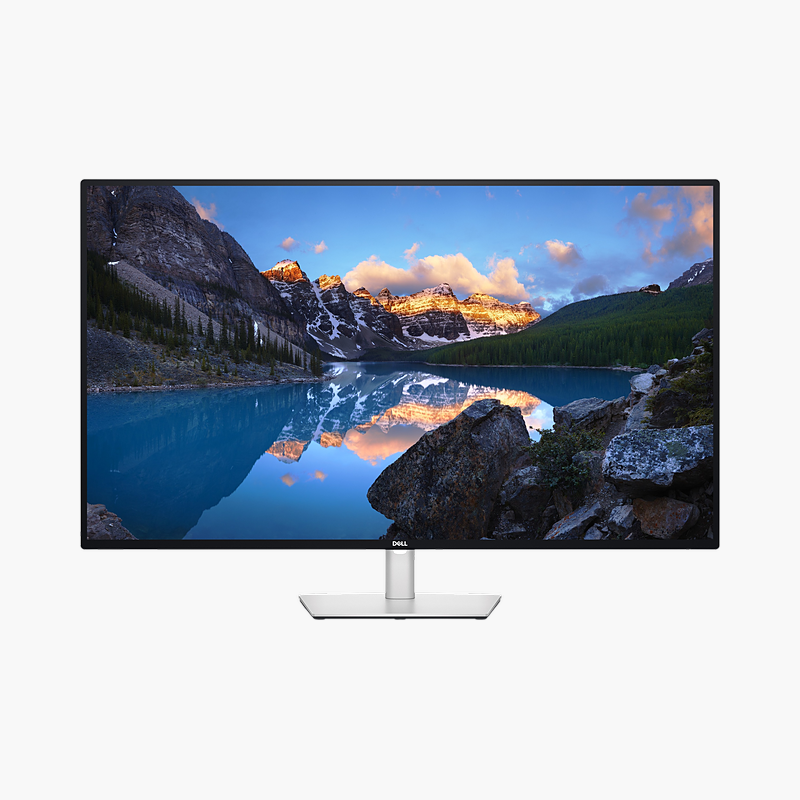
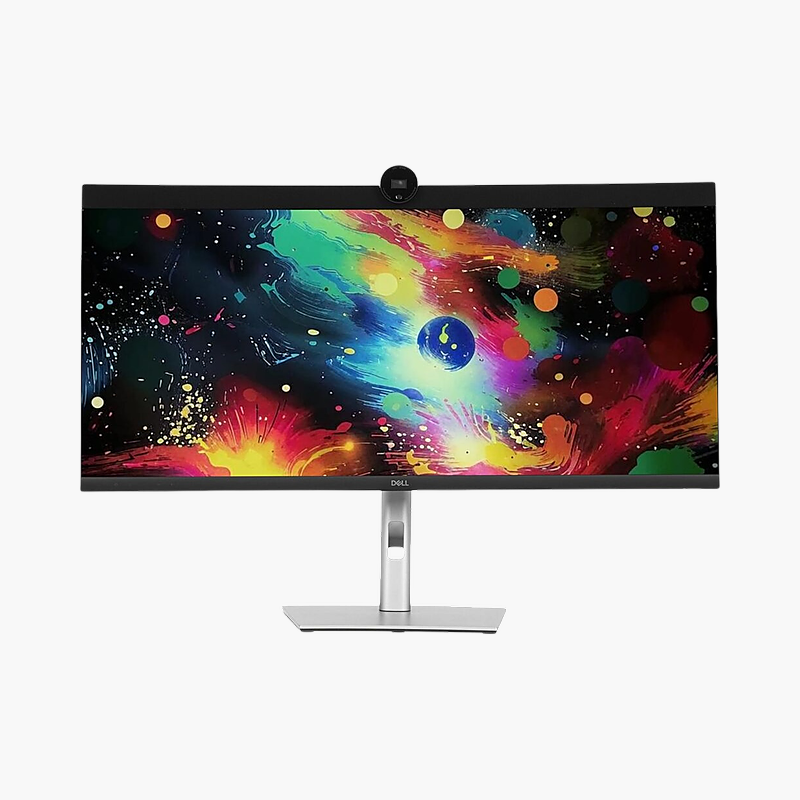
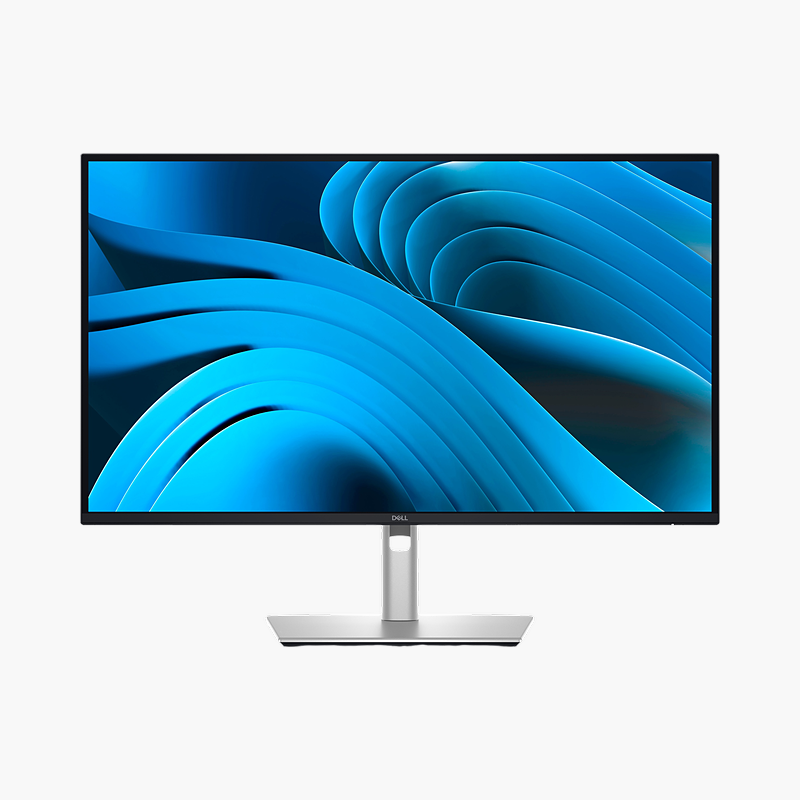
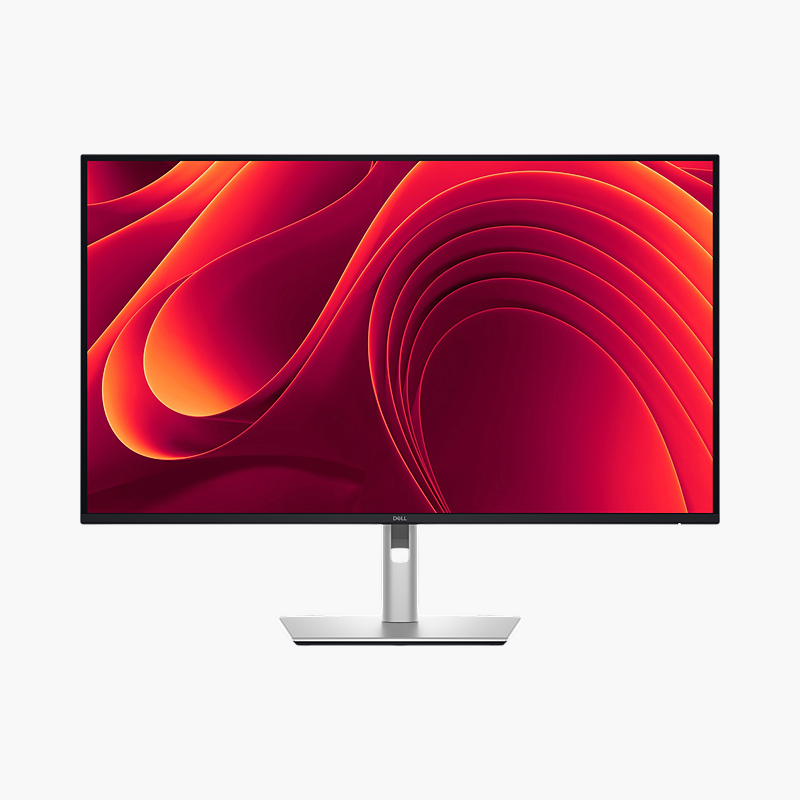
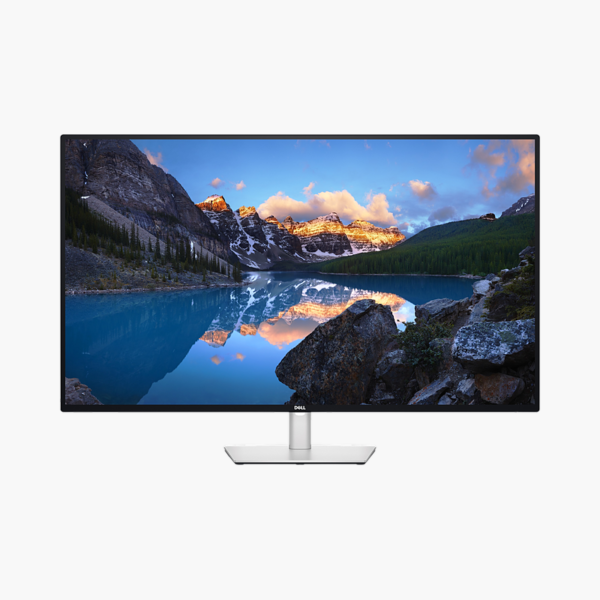
The Dell UltraSharp U4323QE is a 42.5″ 4K UHD IPS monitor with a 60Hz refresh rate and 90W USB-C power delivery. It is built for financial traders, analysts, developers and creators who multitask across many windows, giving a clear, comfortable screen and a single-cable connection to your laptop.
One cable. Full desk setup.
Replace Two Monitors With One Wide Screen
Dual-monitor setups split the view with a bezel, need two stands and two cables, and often mix mismatched colours and brightness across screens.
The Dell UltraSharp U4323QE gives a single 42.5″ 4K UHD IPS workspace where timelines, spreadsheets and several windows sit side by side. View four PCs at once (Picture-by-Picture) lets you work across two computers with one keyboard and mouse.
Wide View, Less Head Movement
The large flat panel can show four Full HD-sized windows or several PCs at once with Picture-by-Picture.
Single-Cable Desk
Connect a laptop with one cable for video, data and up to 90W of charging, with Gigabit Ethernet through the monitor.
Setup Instructions
How to Set Up the Dell UltraSharp U4323QE
- Unbox the monitor, attach the stand and place it on a stable desk.
- Connect your PC or laptop with the USB-C/Thunderbolt cable for one-cable video, data and charging, then connect the power cable.
- Power on, open the on-screen menu and set the resolution to 3840 x 2160 at 60Hz in your operating system’s display settings.
- Adjust the screen tilt so the top of the screen sits at or slightly below eye level.




Reviews
There are no reviews yet.