
Networking
Shop all 595 products
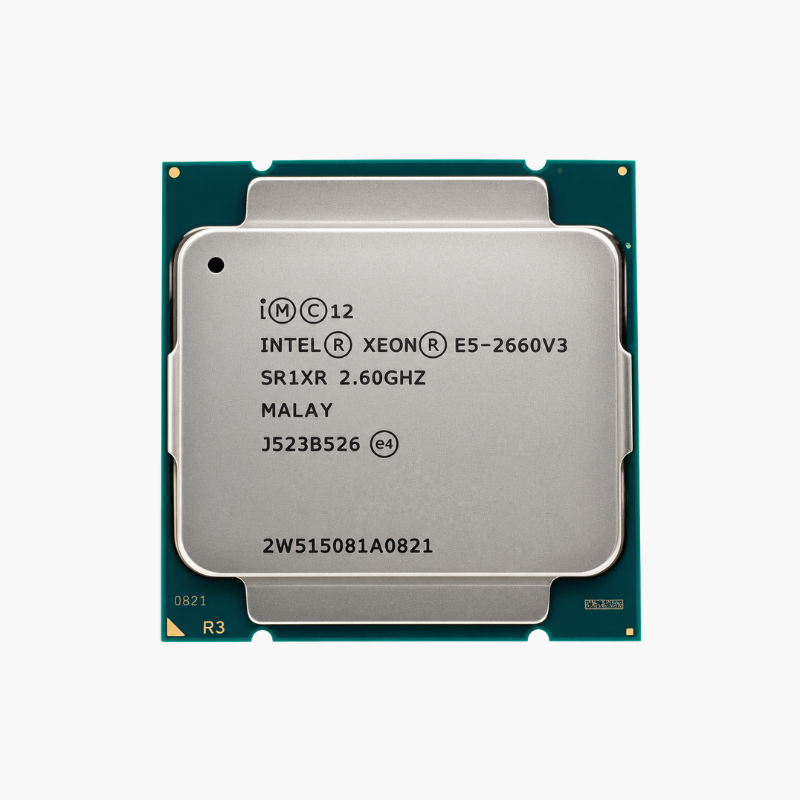
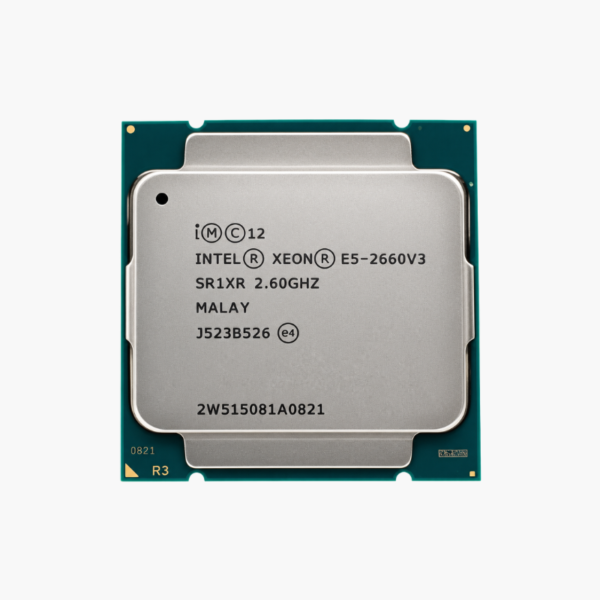
The Intel Xeon E5-2660 v3 is an Intel Xeon E5-2600 v3 processor built on Haswell-EP (22nm), with 10 cores, 20 threads, a 2.6 GHz base clock and up to 3.3 GHz turbo. It uses the LGA2011-3 (Socket R3) socket, supports DDR4-2133 ECC memory (4 channels) and is designed for servers, workstations and homelabs built on this platform.
A Cost-Effective Upgrade for LGA2011-3 Servers and Homelabs – Intel Xeon E5-2660 v3
Many reliable LGA2011-3 servers and workstations are still in service in offices, labs and homelabs. Replacing a whole platform just to gain cores or replace a failed processor is expensive and disruptive.
The Xeon E5-2660 v3 drops into those systems to add capacity at low cost. Its 10 cores and 20 threads with 25MB of cache suit virtualization hosts, file and backup servers, build machines and lab environments, and it supports dual-socket configurations for twice the cores.
It supports quad-channel DDR4-2133 ECC memory and 40 lanes PCIe 3.0, which keeps older platforms capable for storage controllers, network cards and GPUs.
10 Cores With Turbo Boost up to 3.3 GHz
The Xeon E5-2660 v3 balances core count and clock speed. Turbo Boost raises individual cores up to 3.3 GHz when workloads need responsiveness, while all 10 cores work together on parallel tasks such as virtualization, backups and compiling.
ECC Memory and Proven Server Reliability
ECC memory, Intel VT-x and VT-d virtualization and a proven server platform make the Xeon E5-2660 v3 a dependable choice for continuous operation, and broad support in hypervisors and server operating systems keeps it easy to deploy.
Setup Instructions
How to Install the Intel Xeon E5-2660 v3
- Confirm your system board uses the LGA2011-3 (Socket R3) socket with the Intel C610 / C612 chipset, and update the BIOS to a version that lists the Xeon E5-2660 v3 as supported. Multi-socket systems need matching processors in every socket.
- Open the two socket retention levers in the order marked on the socket, lift the load plate, align the notches on the Xeon E5-2660 v3 with the socket keys, and lower it straight down. Close the load plate and both levers.
- Apply thermal paste and mount an LGA2011-3-compatible cooler or server heatsink rated for 105W.
- Install ECC memory following the board’s channel population guide, power on, confirm the processor and memory are detected in the BIOS or BMC, then install your operating system or hypervisor.







Reviews
There are no reviews yet.