
Networking
Shop all 595 products
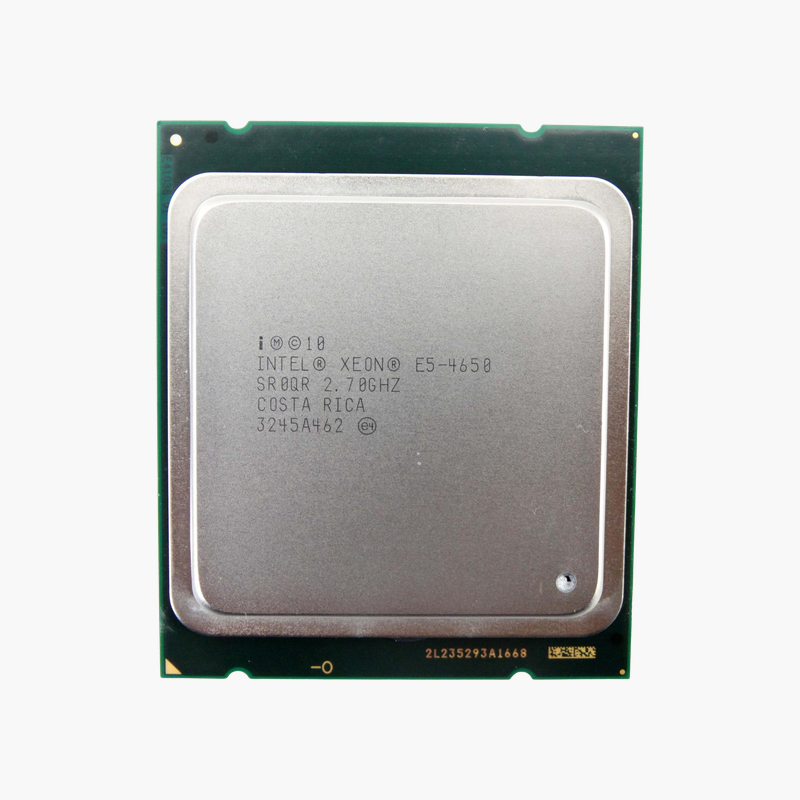
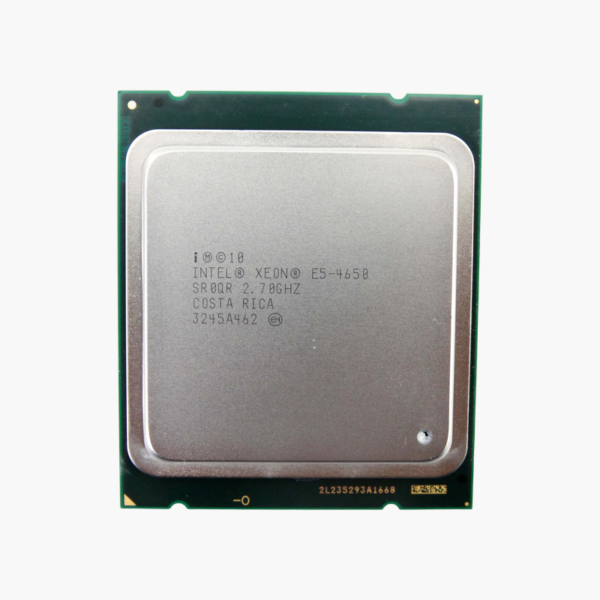
The Intel Xeon E5-4650 (C05C7) is an LGA 2011 server processor with 8 cores, 16 threads and boost clocks up to 3.3GHz. Built on Xeon E5-4600 (Sandy Bridge-EP, 4-socket), with 20MB L3, it is aimed at IT teams, MSPs and homelab builders upgrading or populating servers.
Data-center core counts at a practical price.
Right-Sizing Server Compute Without Replacing the Platform
When a server runs out of CPU headroom, replacing the whole platform is rarely the cheapest option. Many teams can extend the life of existing hosts by upgrading to a higher-core processor that fits the same socket, or by adding a second matched CPU.
The Intel Xeon E5-4650 delivers 8 cores and 16 threads on the LGA 2011 platform with 20MB L3 and DDR3-1600 ECC, 4-channel memory support. That makes it a practical choice for virtualization, databases, file and web services, and homelab clusters built on Xeon E5-4600 (Sandy Bridge-EP, 4-socket).
Cores, Clocks and Cache in Practice
With 8 cores, 16 threads, up to 3.3GHz and 20MB L3, the Intel Xeon E5-4650 handles virtual machines, containers and database workloads with headroom. Power is rated at 130W TDP.
Platform and Connectivity
The LGA 2011 socket supports DDR3-1600 ECC, 4-channel and 40 PCIe 3.0 lanes. A discrete graphics card is required for display output.
Setup Instructions
How to Install the Intel Xeon E5-4650
- Confirm your server motherboard supports the Xeon E5-4650 on the LGA 2011 socket and update BIOS/firmware first.
- Power down, discharge static and remove the existing heatsink and processor carefully.
- Align the CPU with the socket key, install it, apply fresh thermal paste and refit the heatsink to the specified torque.
- Boot to BIOS, confirm cores and memory are detected, then load your hypervisor or OS and verify performance.





Reviews
There are no reviews yet.