
Networking
Shop all 595 products
Reliable, cost-effective Juniper access switching with 10G uplinks.
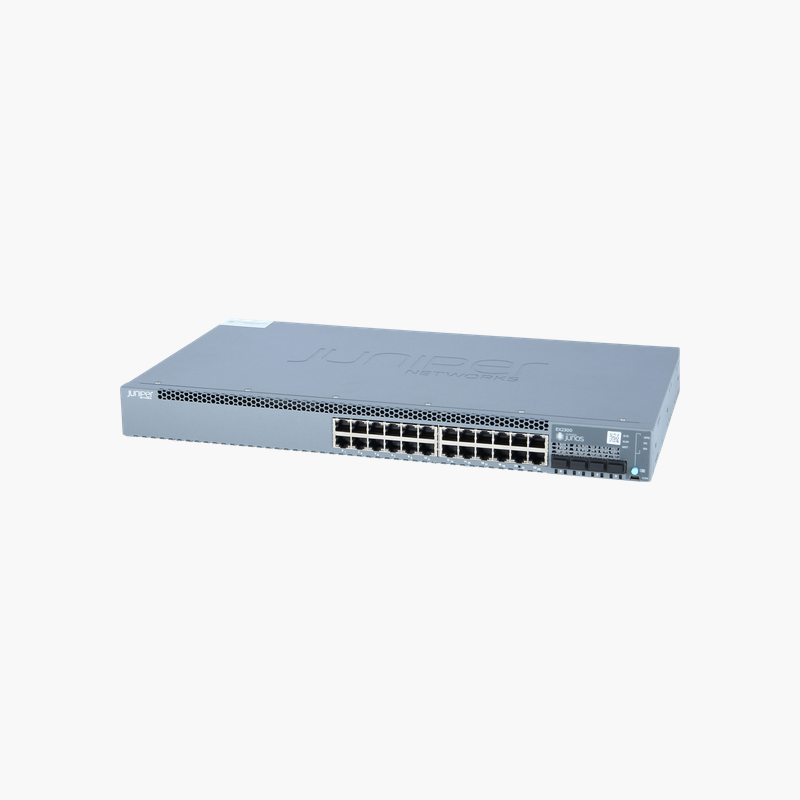
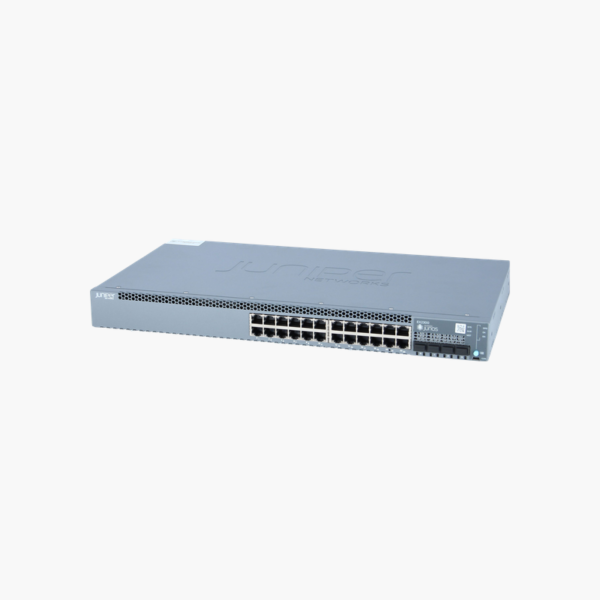
The Juniper EX2300-24T-DC is a 24-port Gigabit Ethernet switch from the Juniper EX2300 line, with 4 x 1/10GbE SFP+ uplinks. Running Junos OS, it is built for telecom rooms, carrier sites and DC-powered facilities. It supports Virtual Chassis stacking, up to 4 switches.
What the EX2300-24T-DC Fixes in Branch and Campus Networks
As more devices connect at the network edge, access switches are expected to deliver power, segmentation and visibility, not only connectivity. Entry-level switches often lack consistent software, centralized management and the uplink capacity needed when dozens of access points and cameras share one closet.
The EX2300-24T-DC runs Junos OS, the same operating system used across Juniper routers and switches, so configuration templates, automation scripts and troubleshooting skills carry over from branch to core. It supports Layer 2 and Layer 3 features including VLANs, 802.1X, QoS, static routing and RIP, with OSPF and advanced features enabled through Juniper licenses.
Its 4 x 1/10GbE SFP+ uplinks and Virtual Chassis support (up to 4 switches) keep the closet simple to scale: add switches to the same Virtual Chassis and manage them as one device, either from the CLI or from Juniper Mist cloud with AI-driven insights.
High-Throughput Switching Fabric
With 80 Gbps of switching capacity and 95 Mpps of throughput, the EX2300-24T-DC forwards traffic from all 24 ports and its uplinks at wire speed, suitable for busy offices, labs and server-access roles.
DC Power for Telecom and Industrial Sites
The -DC model uses a DC power supply, making it suitable for telecom rooms, carrier facilities and sites that run on -48V DC battery plants instead of AC mains.
How to Set Up the Juniper EX2300-24T-DC
- Rack-mount the switch (or place compact models on a desk or wall), connect power from your DC source, and keep the airflow path clear.
- Connect the uplink ports to your aggregation or core switch using SFP+/QSFP optics or DAC cables, then patch access devices to the RJ-45 ports.
- Run the Junos initial setup through the console port, J-Web or EZsetup, or claim the switch in Juniper Mist for zero-touch provisioning.
- Configure VLANs, 802.1X, QoS and Virtual Chassis, upgrade to the recommended Junos release, and commit the configuration.















Reviews
There are no reviews yet.