
Networking
Shop all 595 products
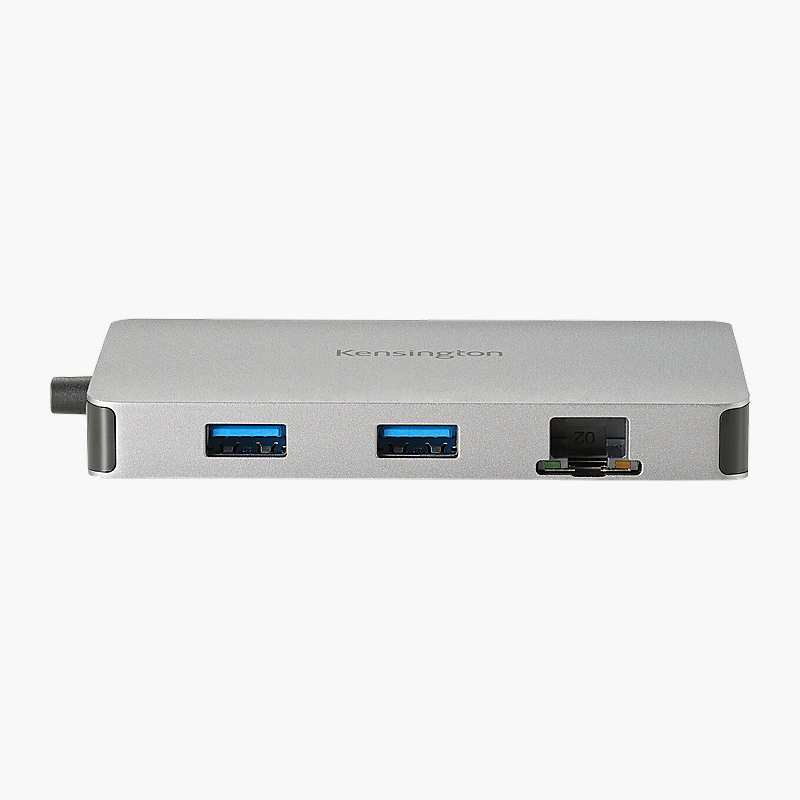
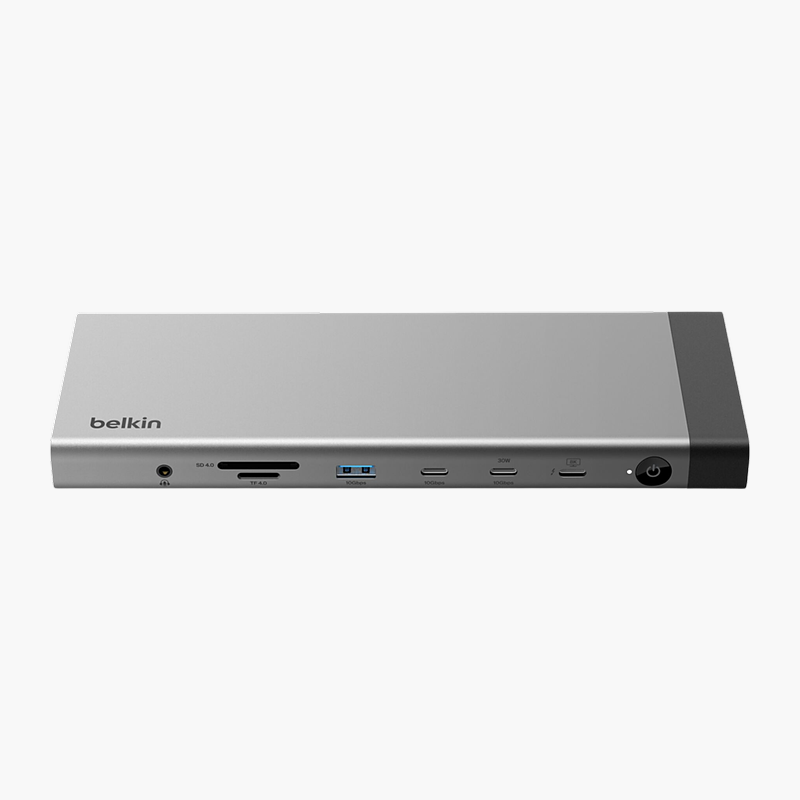
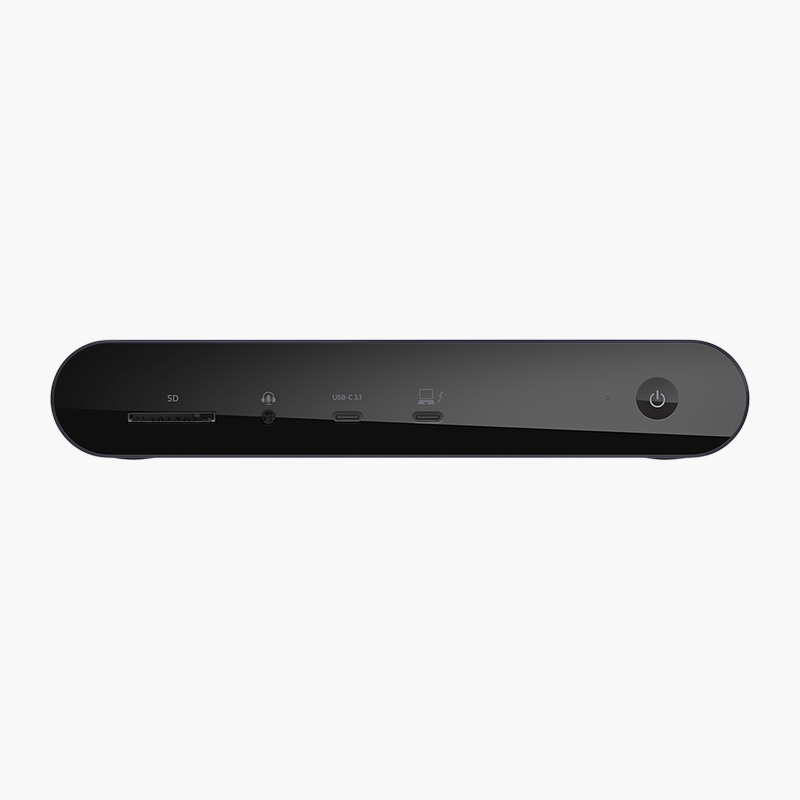
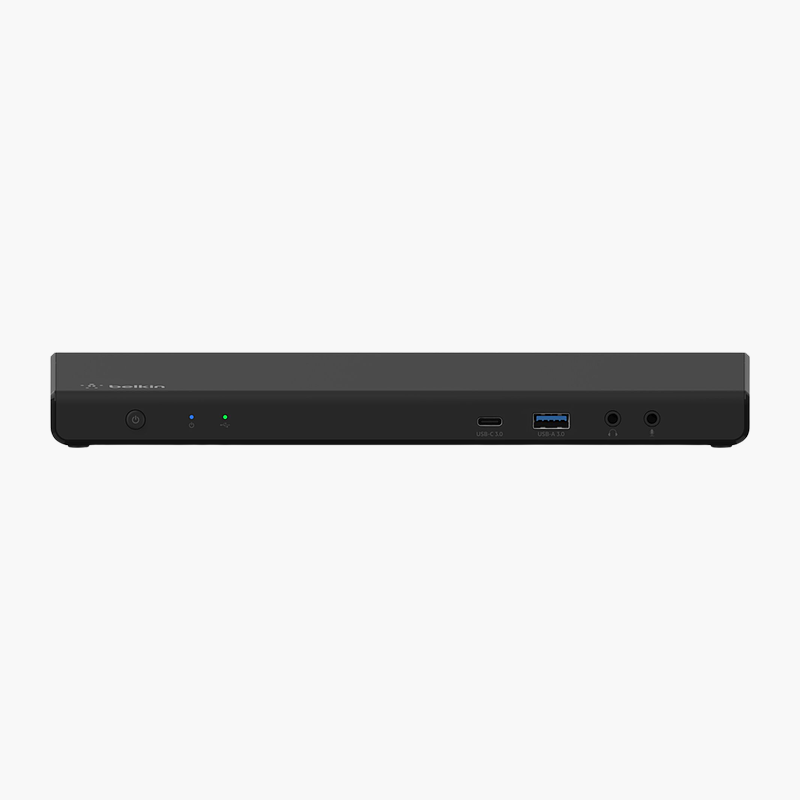
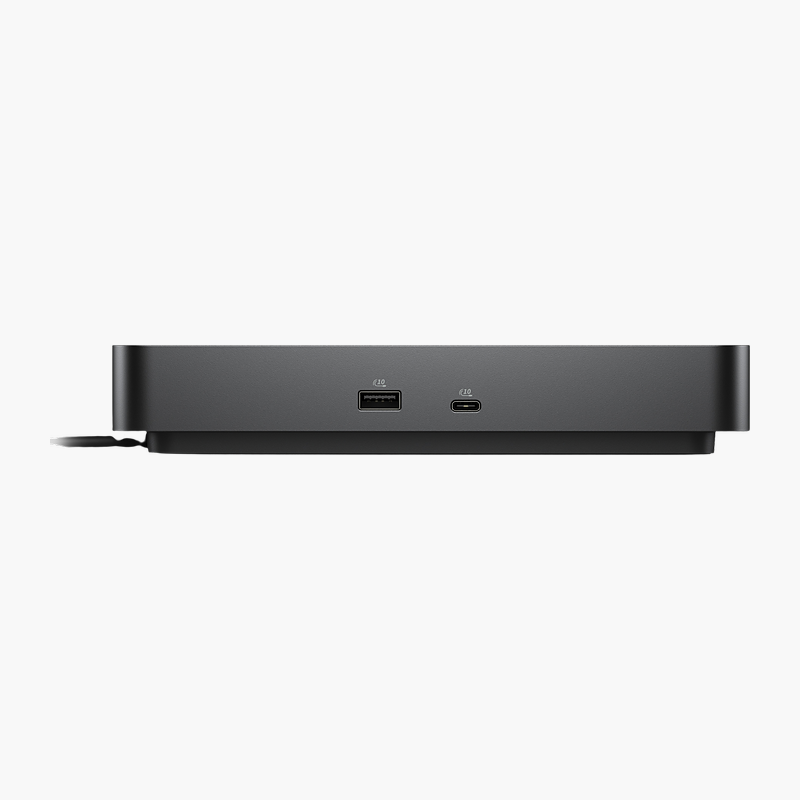
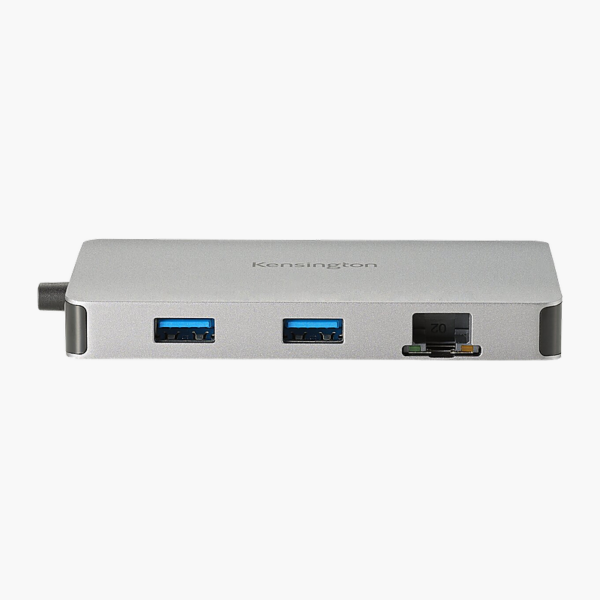
The Kensington UH1450P USB-C Mobile Dock connects to your laptop over USB-C and adds DisplayPort, USB-A, USB-C and Gigabit Ethernet ports. It passes up to 85W of USB-C charging through to your laptop and drives dual 4K 60Hz displays. It is built for travel and laptops that are short on ports.
Fewer cables, more connections.
Turn One Port Into a Full Set of Connections
Thin laptops and compact desktops often ship with only one or two ports, leaving no room for a monitor, USB drive, wired network and charger at the same time.
The Kensington UH1450P USB-C Mobile Dock adds DisplayPort, USB-A, USB-C and Gigabit Ethernet ports and passes up to 85W of USB-C charging through to your laptop. It drives dual 4K 60Hz displays, so you can connect a monitor or projector at the same time.
Multi-Display Support
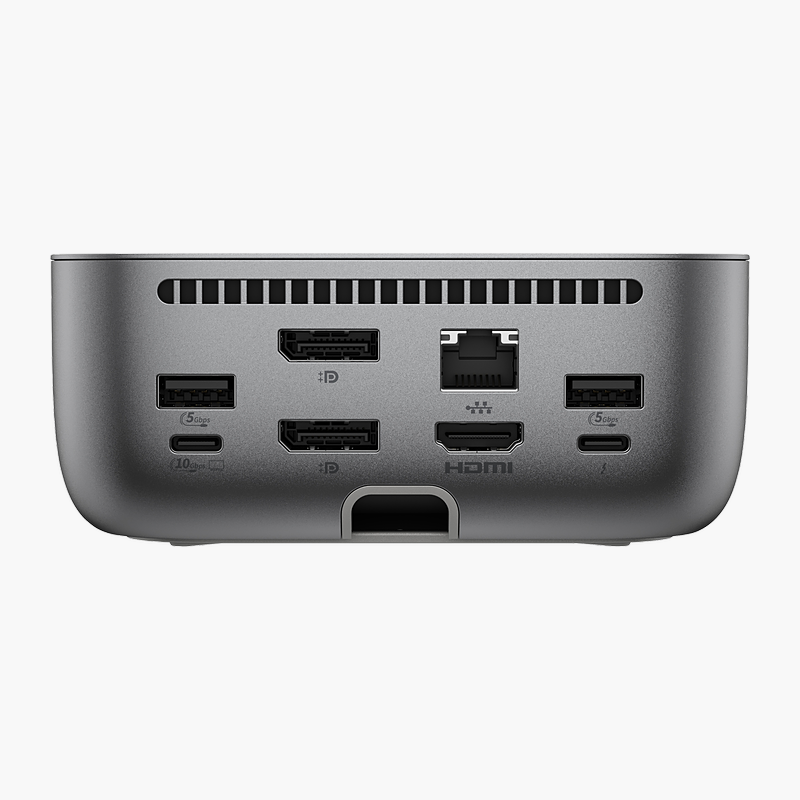
Display support: Dual 4K 60Hz (Windows). Video outputs: 2x DisplayPort 1.4. Display count and resolution depend on your laptop’s graphics and connection.
Ports for Every Peripheral
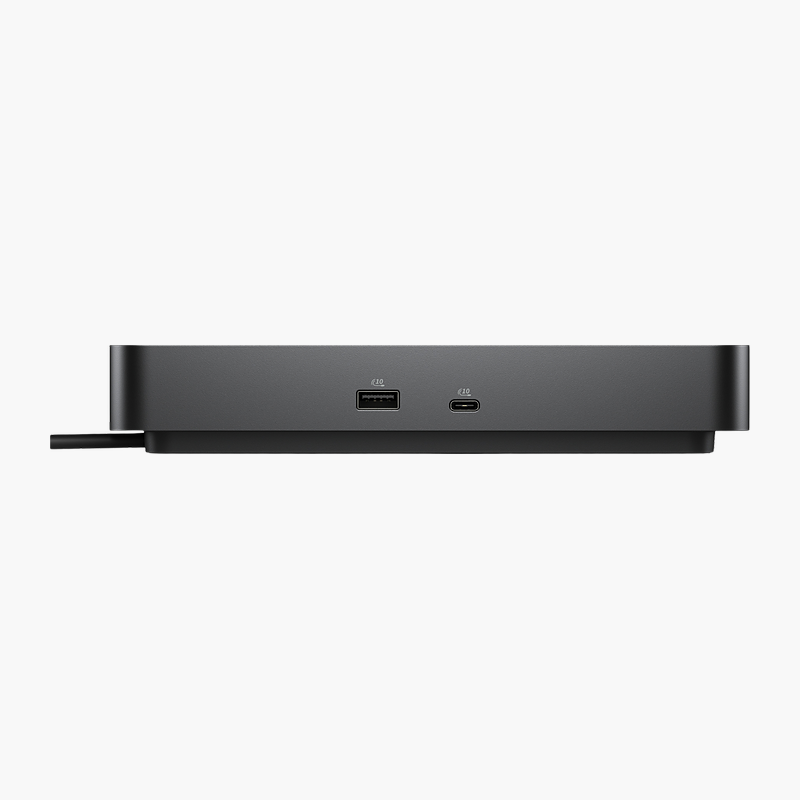
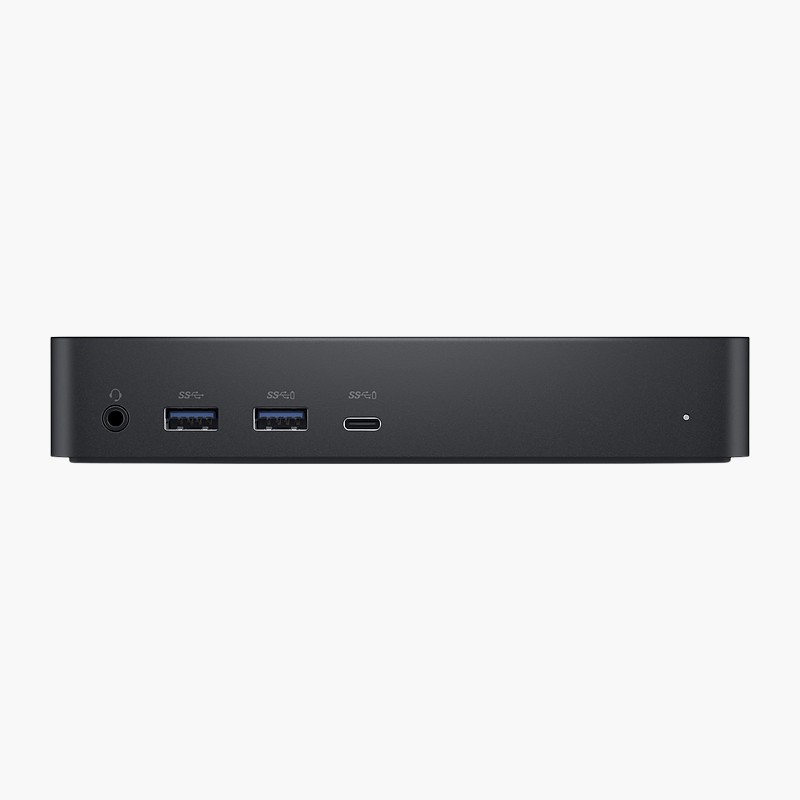
USB connectivity: 2x USB-A 10Gbps; 1x USB-C 10Gbps (PD input). It also includes Gigabit Ethernet for wired networking.
Setup Instructions
How to Set Up the Kensington UH1450P USB-C Mobile Dock
- Plug the hub’s integrated cable into your laptop’s USB-C port.
- For charging, connect your laptop’s USB-C power adapter to the hub’s Power Delivery input port.
- Connect your monitor or projector to the DisplayPort 1.4 port.
- Plug in your USB devices and Ethernet cable.
- Open your operating system’s display settings to arrange the external screen.




Reviews
There are no reviews yet.