
Networking
Shop all 595 products
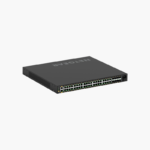
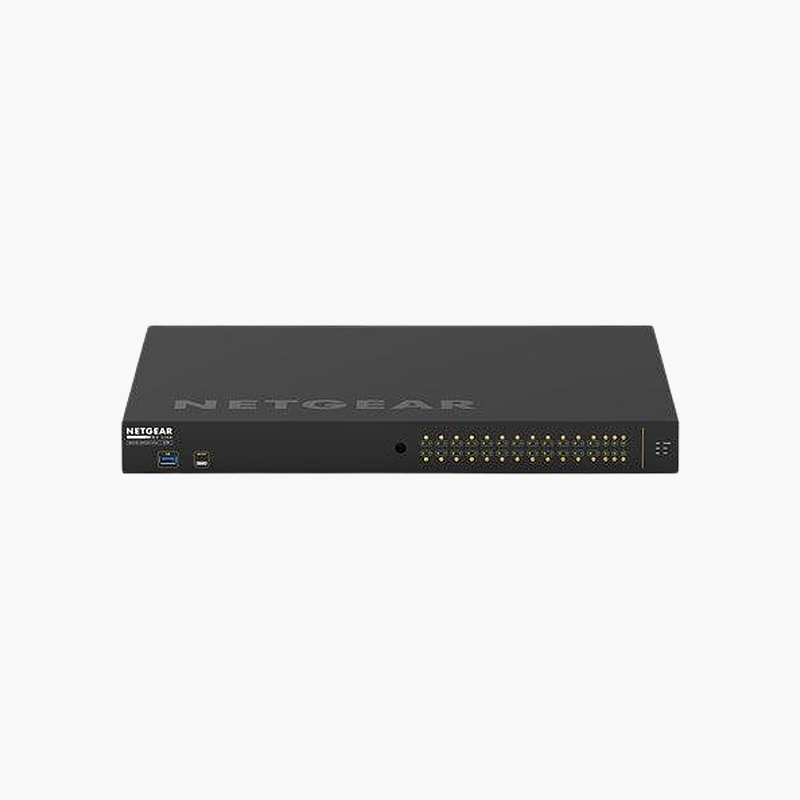
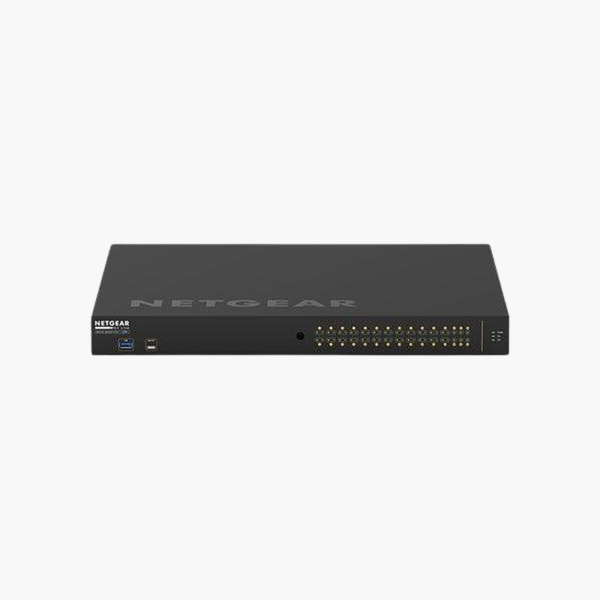
The NETGEAR AV Line M4250-26G4XF-PoE+ Managed Switch is an L2+ managed PoE switch with 24x Gigabit PoE+ + 2x Gigabit RJ45 and 4x 10G SFP+ uplinks. It supplies 24x PoE+ power from a 480W budget for access points, IP cameras and VoIP phones. It is built for business access and aggregation layers. Management features help segment and prioritise network traffic.
Connect, power and manage with confidence.
One Cable for Data and Power
Running separate power to every access point, camera and phone adds cost and limits where devices can go, while power bricks clutter ceilings and walls.
The NETGEAR AV Line M4250-26G4XF-PoE+ Managed Switch delivers 24x PoE+ power from a 480W budget over standard Ethernet, so devices can be installed wherever a network cable can reach.
Ports and Performance
Ports: 24x Gigabit PoE+ + 2x Gigabit RJ45. Uplinks: 4x 10G SFP+. PoE: 24x PoE+, 480W budget. SFP/SFP+ ports require compatible transceivers or DAC cables.
Management and Installation
Inter-VLAN routing, ACLs and advanced QoS for business networks. Installs cleanly in standard network racks and cabinets. NETGEAR Engage controller and Insight support and Pro AV-ready configuration profiles.
Setup Instructions
How to Set Up the NETGEAR AV Line M4250-26G4XF-PoE+ Managed Switch
- Mount the switch and connect power.
- Connect an uplink port to your router or core switch.
- Open the cloud dashboard or app and adopt or log in to the switch, then update the firmware.
- Create VLANs and QoS rules, then connect your devices.














Reviews
There are no reviews yet.