
Networking
Shop all 595 products
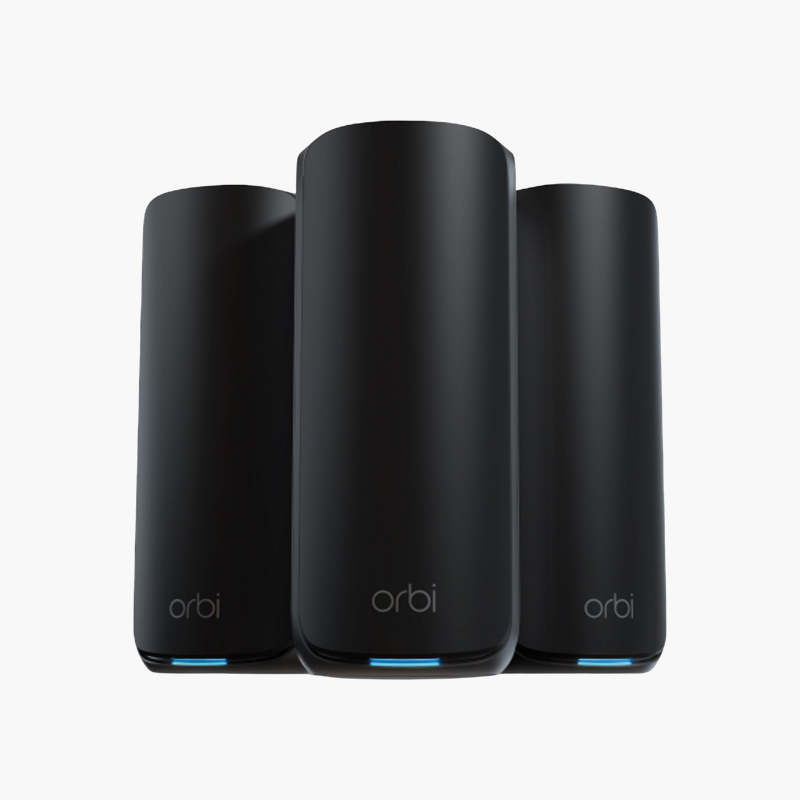
Wi-Fi 7 speed and coverage for large homes that need whole-home multi-gig Wi-Fi.
The NETGEAR Orbi 870 RBE873 is a Wi-Fi 7 BE21000 tri-band mesh system with wireless speeds up to 21 Gbps, and it provides a 10 Gig internet port and 4 x 2.5G LAN ports on the router, plus 4 x 2.5G LAN ports on each satellite. It suits large homes that need whole-home multi-gig Wi-Fi, covering up to 9,000 sq ft.
Why Older Routers Slow Down a Busy Network
Most homes and small offices now run dozens of connected devices: phones, laptops, TVs, cameras and smart speakers. Older routers share airtime inefficiently, so every new device slows the rest, and walls or floors leave weak spots.
The Orbi 870 RBE873 uses Wi-Fi 7 technology to move more data to more devices at once. Multi-Link Operation (MLO) and 4K-QAM increase throughput and reduce latency by using multiple bands together.
Built-in security features such as WPA2/WPA3 encryption, a guest network and firmware updates help keep the network protected without extra hardware.
Wired Ports for Fast, Stable Connections
The Orbi 870 RBE873 provides a 10 Gig internet port and 4 x 2.5G LAN ports on the router, plus 4 x 2.5G LAN ports on each satellite. Wired connections give consoles, desktops, NAS drives and TVs the most consistent speed and free up wireless airtime for mobile devices.
Coverage and Expansion
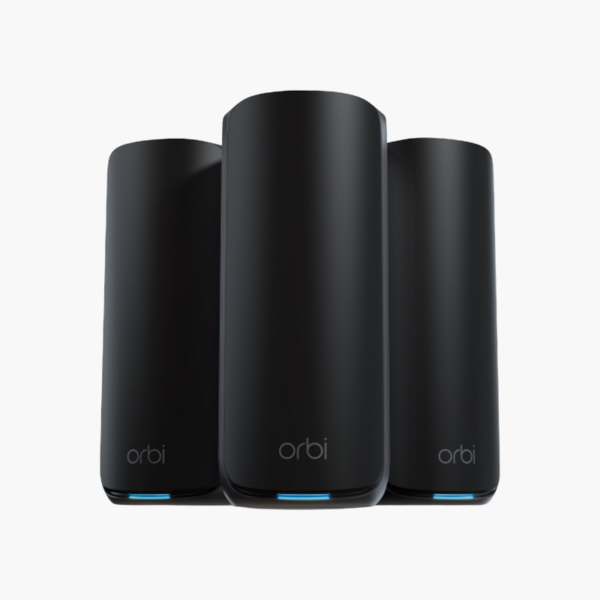
The 3-pack includes one router and two satellites that connect over dedicated 5 GHz and 6 GHz Wi-Fi 7 backhaul or 2.5G Ethernet, giving one network name across the home with automatic band and node steering.
How to Set Up the NETGEAR Orbi 870 RBE873
- Connect the router WAN/internet port to your modem or ONT with an Ethernet cable, and power on the router.
- Connect to the default Wi-Fi network or a LAN port, then open the setup app or web interface shown on the router label.
- Follow the setup wizard to detect your internet connection, set a new Wi-Fi name and password, and create an admin password.
- Update the firmware, enable the guest network and security features, and position the router centrally and off the floor for best coverage.















Reviews
There are no reviews yet.