
Networking
Shop all 595 products
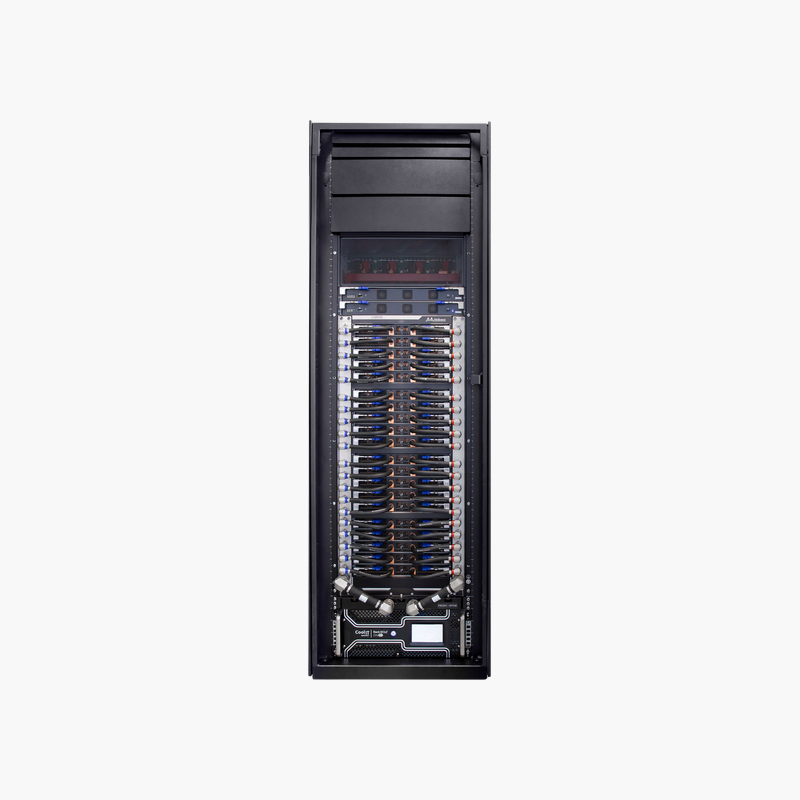
One modular chassis for a large, non-blocking EDR InfiniBand fabric.
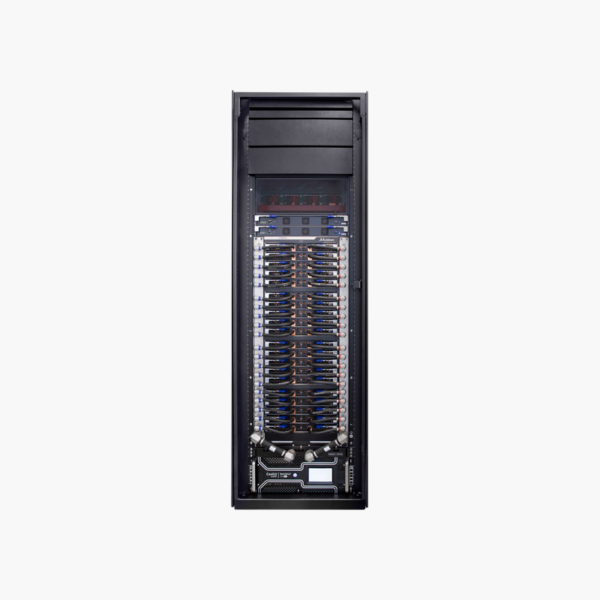
The NVIDIA Mellanox MCS7510 is the CS7510 modular director switch, providing up to 324 EDR 100Gb/s InfiniBand ports and 65 Tb/s of switching capacity in a 16U chassis. It is built for HPC clusters, AI training systems and large storage fabrics that need low-latency, non-blocking connectivity.
Why Large Clusters Outgrow Fixed InfiniBand Switches
A fixed 36-port switch is simple for small clusters, but connecting hundreds of nodes with many fixed switches requires complex multi-tier cabling, more optics and more points of failure. Each extra hop adds latency and makes troubleshooting harder.
The MCS7510 places the leaf and spine layers inside one chassis. Leaf blades provide the external QSFP28 ports, spine blades provide the internal fabric, and the backplane connects them without external spine cables, delivering a non-blocking 65 Tb/s fabric for up to 324 ports.
With SHARP-capable Switch-IB 2 blades, the chassis can also perform MPI reduction operations in the network, reducing data movement and speeding up collective-heavy HPC and AI workloads.
Scalable Blade Architecture
The chassis accepts leaf blades (such as MSB7560-E) and spine blades (such as MSB7570-E), each built on Switch-IB 2 silicon with 36 EDR ports. Start with the leaf blades you need today and add more as the cluster grows, up to 324 ports.
High Availability for Production Fabrics
Hot-swappable power supplies (6 x 2.5 kW), redundant fan units and the MMB7500-class x86 management module with an onboard subnet manager keep the fabric running during component replacement. The system requires 200-240V AC power.
How to Deploy the NVIDIA Mellanox MCS7510
- Plan rack space (16U plus shelf), cooling and 200-240V AC power circuits, then install the chassis with a suitable lift.
- Install power supplies, fan units, the management module, spine blades and the leaf blades you need.
- Connect servers and storage to the leaf ports with EDR QSFP28 cables or optics, and connect the management module to your management network.
- Configure the subnet manager (onboard or UFM), upgrade to the supported MLNX-OS release, and verify port status and fabric health.













Reviews
There are no reviews yet.