
Networking
Shop all 595 products
Native InfiniBand connectivity between data centers up to 10 km apart.
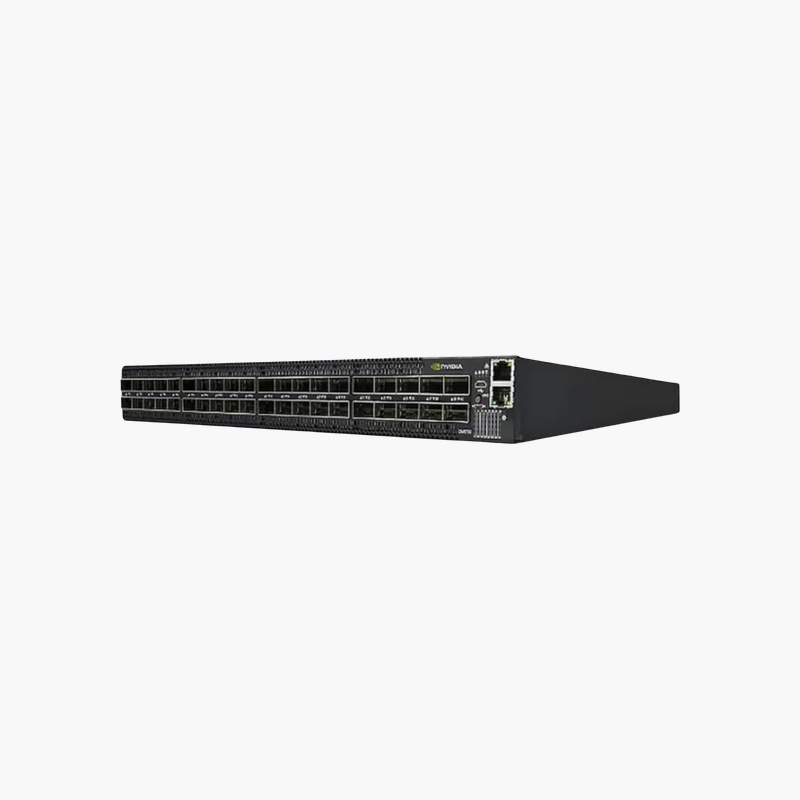
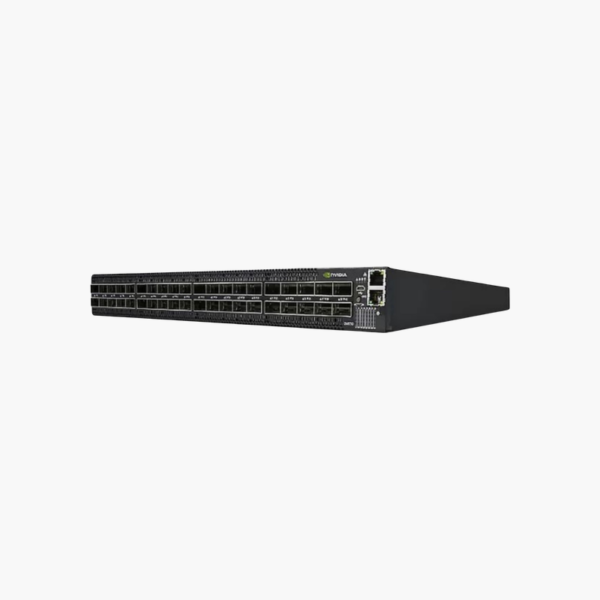
The NVIDIA Mellanox MTQ8100-HS2F is a Quantum MetroX-2 long-haul InfiniBand switch system that extends HDR InfiniBand fabrics up to 10 km. It provides 8 local HDR 200Gb/s ports and 2 long-haul 100Gb/s ports for organizations linking HPC, storage or disaster recovery sites.
Why Linking Remote InfiniBand Sites Is Difficult Without MetroX
Standard InfiniBand cables and optics are designed for links inside a data center, usually up to a few hundred meters on fiber. When compute and storage are spread across buildings or cities, teams often fall back to Ethernet gateways, which add latency, break RDMA and complicate the fabric.
The MTQ8100-HS2F keeps the connection native InfiniBand. Its long-haul ports carry traffic up to 10 km over dark fiber, while the local HDR ports join the switch to the existing fabric, so applications see one extended InfiniBand network with RDMA intact.
This makes it practical to replicate storage between sites, run active-active data centers, or let researchers on one campus use a cluster on another without changing their software.
Long-Haul and Local Port Design
Two QSFP28 long-haul ports operate at 100Gb/s for the remote link, and eight QSFP56 ports run at HDR 200Gb/s locally. The MTQ8100-HS2F is the 10 km model; the MTQ8200-HS2F offers 40 km reach with the same port layout.
Built for Continuous Operation
Dual replaceable power supplies and six replaceable fans keep the system running if a component fails. Management is available through the MGT Ethernet port, console port and NVIDIA UFM for fabric-wide monitoring.
How to Deploy the NVIDIA Mellanox MTQ8100-HS2F
- Rack-mount one MetroX-2 system at each site, install both power supplies, and confirm the airflow direction matches your rack.
- Connect the long-haul ports to the dark fiber link between sites using the specified long-haul optics, and the local HDR ports to your InfiniBand fabric.
- Connect the management port, assign an IP address through the console, and upgrade to the supported MetroX-2 software release.
- Configure the subnet manager and routing between sites, then verify link status, latency and error counters before moving production traffic.














Reviews
There are no reviews yet.