
Networking
Shop all 595 products
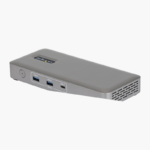
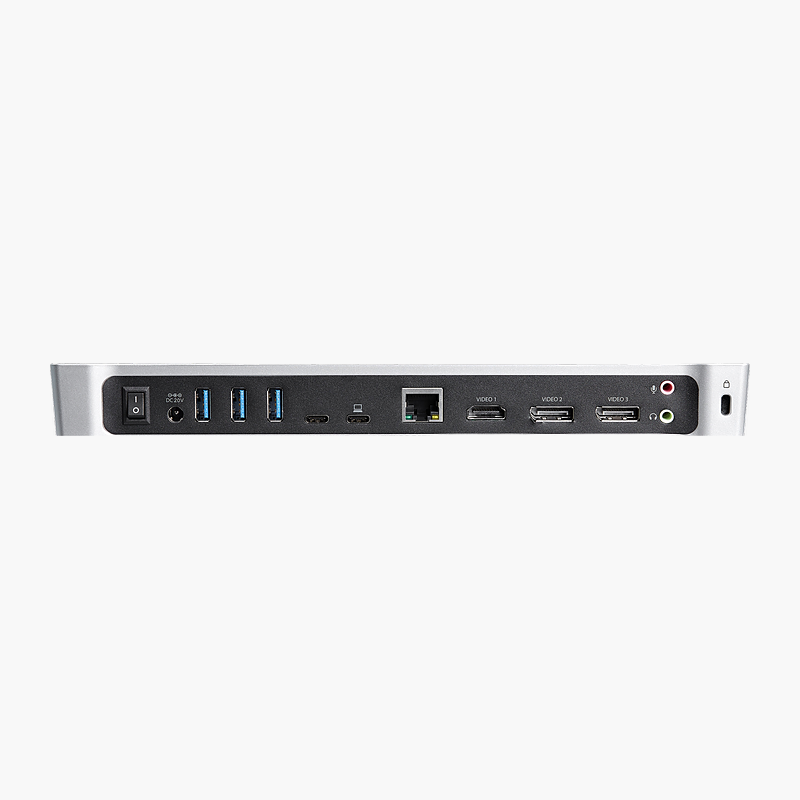
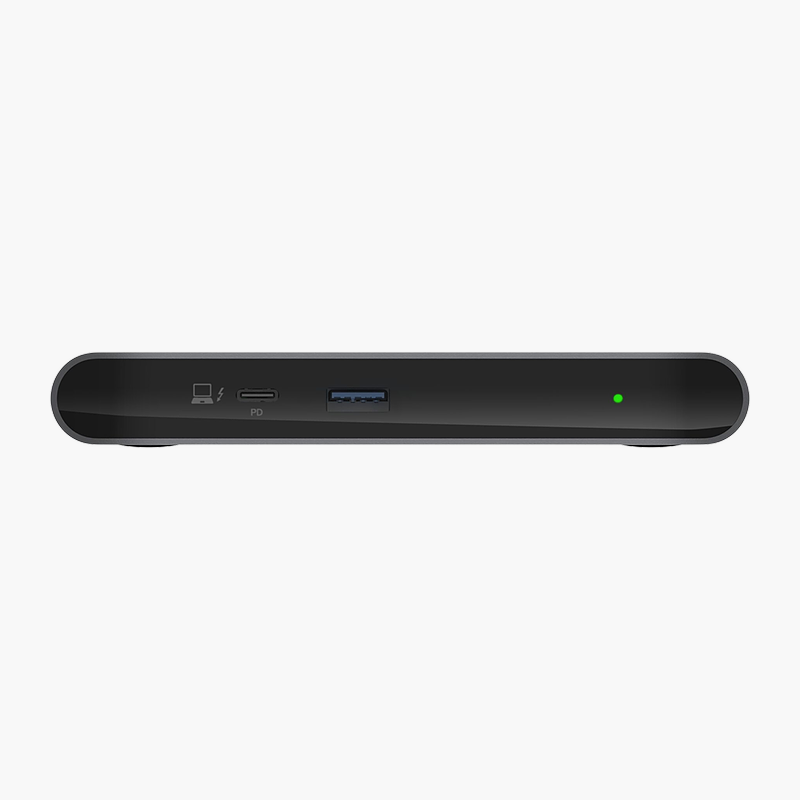
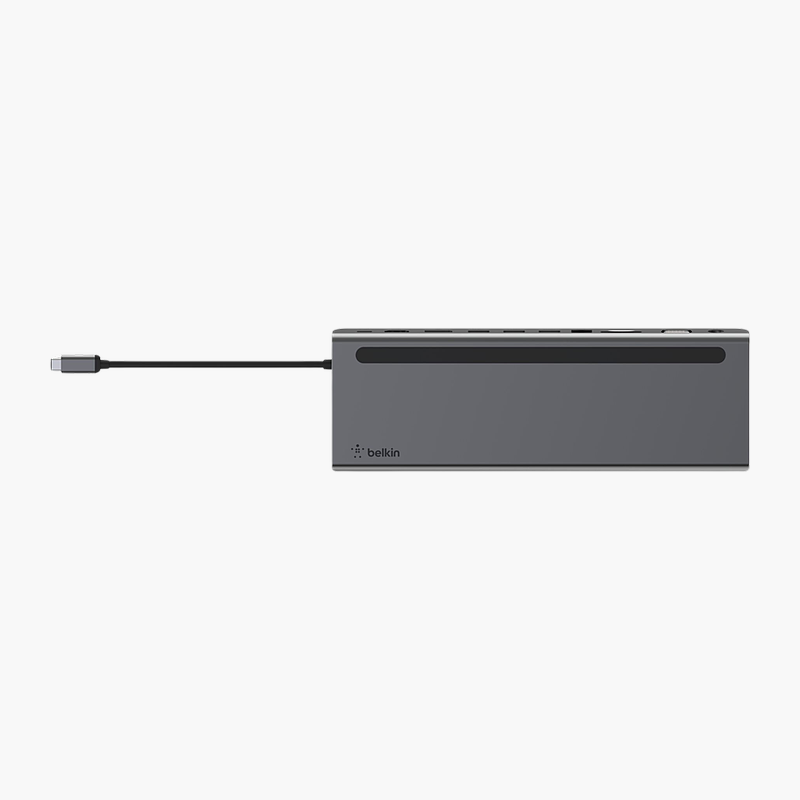
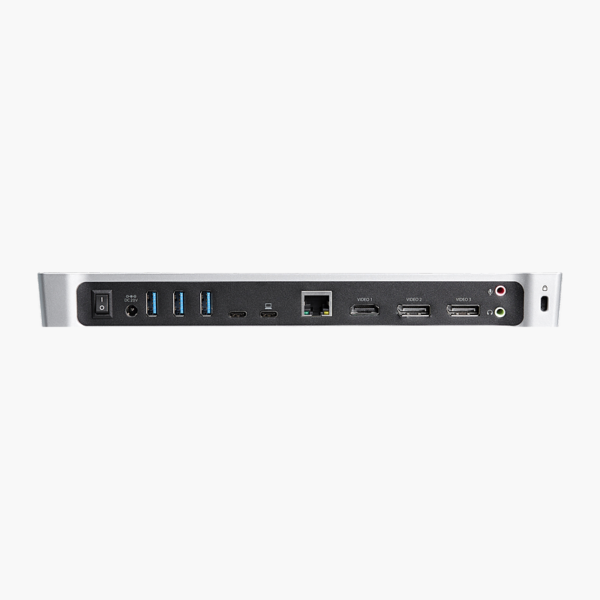
The StarTech USB-C Triple Monitor Docking Station for MacBook & Windows connects to your laptop over USB-C and adds HDMI, DisplayPort, USB-A, USB-C and Gigabit Ethernet ports. It charges your laptop over the same cable and drives up to 3 monitors at 4K. It is built for home offices, hot desks and hybrid teams.
Plug in once and get straight to work.
Turn Your Laptop Into a Full Workstation
Plugging a charger, monitor cables, a network cable and several USB devices into a laptop every time you sit down wastes time and wears out its ports.
The StarTech USB-C Triple Monitor Docking Station for MacBook & Windows connects through USB-C, charges your laptop over the same cable, drives up to 3 monitors at 4K and adds HDMI, DisplayPort, USB-A, USB-C and Gigabit Ethernet ports. Unplug one cable and the laptop is ready to go.
Multi-Display Support
Display support: Up to 3 monitors at 4K. Video outputs: HDMI and DisplayPort outputs. Display count and resolution depend on your laptop’s graphics and connection.
Ports for Every Peripheral
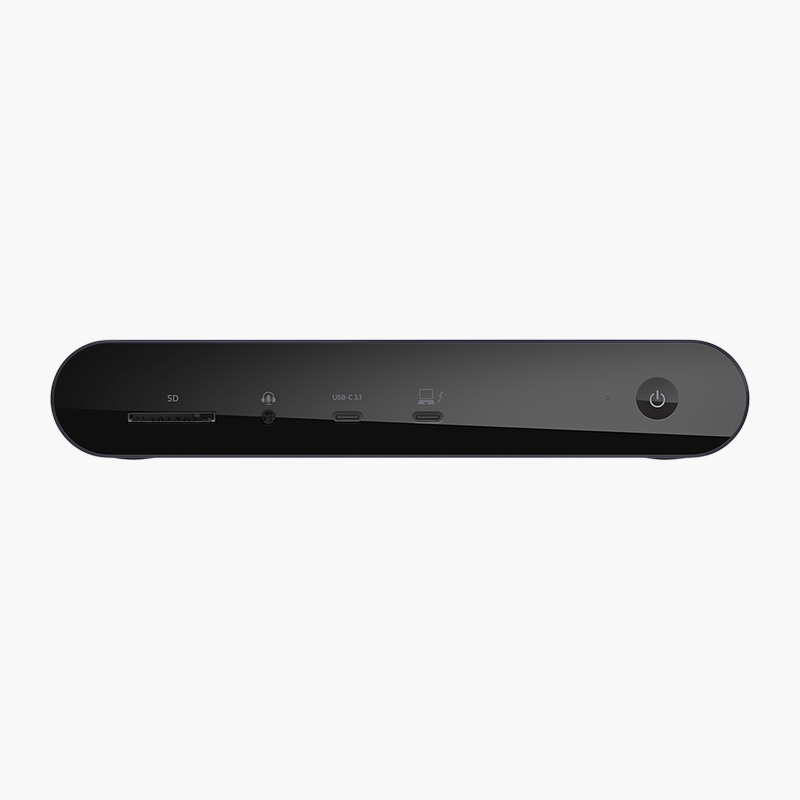
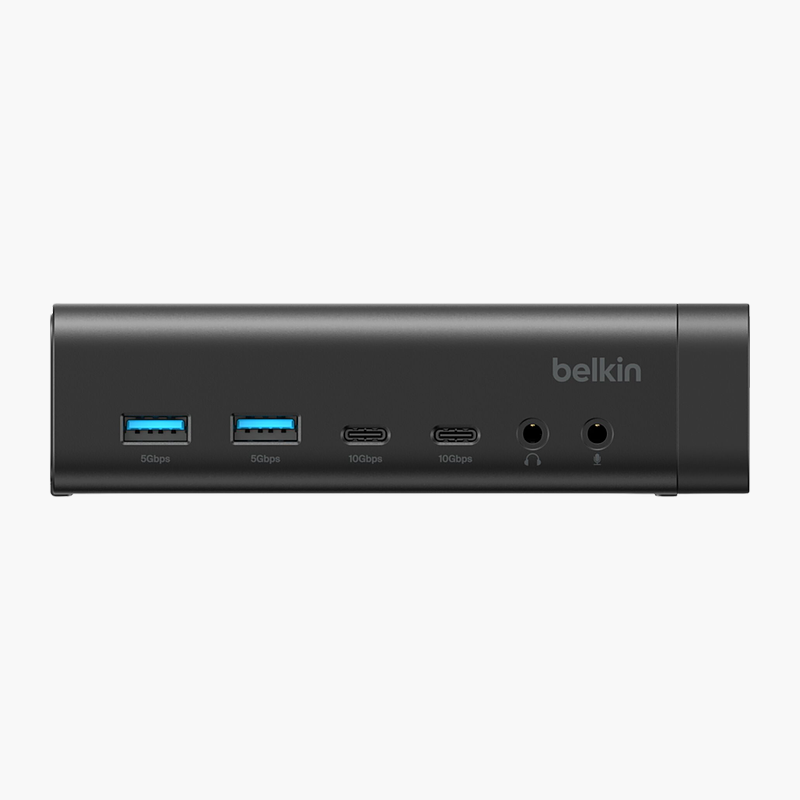
USB connectivity: USB-A ports; USB-C. It also includes Gigabit Ethernet for wired networking.
Setup Instructions
How to Set Up the StarTech USB-C Triple Monitor Docking Station for MacBook & Windows
- Connect the power adapter to the dock and a wall outlet.
- Connect your monitors to the dock’s video outputs (HDMI and DisplayPort outputs).
- Plug in your keyboard, mouse, Ethernet cable and other USB devices.
- Connect the dock to your laptop’s USB-C port with the included cable.
- Open your display settings to arrange and extend your monitors.






Reviews
There are no reviews yet.