
Networking
Shop all 595 products
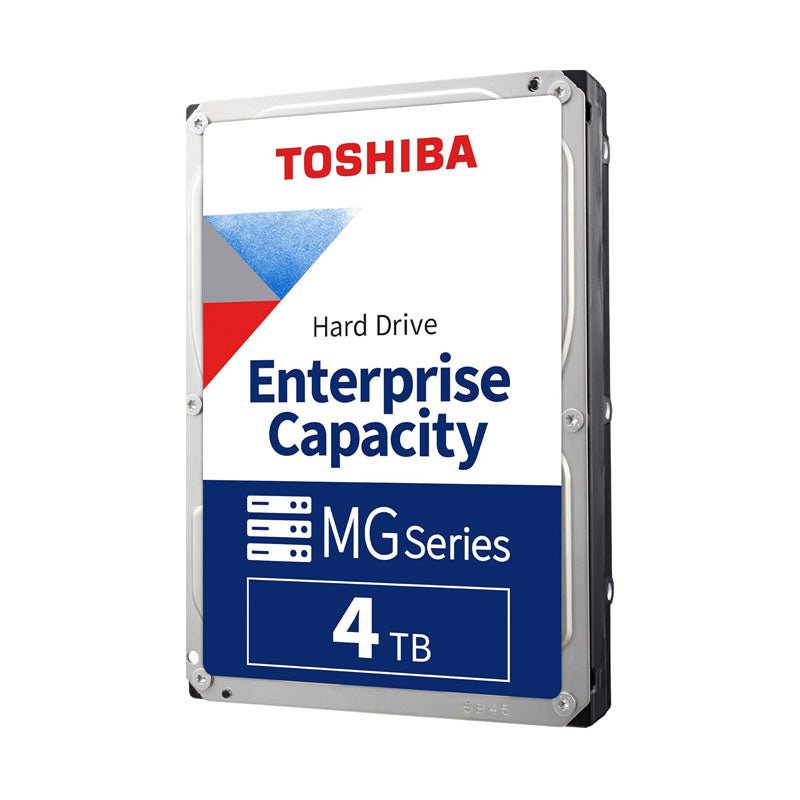
Enterprise-class 4TB storage engineered for nearline, business-critical servers.
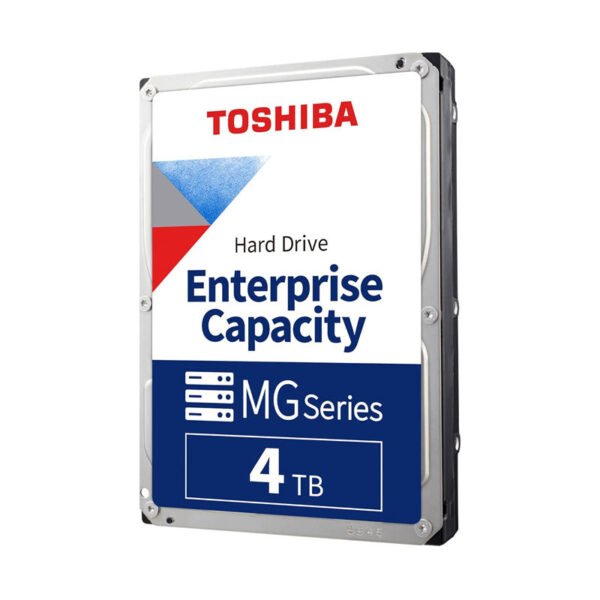
The Toshiba MG04ACA400E is a 4TB, 3.5-inch enterprise capacity SATA hard drive for servers, storage arrays and backup systems. It combines a 7200 RPM spindle, 128MB cache, 512e Advanced Format and Toshiba Persistent Write Cache with a 550 TB/year workload rating and 1.4 million hours MTTF.
Why Business-Critical Storage Needs an Enterprise-Class Drive
Business servers run every hour of the year, often under steady read and write load from databases, file shares and backup jobs. Desktop and entry-level NAS drives are rated for far lighter workloads, and under that pressure they wear faster and are more likely to fail at the wrong time.
The MG04ACA400E is engineered for nearline business-critical use. Toshiba rates it for 550 TB of data transferred per year and 1,400,000 hours MTTF, in an industry-standard 3.5-inch, 26.1 mm form factor that fits standard server bays and backplanes.
Its 512e model includes Toshiba Persistent Write Cache, which helps protect data held in the drive’s cache if power is suddenly lost, a common risk in small server rooms without full UPS coverage.
7200 RPM Performance for Server Workloads
A 7200 RPM spindle and 128MB cache deliver up to 185 MiB/s sustained transfer. 512e emulation (4K physical sectors presented as 512-byte logical sectors) keeps the drive compatible with operating systems and controllers that expect 512-byte sectors.
Built for Continuous, Reliable Operation
The MG04 uses Toshiba ramp loading and drive stabilisation technology to reduce head wear and vibration, and it is rated for 600,000 load/unload cycles and an error rate of 10 per 10^16 bits read. Its 4TB capacity also keeps RAID rebuild times short compared with much larger drives.
Setup Instructions
How to Install the Toshiba MG04 4TB in a Server or Storage System
- Power down the server or storage enclosure, or confirm the backplane supports hot-plug before removing a drive carrier.
- Fit the Toshiba MG04 4TB into the server’s 3.5-inch drive carrier and secure it with the carrier screws.
- Slide the carrier into a SATA-capable backplane slot, or connect it to a SATA port or SAS HBA, then power on the system.
- Confirm the drive in your RAID controller, HBA utility or OS storage manager, then add it to an array, ZFS pool or volume and enable S.M.A.R.T. monitoring.





Reviews
There are no reviews yet.