
Networking
Shop all 595 products
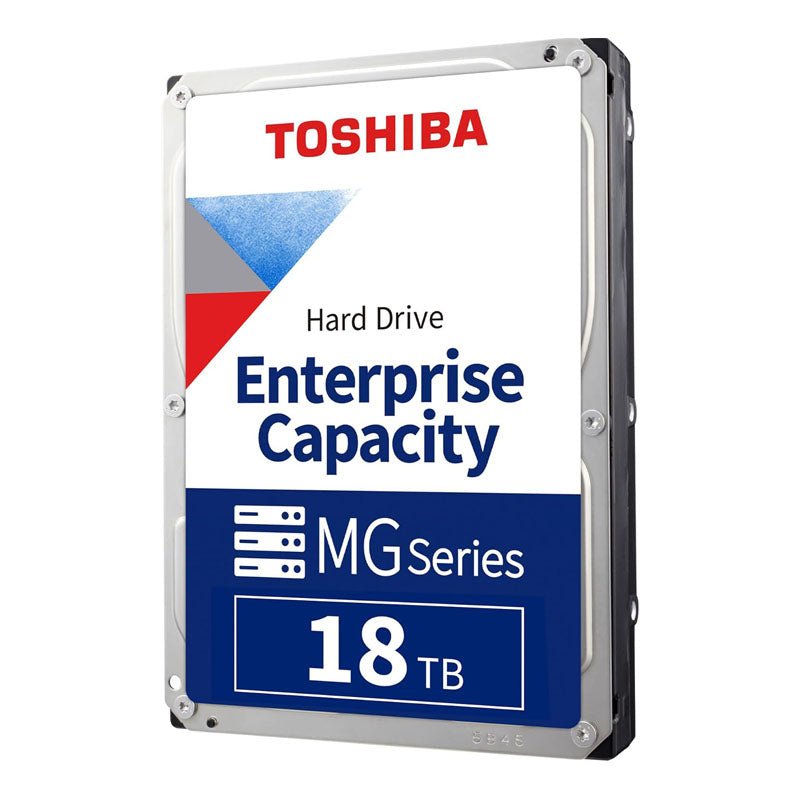
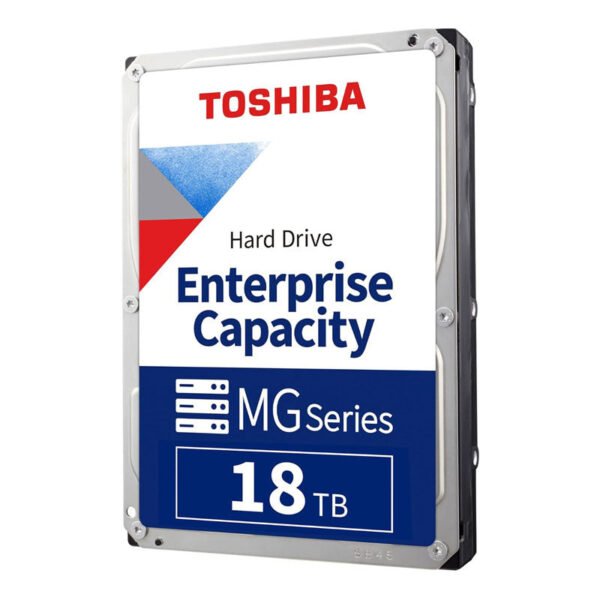
18TB of CMR enterprise capacity, enabled by FC-MAMR and a 9-disk helium design.
The Toshiba MG09ACA18TE is an 18TB, 3.5-inch enterprise capacity SATA hard drive for cloud infrastructure, business servers, file and object storage, and backup targets. It uses Flux Control Microwave-Assisted Magnetic Recording (FC-MAMR) in a 9-disk helium-sealed design to deliver 18TB of CMR capacity at 7200 RPM.
Why Business-Critical Storage Needs an Enterprise-Class Drive
Every extra terabyte per drive reduces the number of bays, servers and power connections needed to store the same data. The challenge is adding capacity without switching to SMR recording, which can complicate RAID rebuilds and random-write workloads.
The MG09ACA18TE reaches 18TB with conventional magnetic recording by using Toshiba’s FC-MAMR technology, which helps the write head record reliably at 2TB per disk. Applications see a standard CMR drive with predictable write behaviour.
Nine platters run inside a laser-welded, helium-sealed enclosure that cuts aerodynamic drag. Toshiba lists 8.35 W in operation and 4.16 W at active idle, giving strong watts-per-terabyte efficiency for large deployments.
Enterprise Throughput at High Capacity
A 7200 RPM spindle and 512MB cache deliver up to 268 MiB/s sustained transfer, with improvements in sustained rate and power efficiency over the previous MG08 generation.
Reliability and Data Protection
Toshiba rates the drive for 24/7 operation, 550 TB per year and 2,500,000 hours MTTF. The 512e model includes Persistent Write Cache to help protect cached data during sudden power loss, while 512-byte logical sectors keep compatibility with existing OS and controller stacks.
Setup Instructions
How to Install the Toshiba MG09 18TB in a Server or Storage System
- Power down the server or storage enclosure, or confirm the backplane supports hot-plug before removing a drive carrier.
- Fit the Toshiba MG09 18TB into the server’s 3.5-inch drive carrier and secure it with the carrier screws.
- Slide the carrier into a SATA-capable backplane slot, or connect it to a SATA port or SAS HBA, then power on the system.
- Confirm the drive in your RAID controller, HBA utility or OS storage manager, then add it to an array, ZFS pool or volume and enable S.M.A.R.T. monitoring.






Reviews
There are no reviews yet.