
Networking
Shop all 595 products

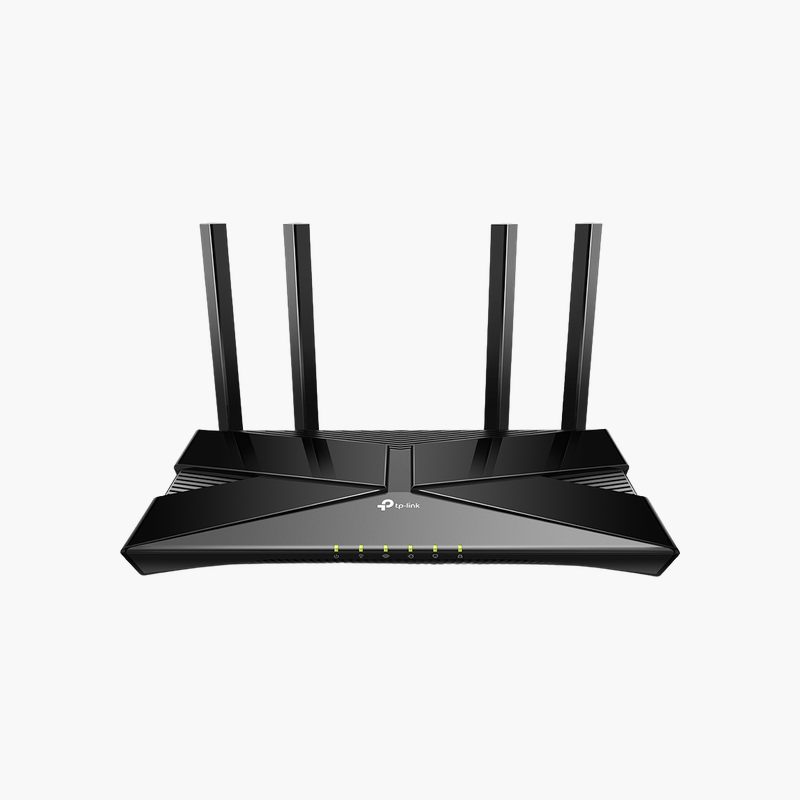
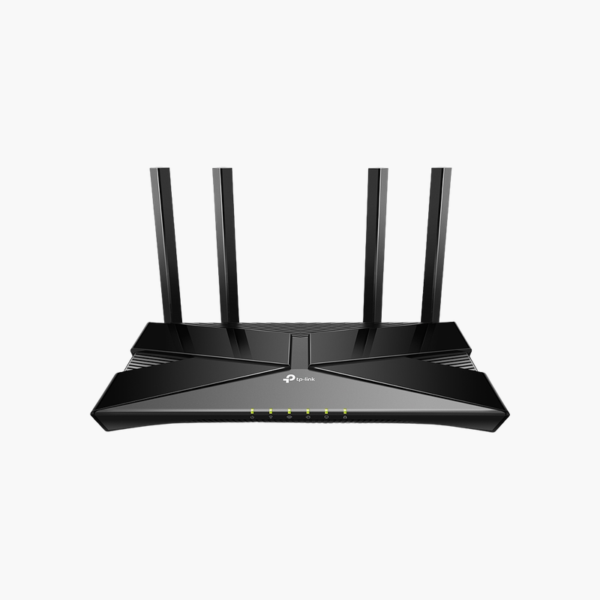
The TP-Link Archer AX10 AX1500 Wi-Fi 6 Router is a Wi-Fi router with Wi-Fi 6 AX1500 dual-band. Its ports include Gigabit WAN and 4x Gigabit LAN. It is built for homes, home offices and small businesses. TP-Link Tether app adds flexibility.
Faster Wi-Fi for every room.
Faster, More Reliable Wi-Fi Coverage
Older routers slow down when many phones, laptops, TVs and smart devices connect at once, and thick walls create dead zones.
The TP-Link Archer AX10 AX1500 Wi-Fi 6 Router uses Wi-Fi 6 AX1500 dual-band with Gigabit WAN to keep more devices connected at higher speeds.
Connectivity and Ports
Wi-Fi: Wi-Fi 6 AX1500 dual-band. WAN: Gigabit WAN. LAN: 4x Gigabit LAN.
Management and Features
TP-Link Tether app.
Setup Instructions
How to Set Up the TP-Link Archer AX10 AX1500 Wi-Fi 6 Router
- Connect the router’s WAN port to your modem or ONT with an Ethernet cable.
- Power on the router and wait for the status light.
- Complete setup with the mobile app or web interface, setting a network name and password.
- Update the firmware and connect your devices.













Reviews
There are no reviews yet.