
Networking
Shop all 590 products
Affordable multi-gig speed for your NAS, workstations and Wi-Fi 6 access points.
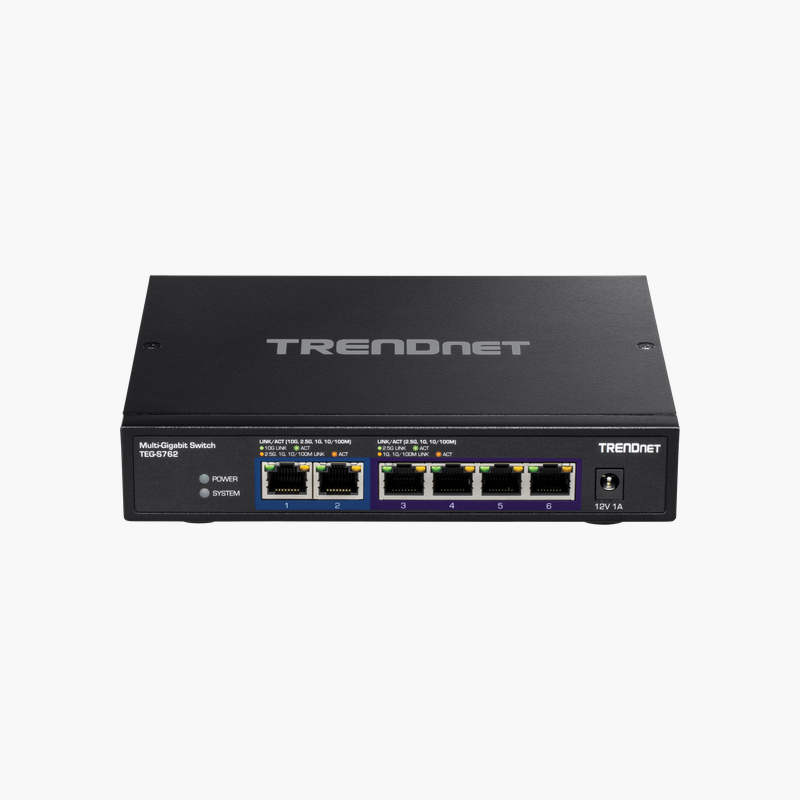
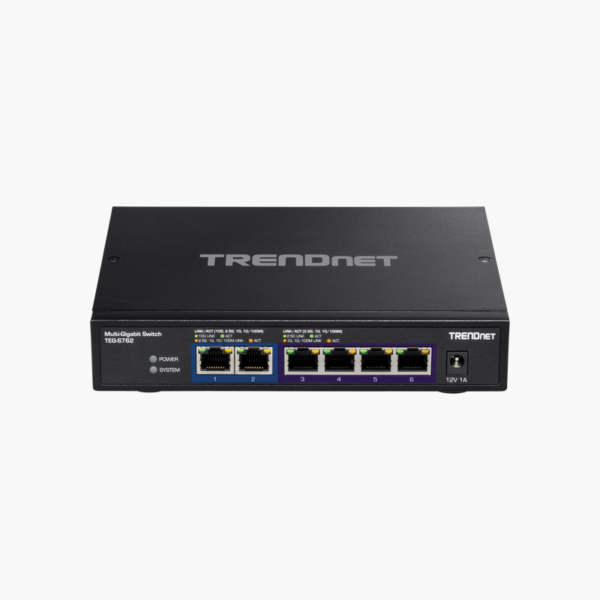
The TRENDnet TEG-S762 is a 6-port unmanaged multi-gig switch with two 10G and four 2.5G RJ-45 ports, a 60 Gbps switching fabric and a fanless metal housing. It suits home labs, creative studios and small offices upgrading beyond Gigabit for NAS, workstations and Wi-Fi 6.
Why Gigabit Switches Hold Back Modern NAS and Wi-Fi 6
Gigabit Ethernet tops out at about 110 MB/s, which is slower than a single modern NAS drive or SSD. Wi-Fi 6 access points can also exceed 1 Gbps, so a Gigabit switch becomes the bottleneck in an otherwise fast network.
The TEG-S762 removes that limit. Two 10G ports connect a NAS, server or 10G router at up to 10 Gbps, while four 2.5G ports serve access points and PCs at 2.5 times Gigabit speed, all over standard copper cabling.
Because it is unmanaged, there is nothing to configure: connect devices and each port auto-negotiates the fastest speed both sides support.
Multi-Gig Over Existing Cabling
Multi-gig ports run 2.5G over Cat5e and 10G over Cat6a for typical in-room and in-building distances, so many networks can upgrade speed without re-cabling.
Silent, Durable Metal Design
The fanless metal enclosure runs silently on a desk or mounted on a wall, with a 2 MB buffer, 16K MAC table and 9 KB jumbo frame support for large file transfers.
How to Set Up the TRENDnet TEG-S762
- Place the switch on a desk or mount it on a wall, and connect the power adapter.
- Connect your NAS, server or 10G router to one of the 10G ports.
- Connect PCs, Wi-Fi 6 access points or other multi-gig devices to the 2.5G ports.
- Check the port LEDs to confirm link speed, and enable jumbo frames on your devices if you transfer large files.





Reviews
There are no reviews yet.