
Networking
Shop all 595 products
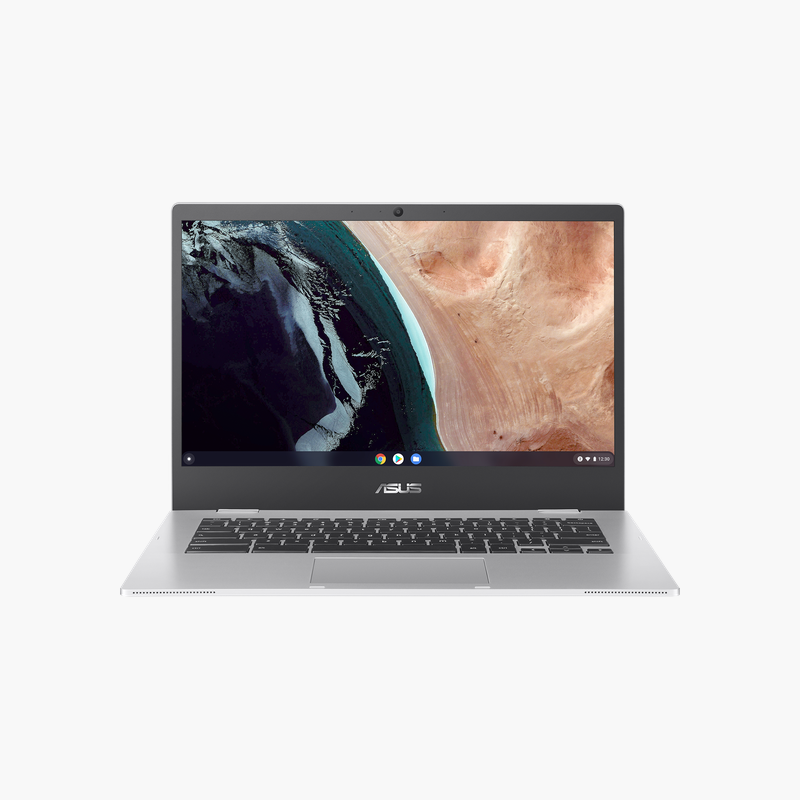
A simple, secure Chromebook for school and web browsing.
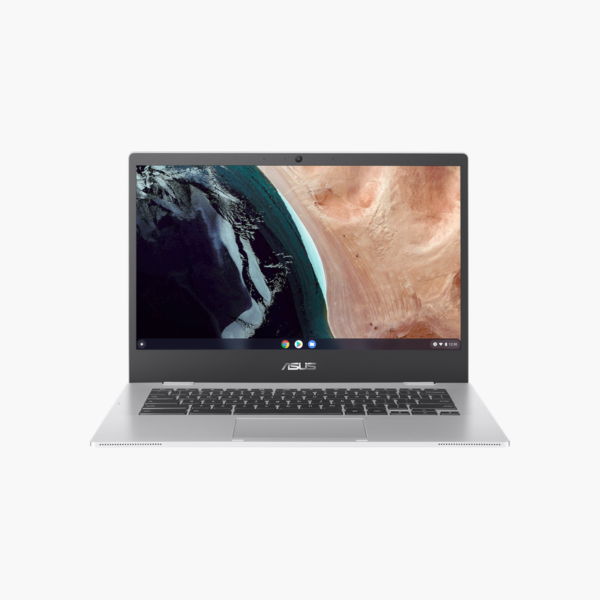
The ASUS Chromebook CX1400CKA is a 14-inch Full HD Chromebook with an Intel Celeron N4500, 4GB of memory, and 64GB of eMMC storage. Running ChromeOS, it suits students, families, and anyone who mainly uses web apps, Google Workspace, and streaming, with automatic updates and built-in security.
Why a Chromebook Works for Web-First Users
If most of your work happens in a browser, a full Windows laptop adds maintenance you may not need. ChromeOS boots quickly, updates automatically, and includes built-in malware protection.
The Celeron N4500 and 4GB of memory handle Google Docs, Classroom, email, and video streaming, and files sync to Google Drive.
The 14-inch Full HD display gives a sharper picture than many entry Chromebooks with lower-resolution screens.
Low Maintenance for Schools and Families
Automatic updates and Google account sync make it easy to manage, share, or replace devices.
Check the Auto Update Date
Each Chromebook receives ChromeOS updates until its Auto Update Expiration date; check Google’s Auto Update policy page for this model.
How to Set Up the ASUS Chromebook CX1400CKA
- Charge the Chromebook, open the lid, and select your language and Wi-Fi network.
- Sign in with your Google account; your apps, bookmarks, and settings sync automatically.
- Let ChromeOS install any available update, then restart when prompted.
- Install Android apps from Google Play and set up Phone Hub or a screen lock PIN in Settings.





Reviews
There are no reviews yet.