
Networking
Shop all 595 products
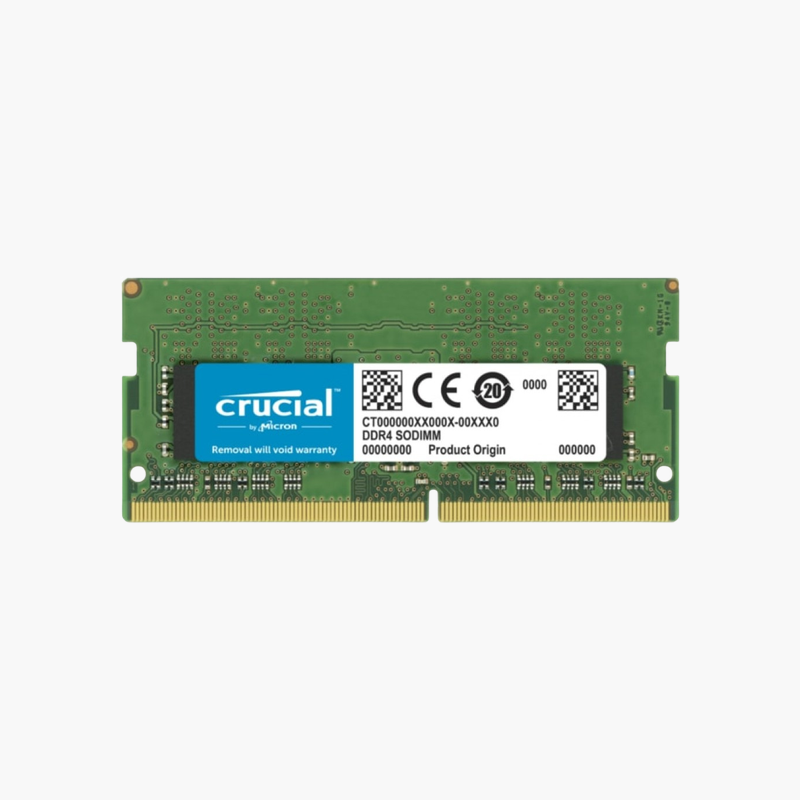
Add a second 8GB stick and turn a single-channel laptop into a dual-channel one.
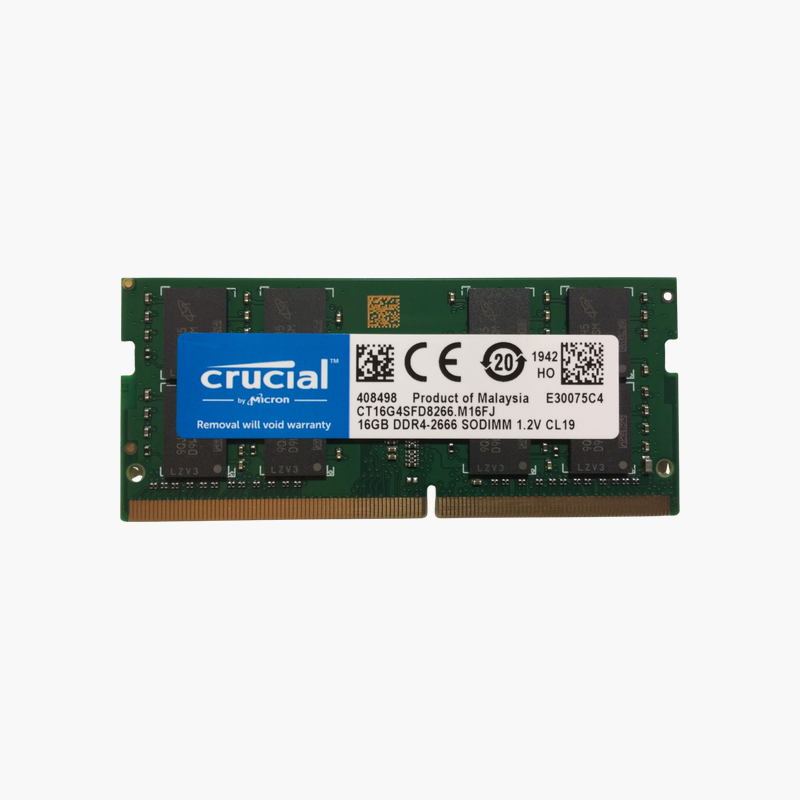
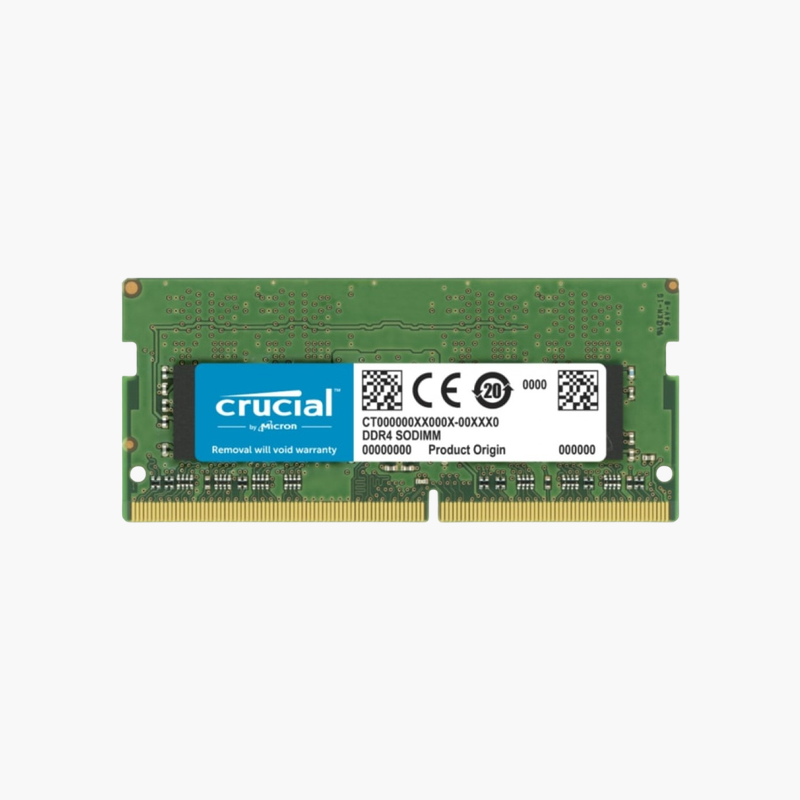
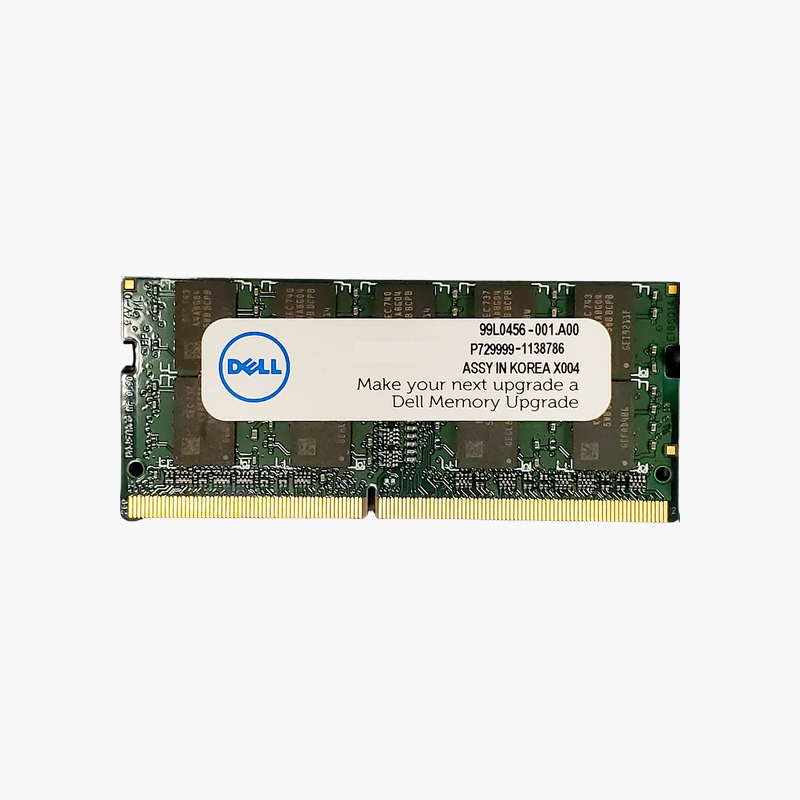
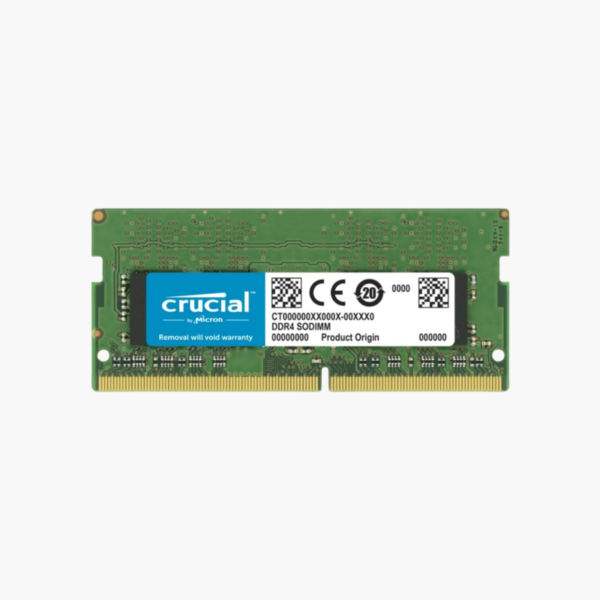
The Crucial CT8G4SFS832A is an 8GB DDR4-3200 SODIMM for laptops and mini PCs. It is the simplest upgrade for machines that shipped with one 8GB module, adding capacity and enabling dual-channel memory for smoother multitasking and better integrated graphics performance at standard 1.2V.
The Hidden Bottleneck in Budget Laptops
Many laptops ship with a single 8GB module and an empty second slot. That leaves the system with one memory channel, which halves bandwidth, and only 8GB of space for Windows, a browser, and office apps.
Adding a second 8GB module fixes both problems at once. Total memory rises to 16GB, and the controller switches to dual-channel mode, so integrated graphics, which share system RAM, get twice the data path.
At 3200 MT/s, this module covers the fastest standard DDR4 laptop speed and automatically runs at 2933, 2666, or 2400 MT/s on platforms with lower limits.
Dual-Channel Gains for Integrated Graphics
Intel UHD, Iris Xe, and AMD Radeon integrated graphics all use main memory as video memory. Moving from one module to two typically gives noticeably smoother video playback, light gaming, and external monitor use.
Single-Rank, Low-Power Module
This single-rank 1.2V module runs cool and is broadly compatible, including with mini PCs and laptops that are sensitive to mixed ranks.
How to Install the Crucial 8GB DDR4 SODIMM
- Shut down the laptop or mini PC, unplug the charger, and disconnect the battery if your service manual says to.
- Remove the bottom panel or memory door and locate the SODIMM slots.
- Insert the module at about 30 degrees with the notch aligned, then press it flat until the side clips lock.
- Close the panel, power on, and confirm the new total in BIOS or Windows Task Manager > Performance > Memory.




Reviews
There are no reviews yet.