
Networking
Shop all 595 products
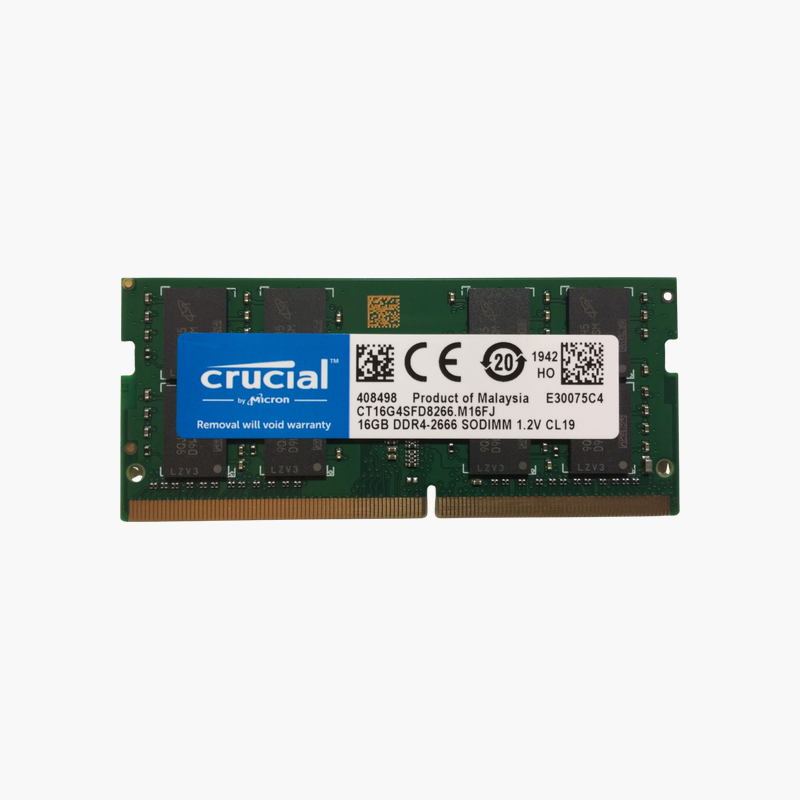
Match your laptop’s native 2666 MT/s speed and double your working memory.
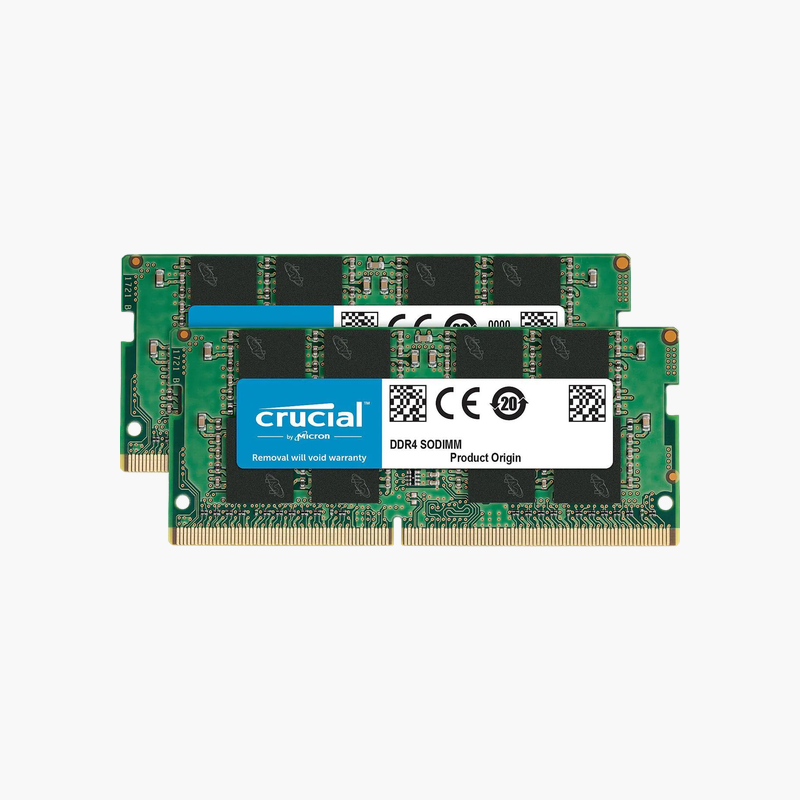
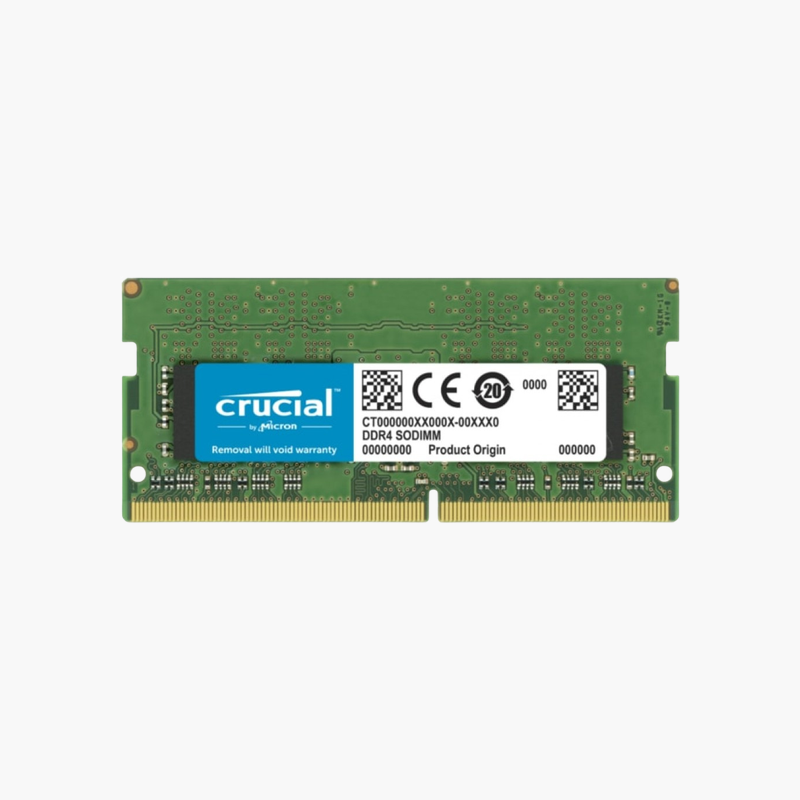
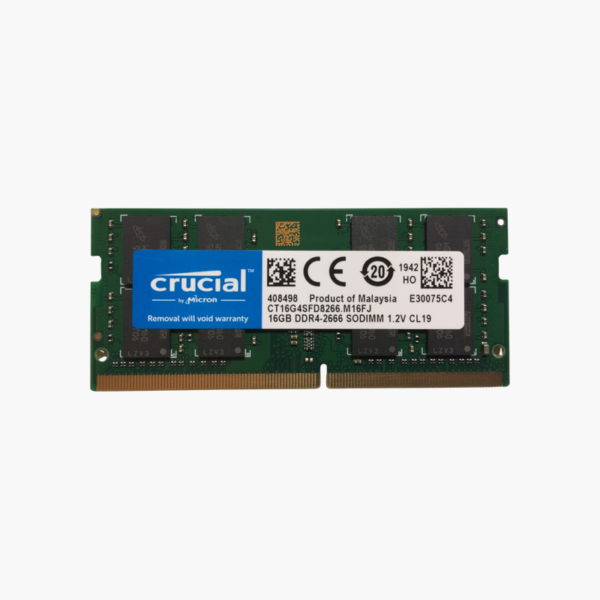
The Crucial CT16G4SFD8266 is a 16GB DDR4-2666 SODIMM for laptops, mini PCs, and all-in-ones. It matches the native memory speed of many Intel 8th to 10th Gen and AMD Ryzen 3000 laptops, adding the capacity needed for Windows 11, Microsoft 365, and heavy browser use at standard 1.2V.
Matching Memory to Your Laptop’s Native Speed
A large share of business and consumer laptops from 2018 to 2020 run DDR4 at 2666 MT/s. Installing memory at that exact speed gives you everything the platform can use without paying for headroom it cannot reach.
At 16GB per module, this stick can replace a 4GB or 8GB module and lift a laptop to 16GB or 32GB, depending on how many slots it has. That is enough for Windows 11, dozens of browser tabs, Teams calls, and spreadsheets running together.
The dual-rank 2Rx8 layout lets the memory controller interleave accesses between ranks, which can slightly improve real-world throughput compared with single-rank modules of the same speed.
Room for Windows 11 and Office Workloads
Windows 11 with a browser and collaboration apps often uses 10GB or more. With 16GB or more installed, the system stops paging to the SSD, which keeps app switching and file opening responsive.
Plug-and-Play Laptop Upgrade
This JEDEC-standard module needs no BIOS setup. It also suits mini PCs and NUC-style systems that use DDR4 SODIMM slots.
How to Install the Crucial 16GB DDR4 SODIMM
- Shut down the laptop or mini PC, unplug the charger, and disconnect the battery if your service manual says to.
- Remove the bottom panel or memory door and locate the SODIMM slots.
- Insert the module at about 30 degrees with the notch aligned, then press it flat until the side clips lock.
- Close the panel, power on, and confirm the new total in BIOS or Windows Task Manager > Performance > Memory.







Reviews
There are no reviews yet.