
Networking
Shop all 595 products
Bring an older DDR4 laptop to 16GB at the speed it was designed for.
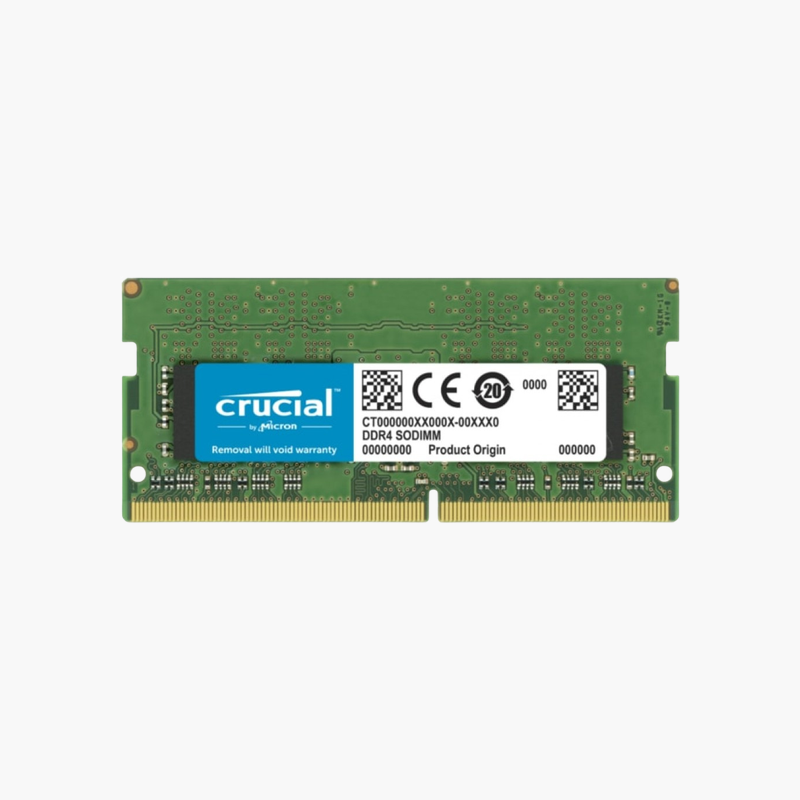
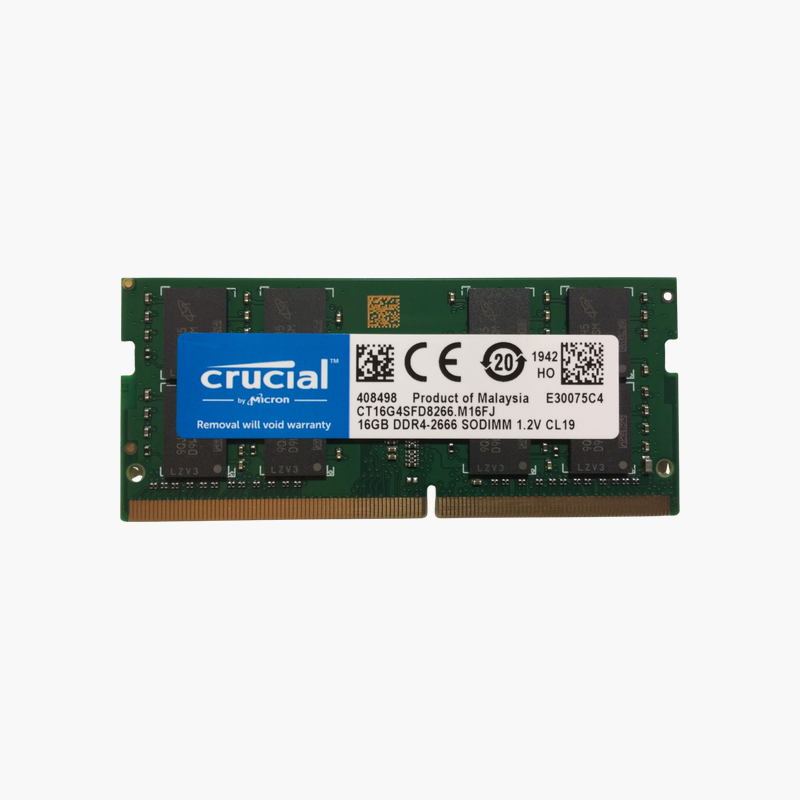
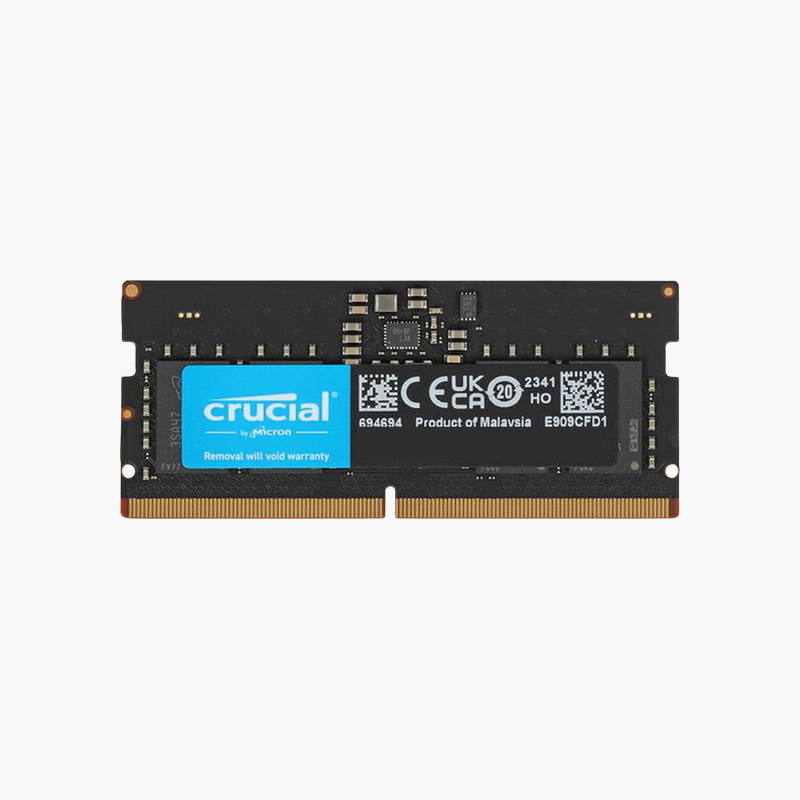
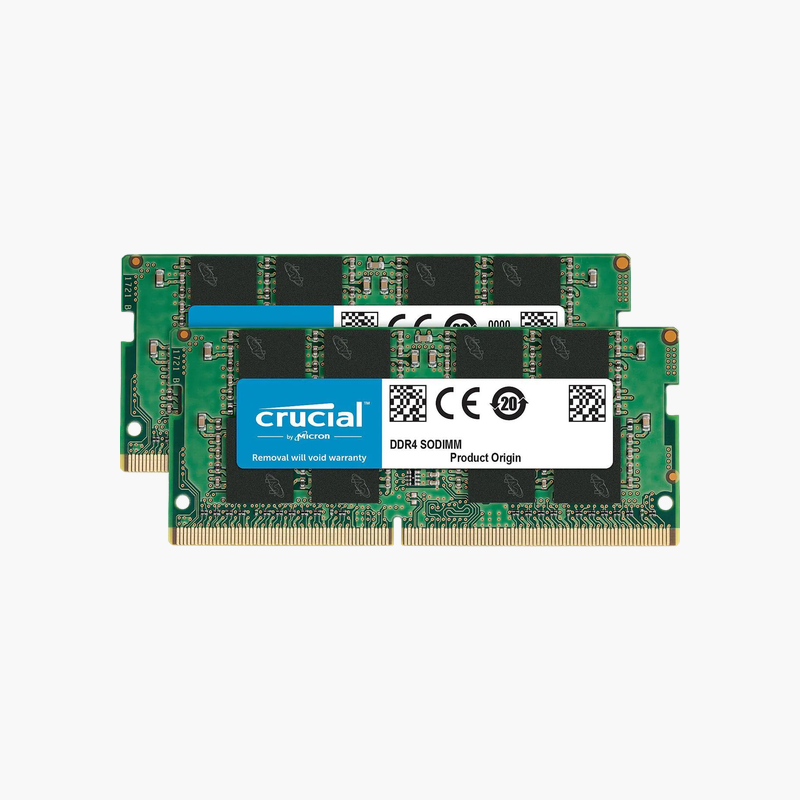
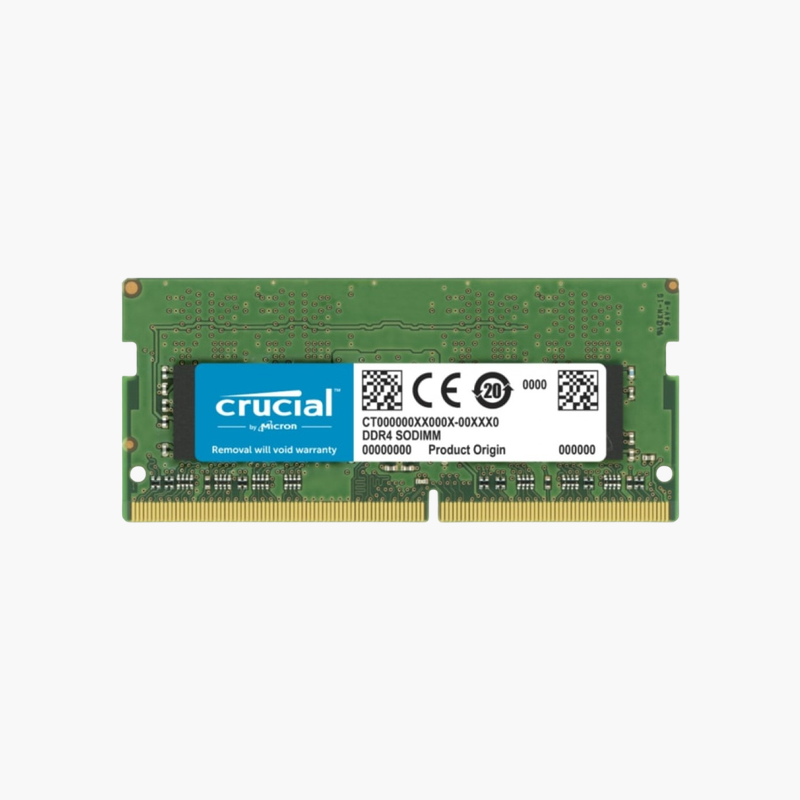
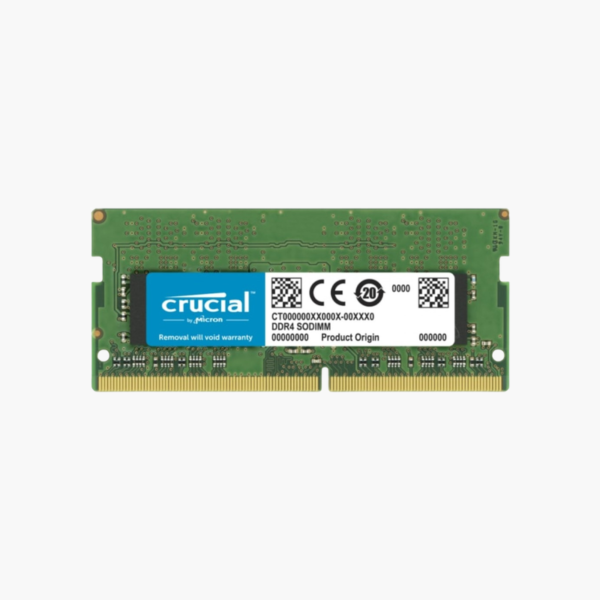
The Crucial CT8G4SFS824A is an 8GB DDR4-2400 SODIMM for laptops and mini PCs built around Intel 6th to 8th Gen and early AMD Ryzen processors. Adding it to an existing 8GB module gives 16GB in dual channel, a practical upgrade that keeps older business laptops useful for daily work.
Extending the Life of 2016 to 2019 Laptops
Laptops from this period, such as many HP EliteBook, Dell Latitude, and Lenovo ThinkPad models, often still have capable processors but only 4GB to 8GB of memory. Under current software, that RAM fills quickly and the system becomes sluggish.
Adding 8GB is the most cost-effective fix. With two modules installed, total memory doubles and the system runs in dual-channel mode, which helps integrated graphics and overall responsiveness.
2400 MT/s is the native DDR4 speed for many of these platforms, and CL17 timings are the JEDEC standard at that speed, so the module runs reliably at stock settings.
Native-Speed Compatibility
Matching the platform’s native speed avoids compatibility issues that can occur with high-speed modules in older laptops, and the module will still run at 2133 MT/s in systems limited to that speed.
Ideal for Refurbished Business Laptops
IT resellers and refurbishers can use this module to standardize older fleets at 16GB, a configuration that comfortably runs Windows and office applications.
How to Install the Crucial 8GB DDR4 SODIMM
- Shut down the laptop or mini PC, unplug the charger, and disconnect the battery if your service manual says to.
- Remove the bottom panel or memory door and locate the SODIMM slots.
- Insert the module at about 30 degrees with the notch aligned, then press it flat until the side clips lock.
- Close the panel, power on, and confirm the new total in BIOS or Windows Task Manager > Performance > Memory.



Reviews
There are no reviews yet.