
Networking
Shop all 595 products
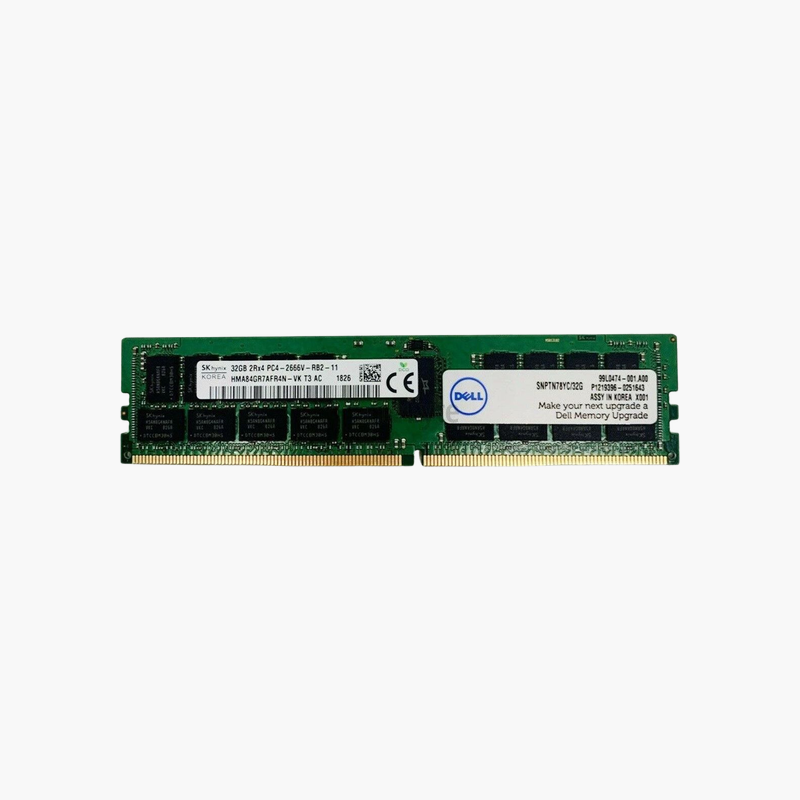
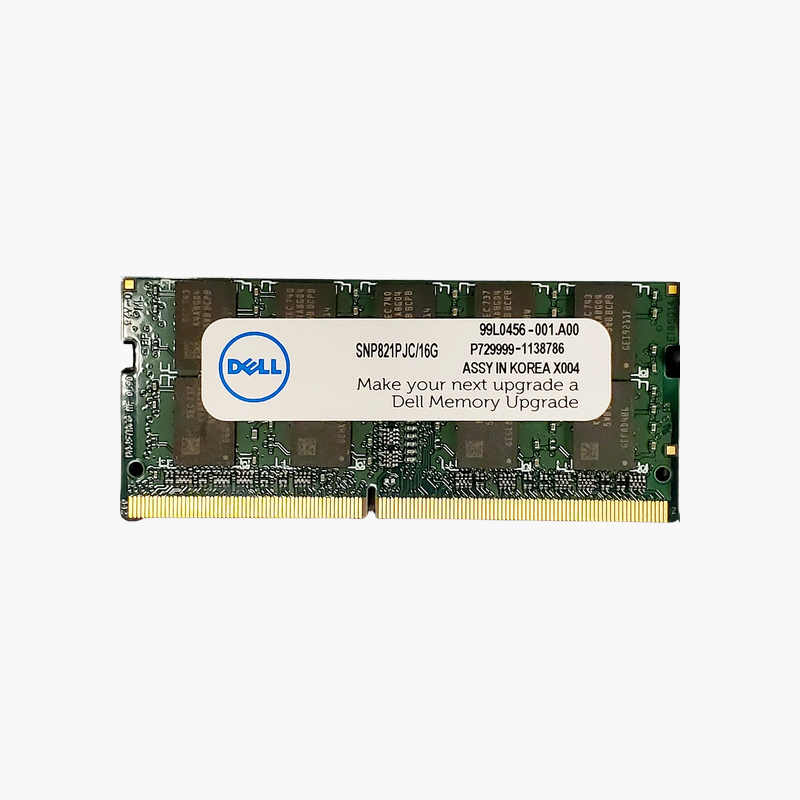
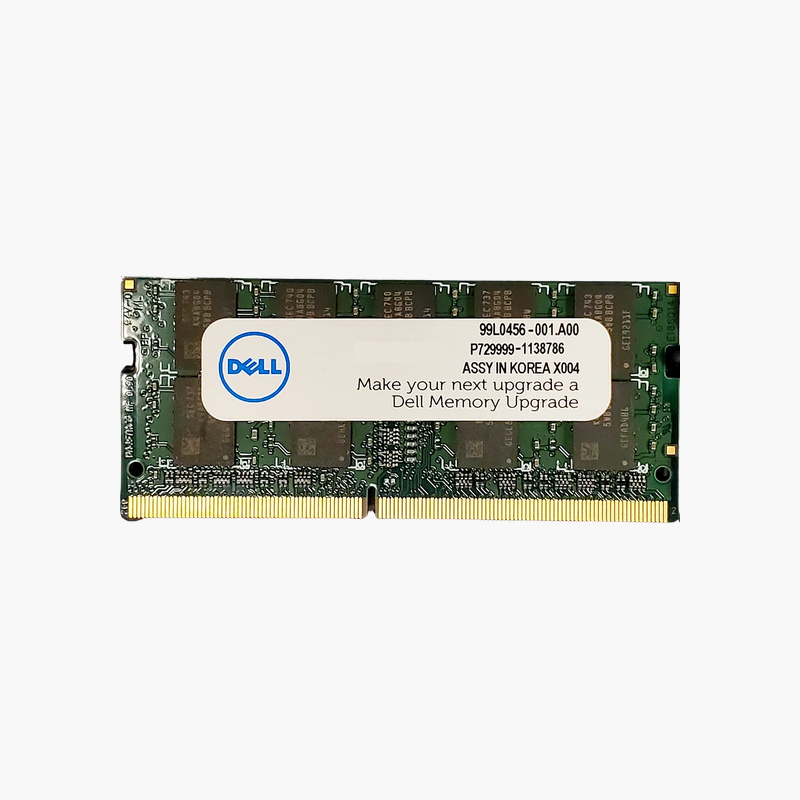
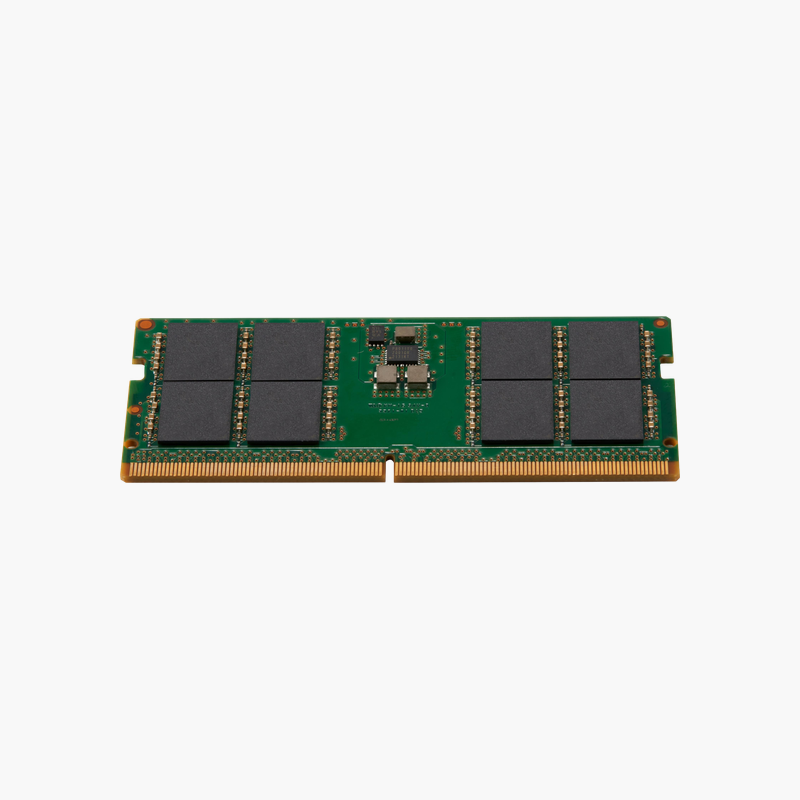
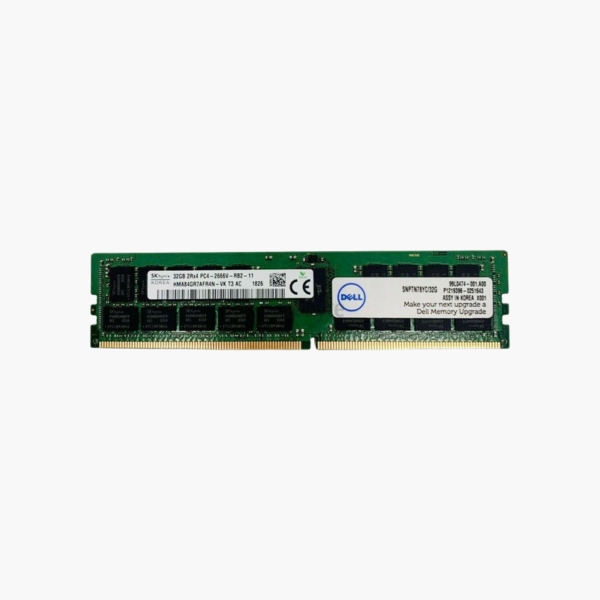
Dell-specified 32GB ECC memory for PowerEdge and Precision systems.
The Dell A9781929 is a 32GB DDR4-2666 ECC Registered DIMM for Dell PowerEdge 14th Gen servers and Precision tower workstations. It helps system administrators expand virtualization hosts, database servers, and engineering workstations with a part number that matches Dell’s memory population documentation.
Reliable Memory for Always-On Dell Servers
Servers running virtual machines and databases hold large amounts of live data in RAM. ECC memory detects and corrects single-bit errors as they happen, preventing silent data corruption and unplanned crashes.
This module is a registered DIMM. A register chip buffers command and address signals, reducing load on the processor’s memory controller so PowerEdge servers can populate two DIMMs per channel reliably.
Its dual-rank x4 layout at 2666 MT/s aligns with the native memory speed of first-generation Intel Xeon Scalable processors used in many PowerEdge 14th Gen servers.
Scale Virtualization Hosts
With 32GB per slot, a two-socket PowerEdge R640 or R740 with 24 slots can reach 768GB. That capacity supports dense VMware, Hyper-V, or Proxmox deployments.
Also Suited to Precision Workstations
Dell Precision 7820 and 7920 towers use the same class of DDR4 RDIMMs, making this module useful for CAD, simulation, and rendering workstations.
How to Install Dell RDIMM Server Memory
- Shut down the server, disconnect all power cords, and wear an anti-static wrist strap.
- Open the chassis and follow the DIMM population rules on the server’s cover label or in the Dell Installation and Service Manual.
- Insert the RDIMM with the notch aligned and press down until both ejector tabs lock.
- Power on and verify the new memory in the BIOS or iDRAC; resolve any population warnings before returning the server to production.





Reviews
There are no reviews yet.