
Networking
Shop all 595 products
Put 32GB into one slot and keep the other free, or build a 64GB laptop.
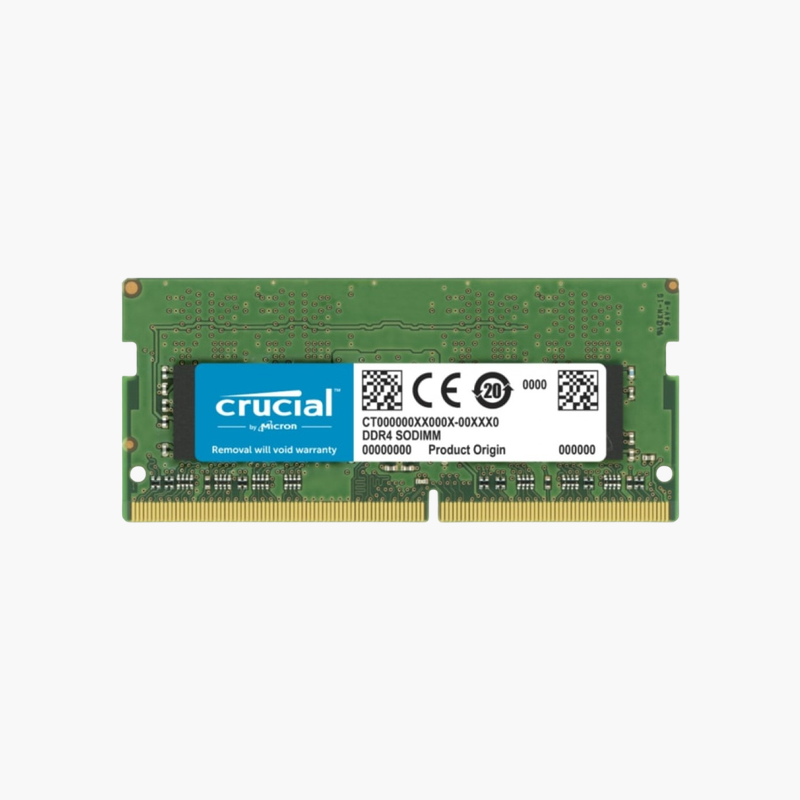
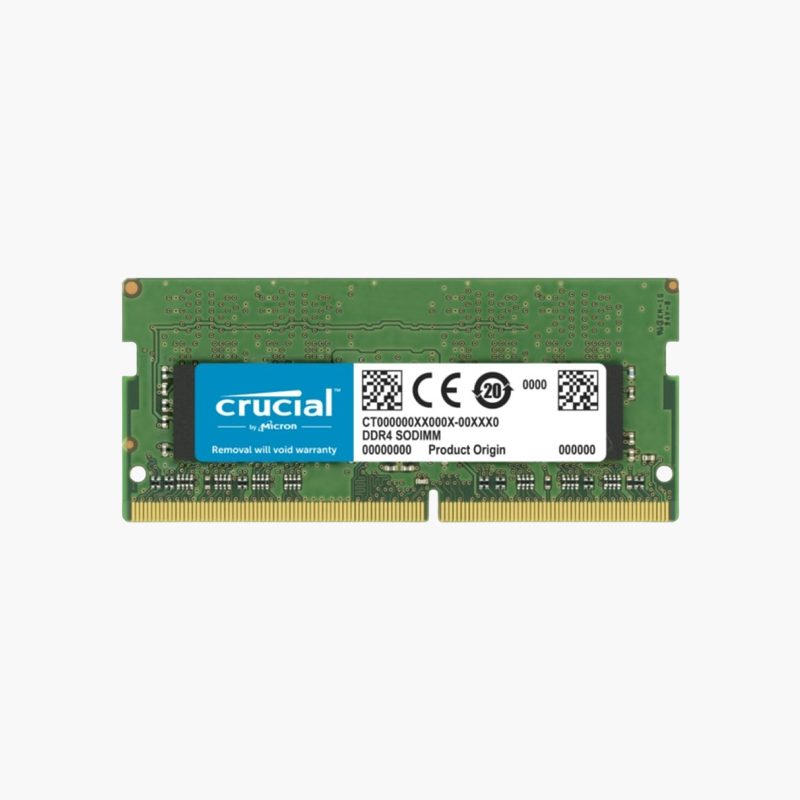
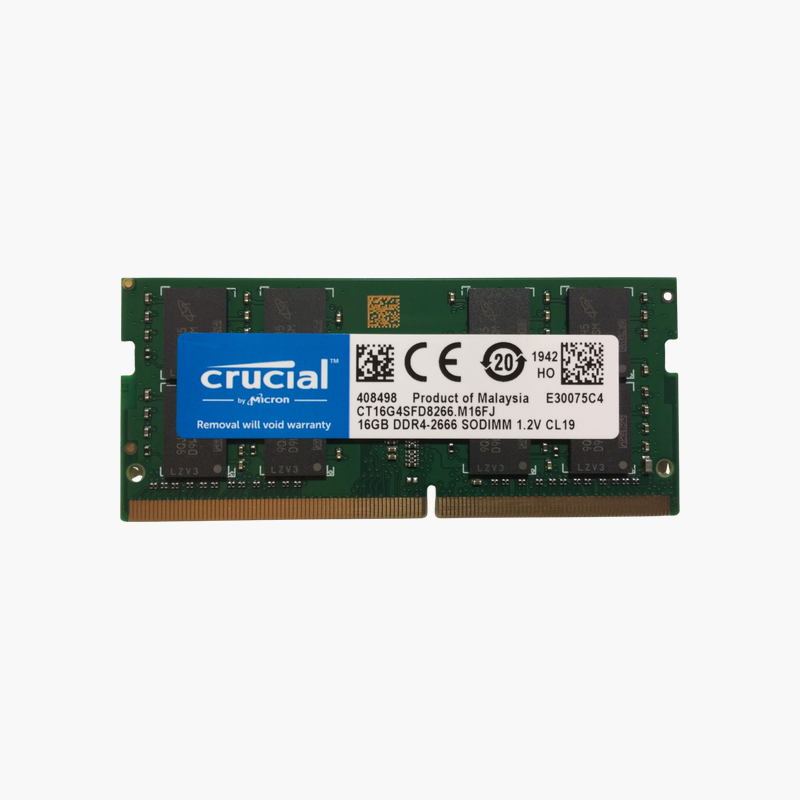
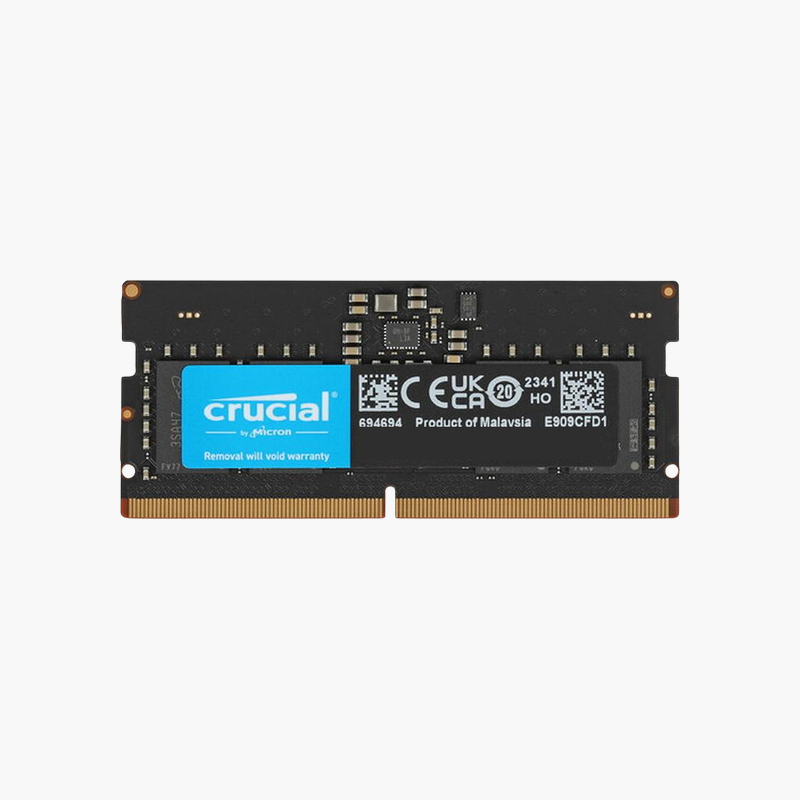
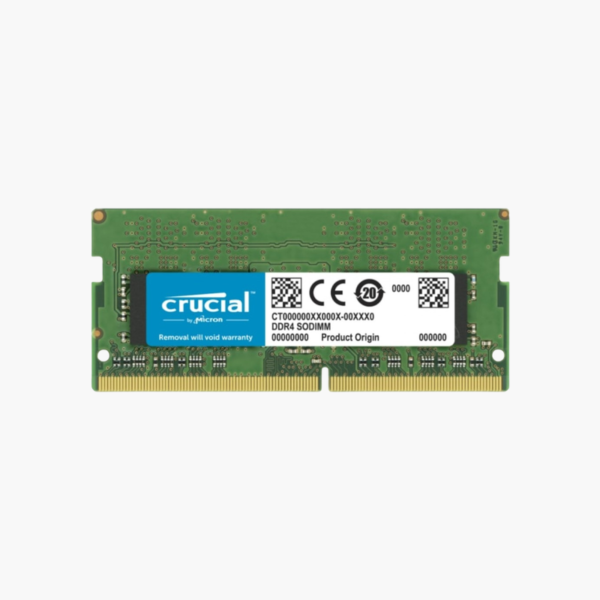
The Crucial CT32G4SFD832A is a 32GB DDR4-3200 SODIMM on a single module. It suits developers, analysts, and creators who run virtual machines, large datasets, or editing suites on laptops and mini PCs, and it lets two-slot systems that support 64GB reach that maximum.
High-Capacity Memory for Professional Laptops
Virtual machines, Docker containers, large Excel models, and 4K video timelines all keep data in RAM. When 16GB is not enough, the system pages to storage and slows down sharply.
This single 32GB module packs the capacity of two 16GB sticks into one slot. In a two-slot laptop, you can install one now and keep the second slot free, or install two for 64GB if the platform supports it, which many Intel 10th Gen and newer and AMD Ryzen 4000 and newer laptops do.
At 3200 MT/s and CL22, it runs at the fastest standard DDR4 laptop speed and falls back automatically on platforms limited to 2933 or 2666 MT/s.
Build a 64GB Laptop or Mini PC
Two of these modules give 64GB in dual channel, which is a practical configuration for home lab mini PCs running Proxmox, local development stacks, or memory-hungry data tools.
Standard Voltage, No Tuning
As a JEDEC-standard 1.2V module, it needs no XMP profile. Your system detects it at power-on and runs it at the highest supported speed.
How to Install the Crucial 32GB DDR4 SODIMM
- Shut down the laptop or mini PC, unplug the charger, and disconnect the battery if your service manual says to.
- Remove the bottom panel or memory door and locate the SODIMM slots.
- Insert the module at about 30 degrees with the notch aligned, then press it flat until the side clips lock.
- Close the panel, power on, and confirm the new total in BIOS or Windows Task Manager > Performance > Memory.




Reviews
There are no reviews yet.