
Networking
Shop all 595 products
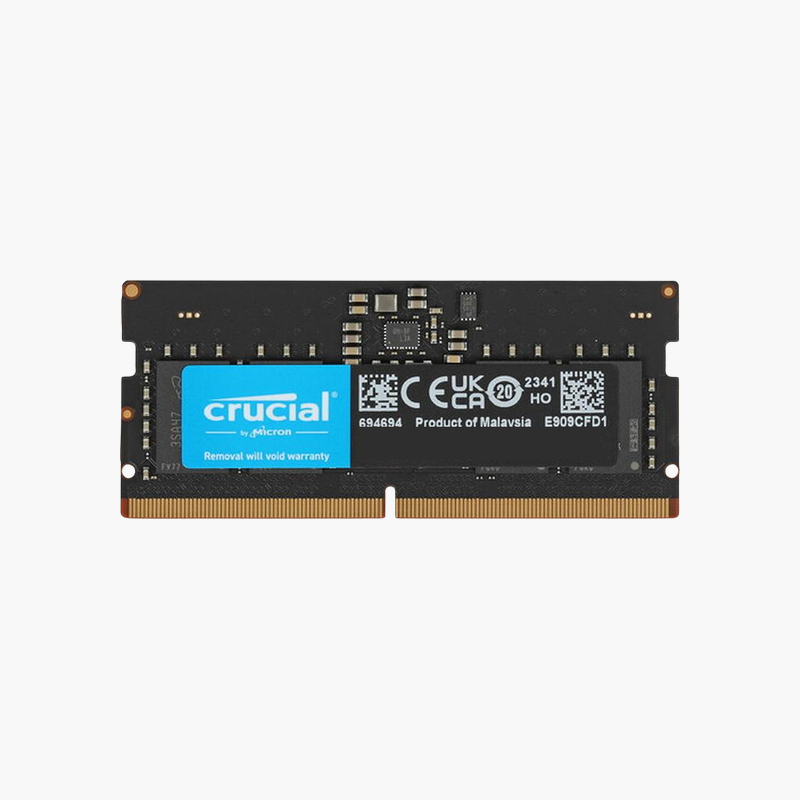
32GB in one DDR5 slot, or 64GB across two, for workstation-class laptops.
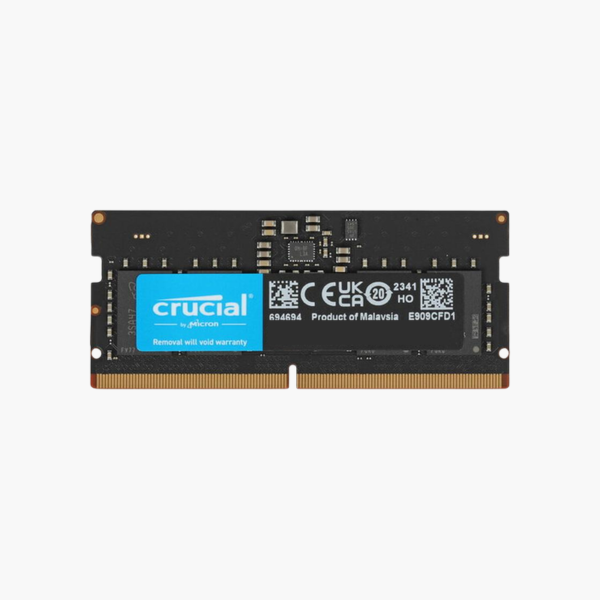
The Crucial CT32G48C40S5 is a 32GB DDR5-4800 SODIMM on a single module. It is built for engineers, video editors, data analysts, and developers using Intel 12th Gen or newer and AMD Ryzen 6000 or newer laptops and mini PCs, allowing 64GB in two-slot systems that support it.
Workstation Memory Capacity in a Laptop
Professional software such as CAD suites, 4K and 6K video editors, local AI models, and virtual machines can each use tens of gigabytes of RAM. Two 32GB modules give a DDR5 laptop 64GB, enough to keep these projects in memory instead of paging to disk.
The dual-rank 2Rx8 design increases parallelism, letting the controller interleave between ranks during sustained transfers. Combined with DDR5’s two subchannels per module, it keeps bandwidth high under load.
It runs at the 4800 MT/s DDR5 base speed at 1.1V, so it works without profiles on any compatible DDR5 laptop.
Room for Virtual Machines and Local AI Tools
A 64GB laptop can host several virtual machines or run larger local language models, a growing use case for developers who want to test without cloud resources.
Upgrade Path for Mini PCs
Many DDR5 mini PCs support 64GB with two SODIMMs, making this module a strong choice for homelab hosts running Proxmox or container platforms.
How to Install the Crucial 32GB DDR5 SODIMM
- Turn off the laptop, unplug the charger, and disconnect the internal battery if your service manual recommends it.
- Remove the bottom cover and locate the DDR5 SODIMM slots; release any existing module by spreading the clips.
- Insert the module at an angle with the notch aligned, then press down until it locks.
- Power on. The first DDR5 boot can take longer while the system trains memory; then confirm capacity and speed in BIOS or Task Manager.





Reviews
There are no reviews yet.