
Networking
Shop all 595 products

Give an older DDR4 laptop 32GB of memory and the room to keep working.
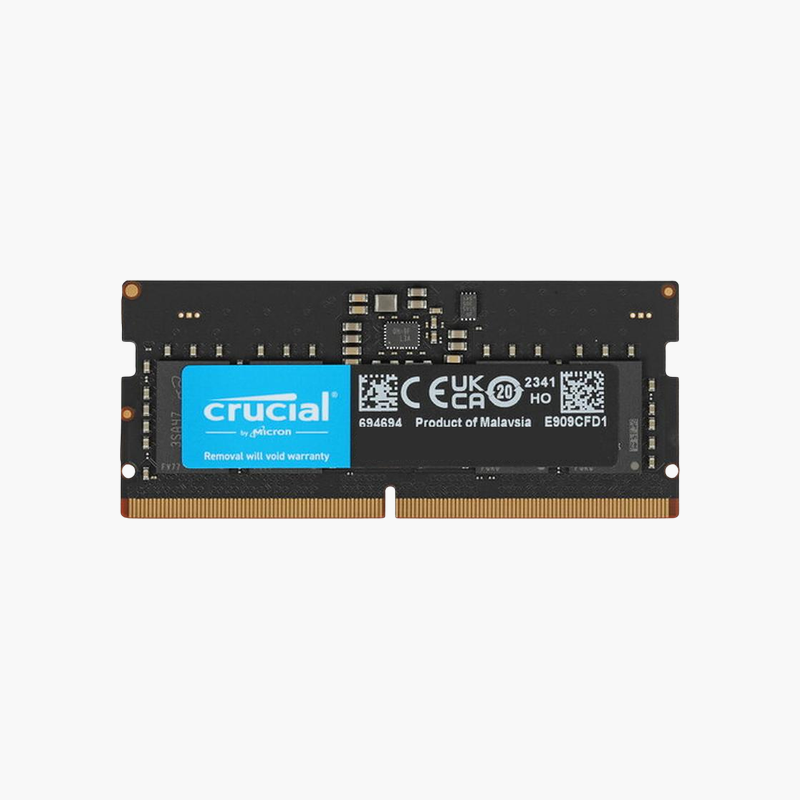
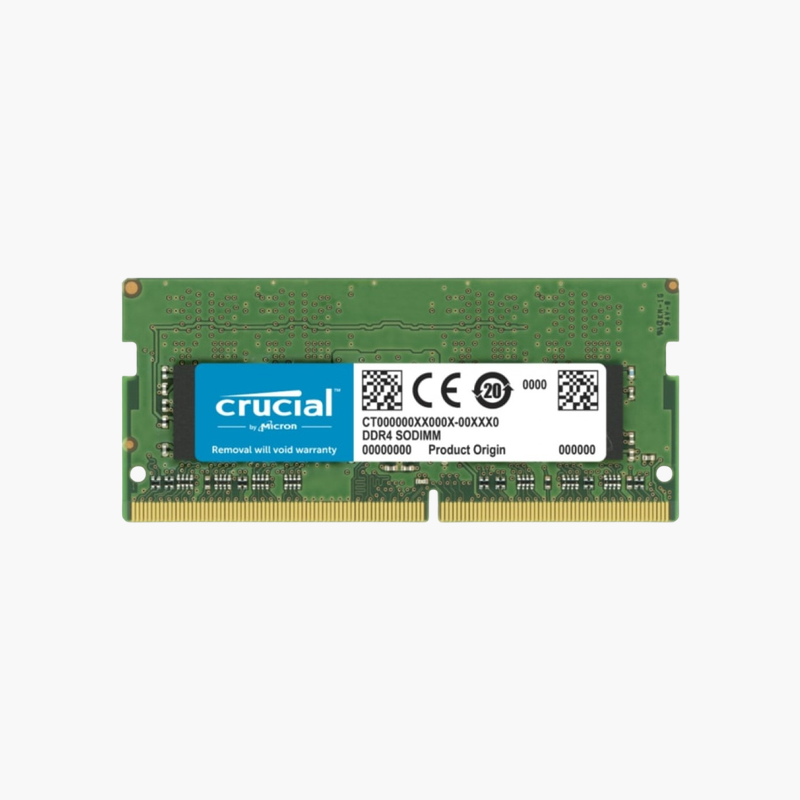
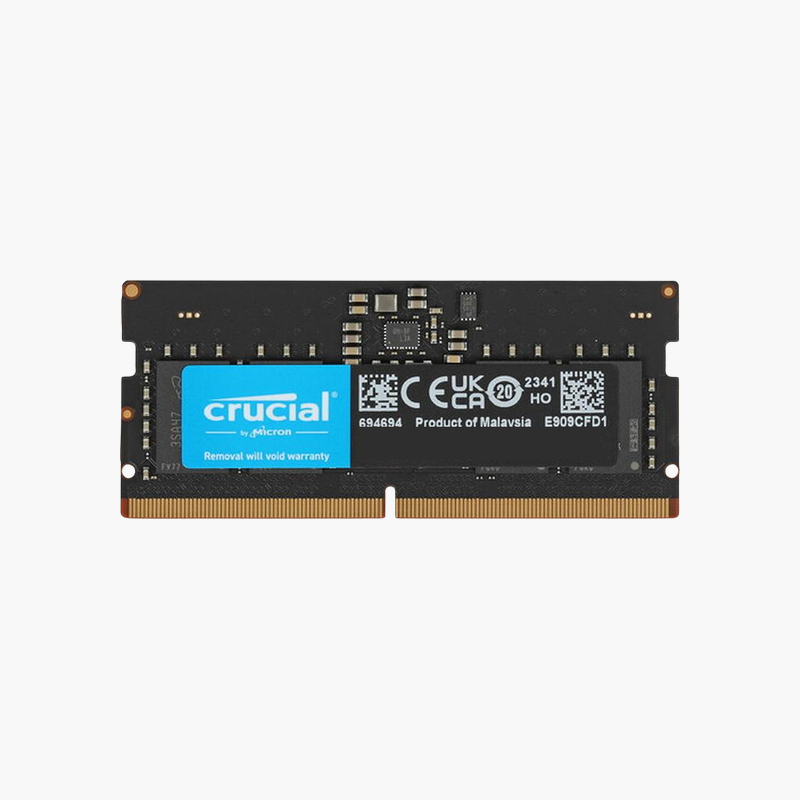
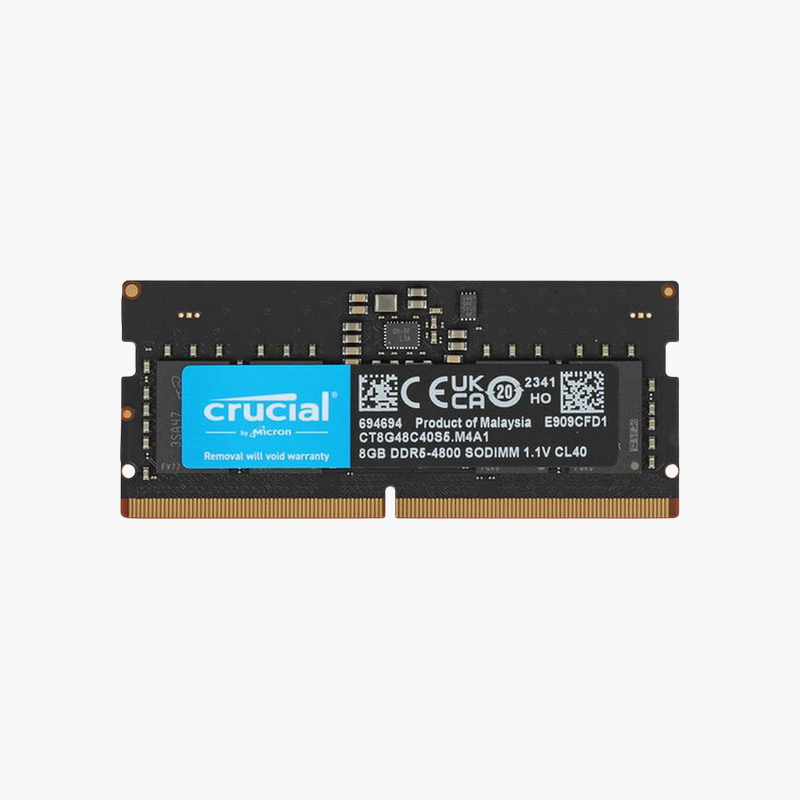
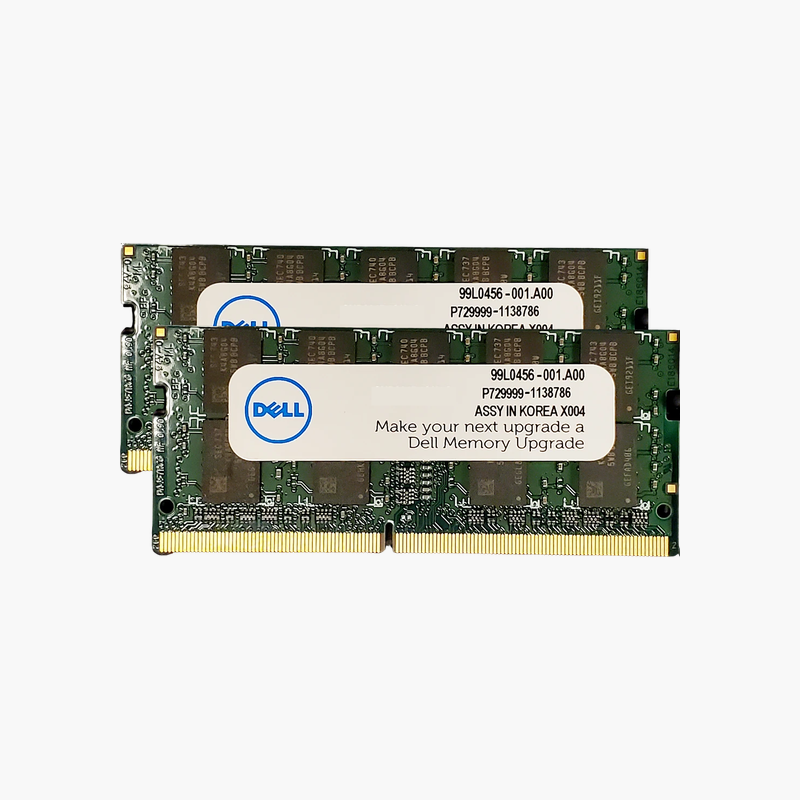
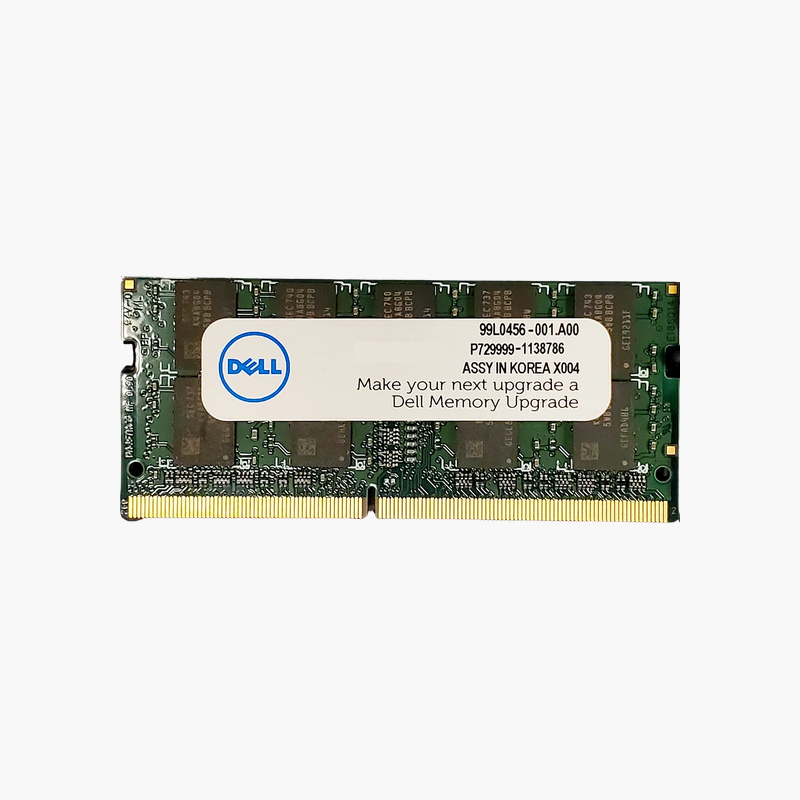
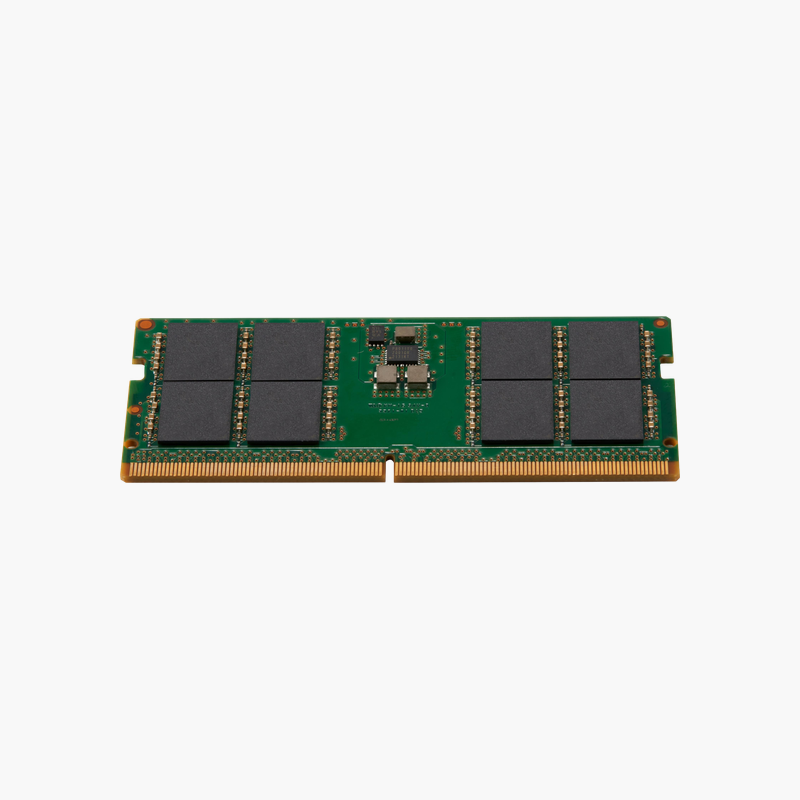
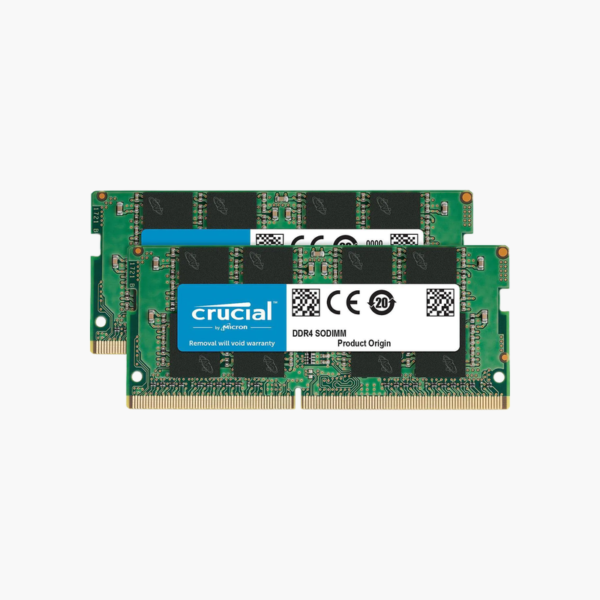
The Crucial CT2K16G4SFD824A is a 32GB (2x16GB) DDR4-2400 SODIMM kit for laptops, mini PCs, and small form factor systems. Running at 1.2V with CL17 timings, it matches the native speed of many business and consumer laptops and removes the memory bottleneck that makes older machines feel slow.
Why Older Laptops Feel Slow and How More RAM Fixes It
Many laptops built around 6th to 8th Gen Intel processors shipped with 4GB or 8GB of RAM. Current versions of Windows, browsers, and office suites use far more than that, so the system constantly swaps data to storage. The processor is often fine; it is simply waiting on memory.
This kit replaces both modules with 16GB each, giving 32GB total in dual-channel mode. Dual channel doubles memory bandwidth versus a single stick, which also helps integrated graphics, since Intel UHD and AMD Vega graphics use system RAM as video memory.
DDR4-2400 is the native speed of a large group of laptop platforms. Buying the speed your laptop is designed for means you are not paying for headroom the memory controller cannot use.
Dual-Channel Bandwidth for Everyday Workloads
With matched 16GB modules in both slots, the memory controller interleaves reads and writes across two channels. Large spreadsheets, dozens of browser tabs, virtual machines, and photo edits all stay in RAM instead of spilling to disk.
Simple Drop-In Upgrade
Most laptops with removable memory have the slots under a bottom panel. Standard 1.2V DDR4 SODIMMs need no BIOS settings, and the system detects the new capacity at first boot.
How to Install Crucial SODIMM Laptop Memory
- Power off the laptop completely, unplug the charger, and, if the battery is removable, take it out.
- Remove the bottom panel or memory door, then release the existing modules by spreading the side clips.
- Insert each new module at a 30-degree angle with the notch aligned, then press it down until the clips lock.
- Replace the panel, power on, and confirm 32GB in the BIOS or Windows Task Manager.





Reviews
There are no reviews yet.