
Networking
Shop all 595 products

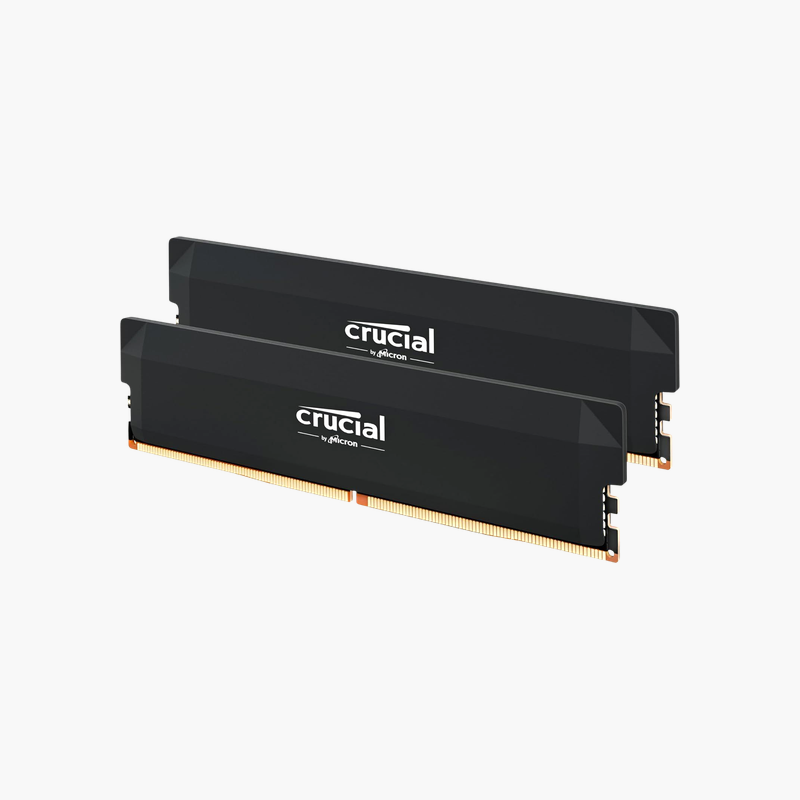
Load one profile and run 32GB of DDR5 at 6000 MT/s on Intel or AMD.
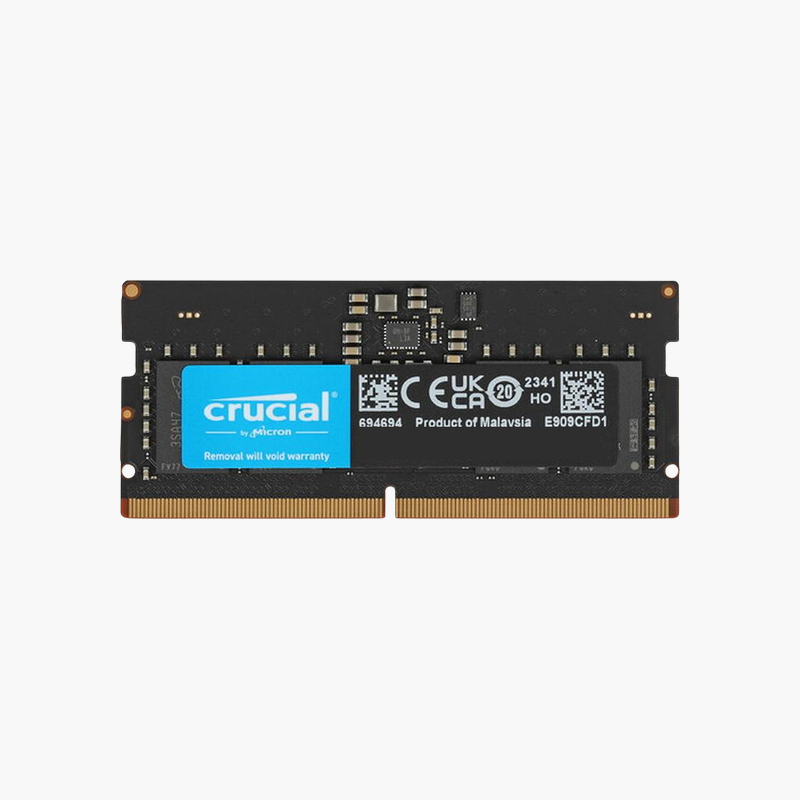
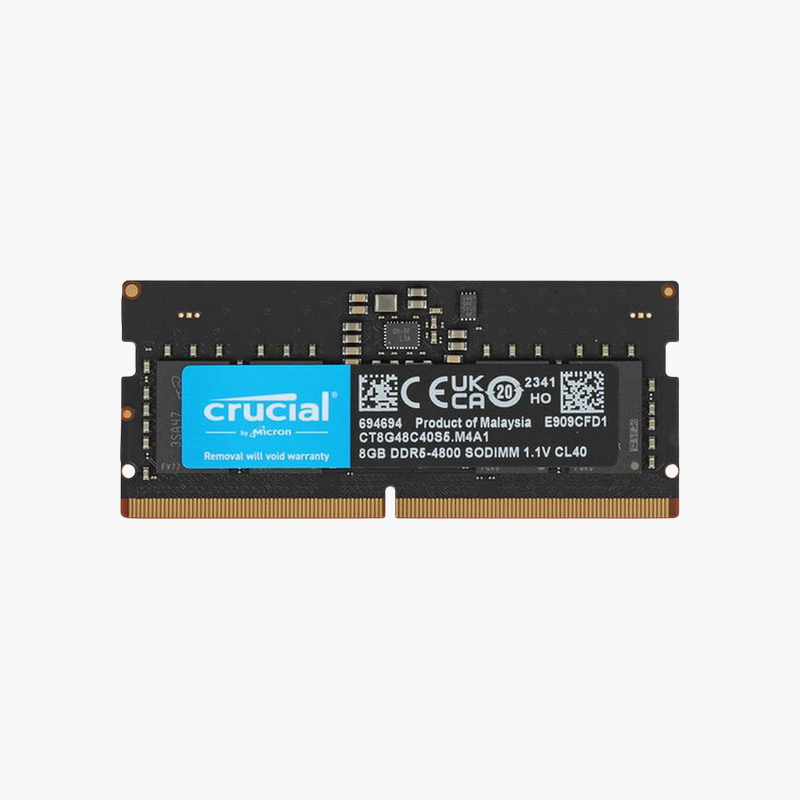
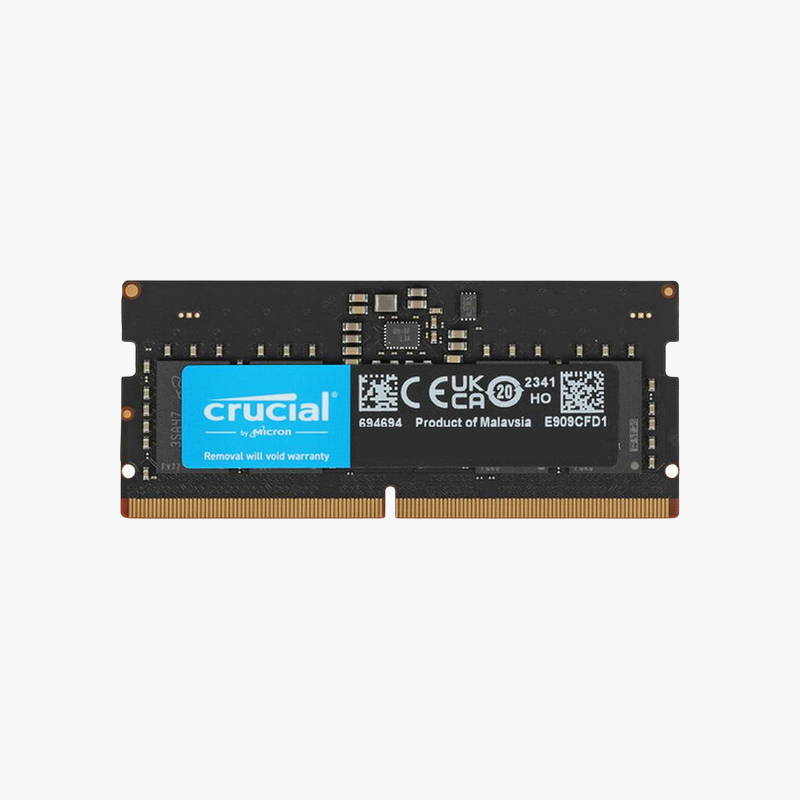
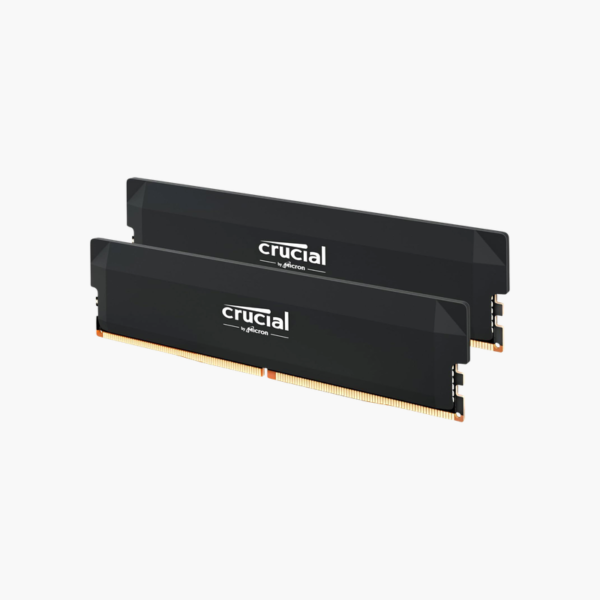
The Crucial Pro CP2K16G60C36U5B is a 32GB (2x16GB) DDR5-6000 CL36 desktop memory kit with Intel XMP 3.0 and AMD EXPO profiles. It targets gamers and creators building on AM5 or Intel LGA1700 platforms who want high bandwidth without hand-tuning timings.
Why Memory Speed Matters on DDR5 Platforms
DDR5 platforms are more sensitive to memory speed than DDR4 ones. On AMD Ryzen 7000 and 9000 processors, memory runs alongside the Infinity Fabric, and 6000 MT/s is widely regarded as a practical balance between bandwidth and stable fabric clocks. Intel 12th to 14th Gen processors also gain frame-rate consistency from faster DDR5.
Out of the box, many DDR5 kits boot at the base JEDEC speed of 4800 or 5600 MT/s. This kit stores tested 6000 MT/s CL36 profiles for both Intel (XMP 3.0) and AMD (EXPO), so you enable one setting in BIOS instead of entering timings by hand.
Each module includes its own power management IC (PMIC), which regulates voltage on the stick instead of relying entirely on the motherboard. DDR5 also adds on-die ECC that corrects internal cell errors as memory densities increase.
One Kit for Intel and AMD Builds
Dual profiles mean the same kit works across platforms, which is useful for system builders and anyone planning a future platform change. Select XMP or EXPO in the BIOS, save, and the memory trains at 6000 MT/s on supported boards.
Clean Fit for Air-Cooled Builds
The low-profile black heat spreader keeps the modules short enough to sit under most large tower coolers while still drawing heat away from the DRAM and PMIC.
How to Install and Enable 6000 MT/s
- Power down, unplug, and ground yourself. Install the modules in the motherboard’s recommended dual-channel slots, usually A2 and B2.
- Boot into BIOS. The first DDR5 boot can take a minute or two while the board trains memory; this is normal.
- Enable EXPO (AMD) or XMP (Intel) and choose the 6000 MT/s profile, then save and reboot.
- Confirm 6000 MT/s in BIOS or with a tool like CPU-Z, and update your motherboard BIOS if training is unstable.





Reviews
There are no reviews yet.