
Networking
Shop all 595 products

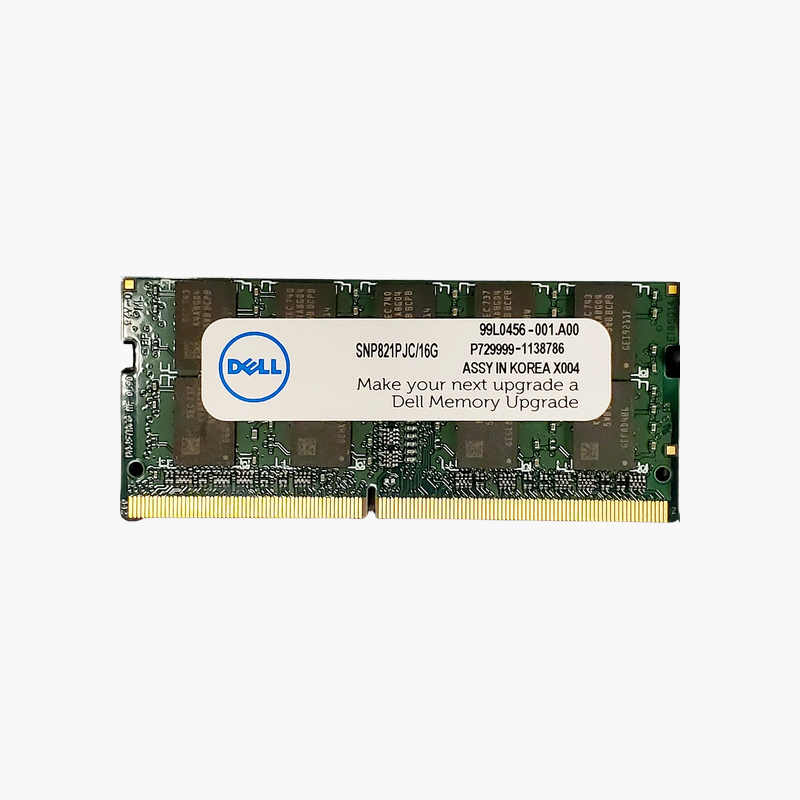
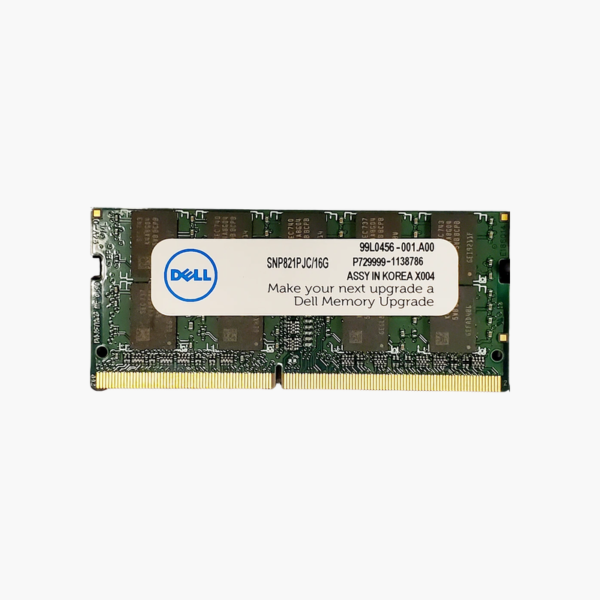
Double a Dell laptop’s working memory with a Dell-specified 16GB module.
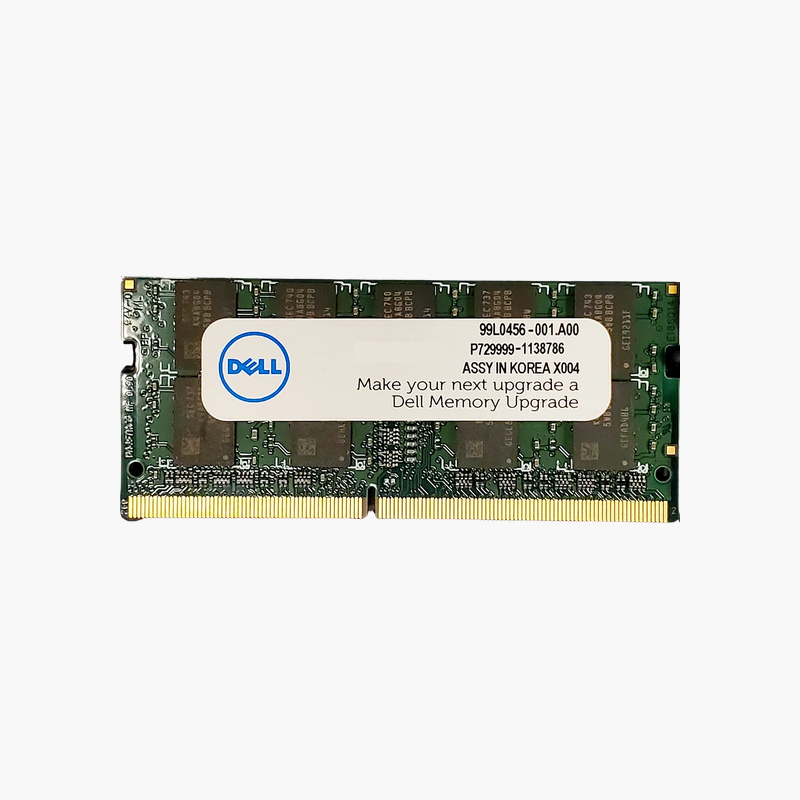
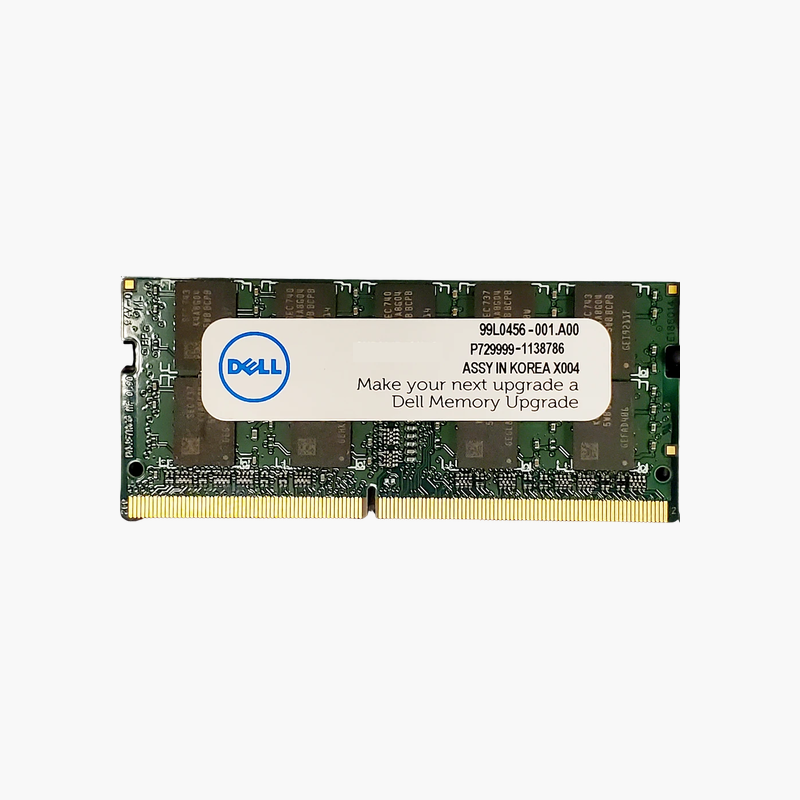
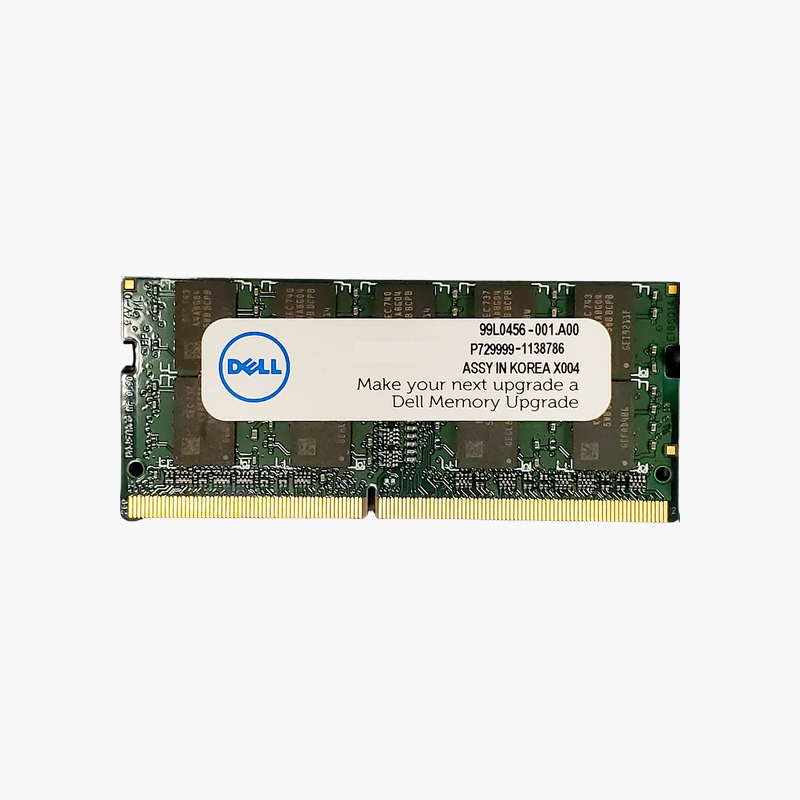
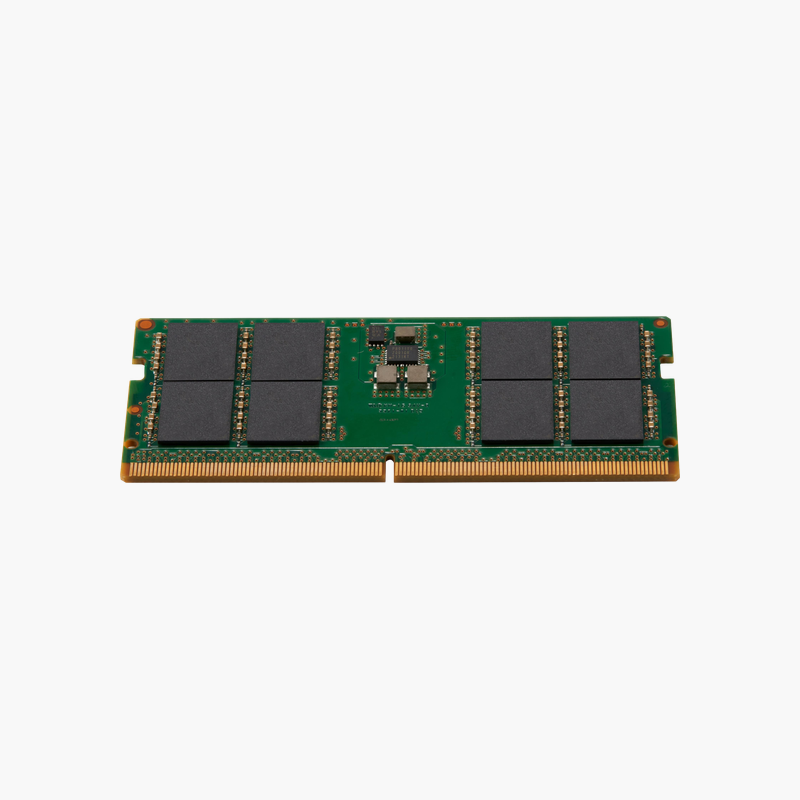
The Dell SNP821PJC/16G is a 16GB DDR4-2666 SODIMM for Dell Latitude, Precision, Inspiron, and OptiPlex Micro systems. It gives business users and IT teams a straightforward way to reach 16GB or 32GB, enough for Windows 11, collaboration apps, and data-heavy spreadsheets without slowdowns.
16GB Per Slot for Business Workloads
Business laptops that shipped with 8GB often run out of memory with Teams, Outlook, a browser, and Excel open together. Replacing an 8GB module with this 16GB stick, or installing two, removes that bottleneck.
As a dual-rank module, it lets the memory controller interleave between ranks, which supports steady throughput during multitasking.
It operates at 2666 MT/s and 1.2V, the native DDR4 speed of many Dell systems from the Intel 8th to 10th Gen era.
Path to 32GB
Two of these modules give 32GB in dual channel, a common standard for developer and analyst laptops in Dell fleets.
Consistent Spares for IT
Using Dell’s listed part number keeps repairs aligned with Dell documentation and simplifies inventory across multiple models.
How to Install Dell Laptop Memory
- Shut down the system, unplug the charger, and disconnect the battery if the service manual recommends it.
- Remove the bottom cover or memory access panel and locate the SODIMM slots.
- Insert the module at an angle with the notch aligned, then press it down until the retaining clips lock.
- Reassemble, power on, and confirm the new capacity and speed in BIOS or Windows Task Manager.







Reviews
There are no reviews yet.