
Networking
Shop all 595 products
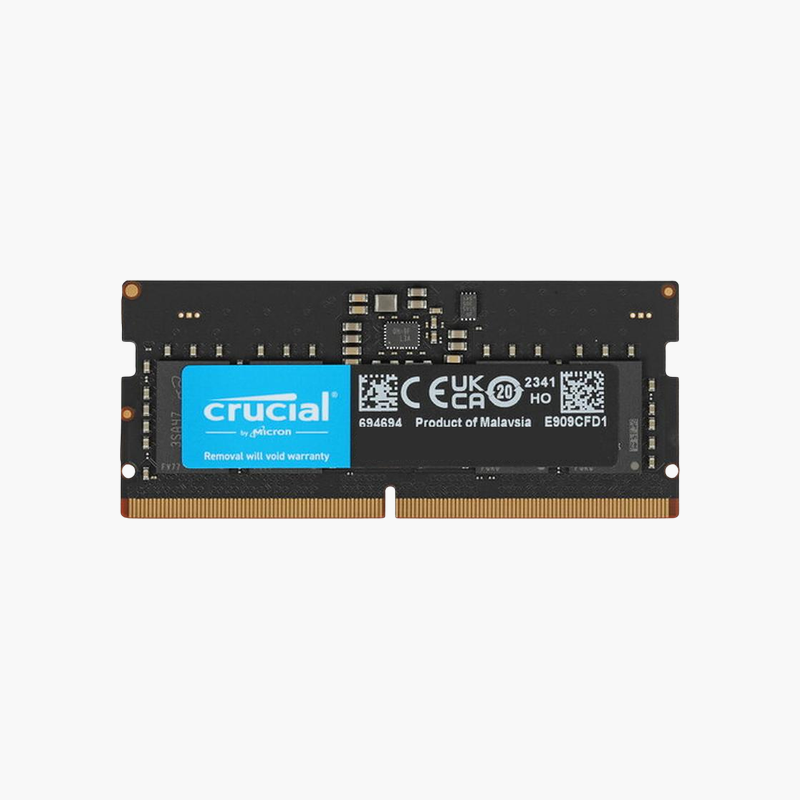
Bring a DDR5 laptop to 32GB with one module per slot.
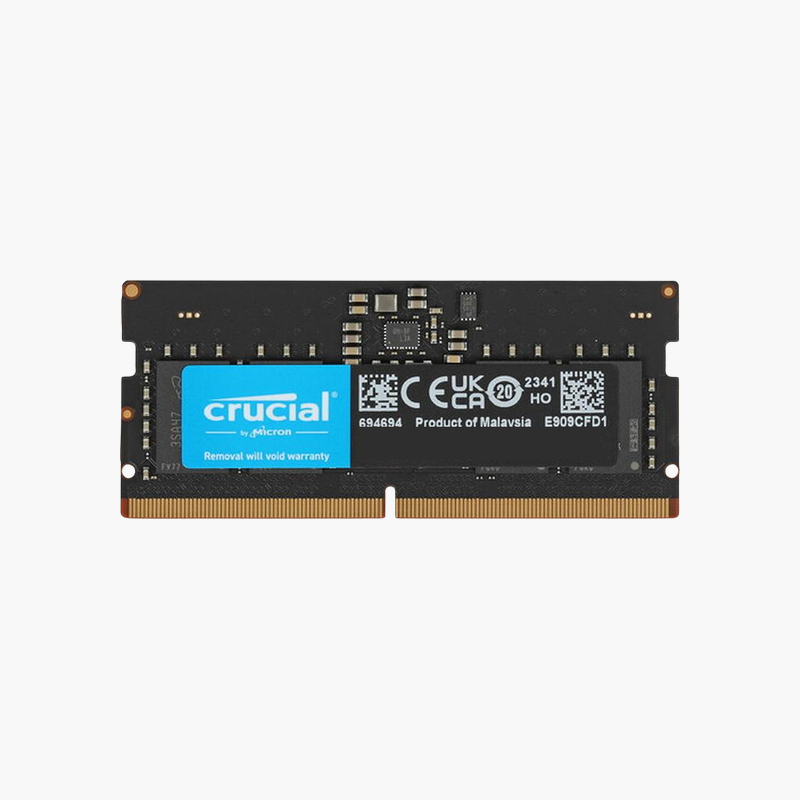
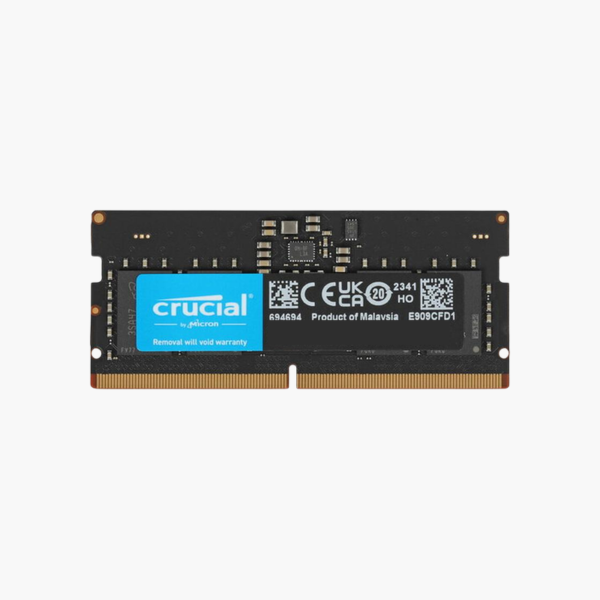
The Crucial CT16G48C40S5 is a 16GB DDR5-4800 SODIMM for modern laptops, gaming notebooks, and mini PCs. It suits users replacing an 8GB module or building a 32GB dual-channel configuration for creative work, software development, and gaming with background apps open.
16GB Per Slot for Modern Laptop Workloads
Current games, Adobe apps, and developer tools often need more than 16GB of total system memory. With two 16GB modules, a DDR5 laptop reaches 32GB in dual channel, a capacity that comfortably covers these workloads.
DDR5-4800 is the base JEDEC speed supported by Intel 12th Gen and AMD Ryzen 6000 laptops, so the module runs at full speed without any profile. On newer platforms that support higher speeds, it still runs at its rated 4800 MT/s.
Each DDR5 module splits into two independent subchannels, improving efficiency when many small memory requests arrive at once, a common pattern in multitasking.
Better Gaming Laptop Performance
Gaming laptops with discrete GPUs still rely on system RAM for game assets, the OS, and background apps like Discord and browsers. Moving from 16GB to 32GB reduces hitching and load times in memory-heavy titles.
Efficient, Cool Operation
At 1.1V with an on-module PMIC, the module delivers DDR5 bandwidth with low heat output, suited to thin chassis.
How to Install the Crucial 16GB DDR5 SODIMM
- Turn off the laptop, unplug the charger, and disconnect the internal battery if your service manual recommends it.
- Remove the bottom cover and locate the DDR5 SODIMM slots; release any existing module by spreading the clips.
- Insert the module at an angle with the notch aligned, then press down until it locks.
- Power on. The first DDR5 boot can take longer while the system trains memory; then confirm capacity and speed in BIOS or Task Manager.






Reviews
There are no reviews yet.