
Networking
Shop all 595 products
Build a fast 32GB DDR5 laptop with two modules that adapt to your platform.
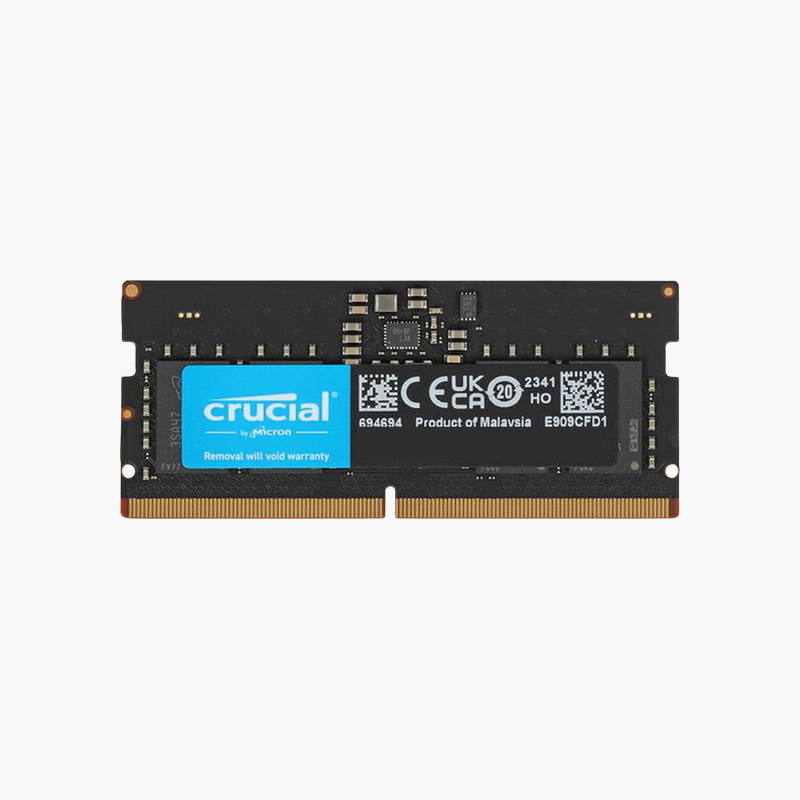
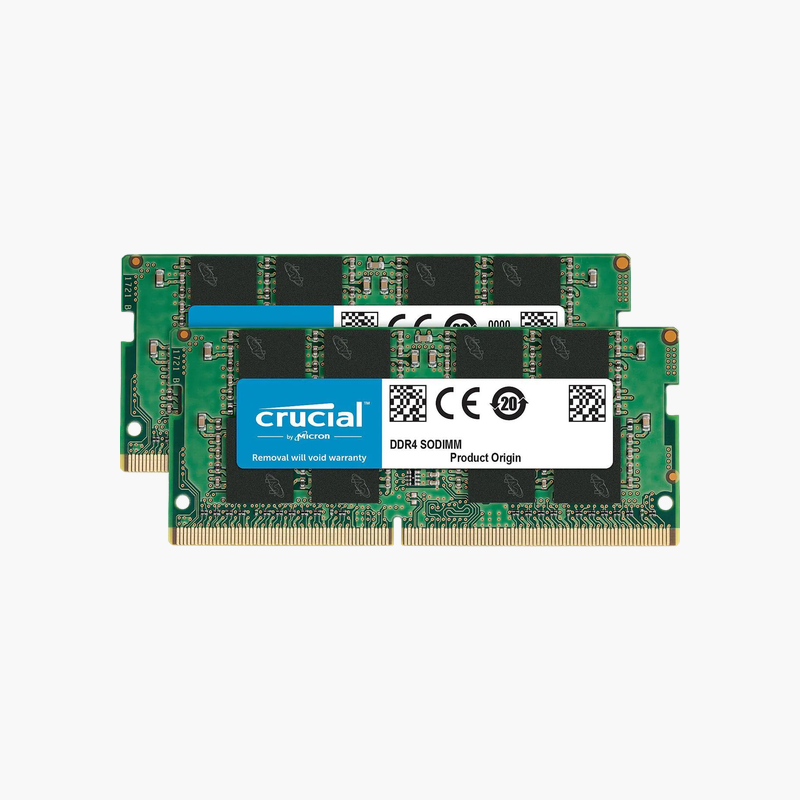
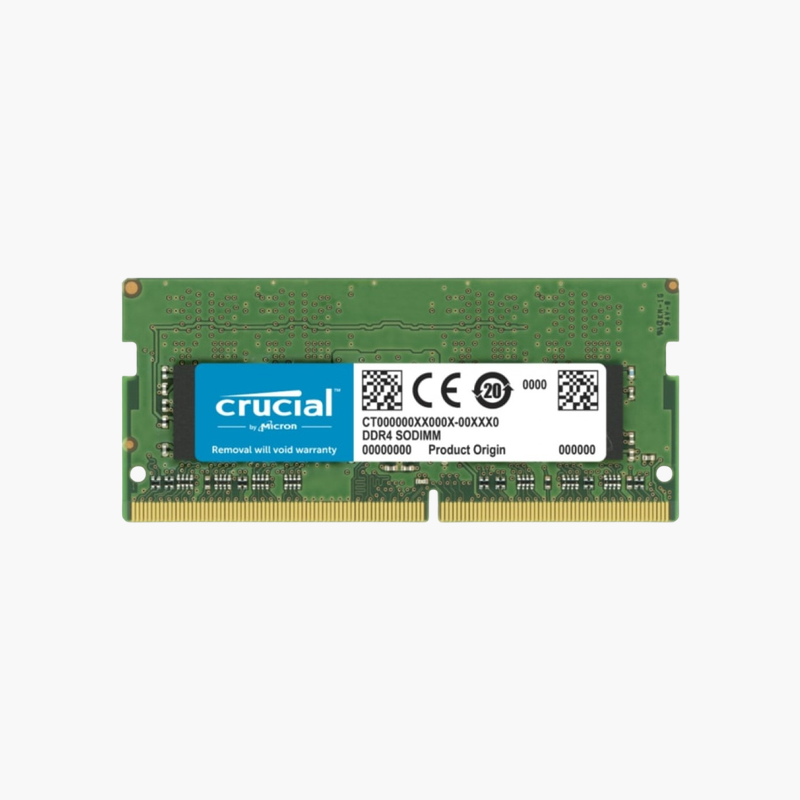
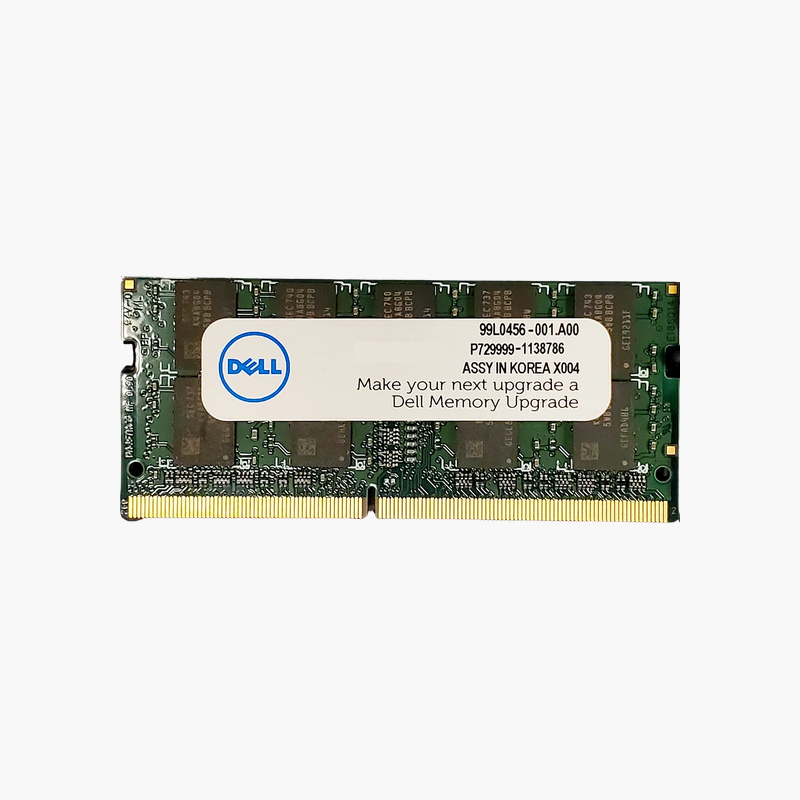
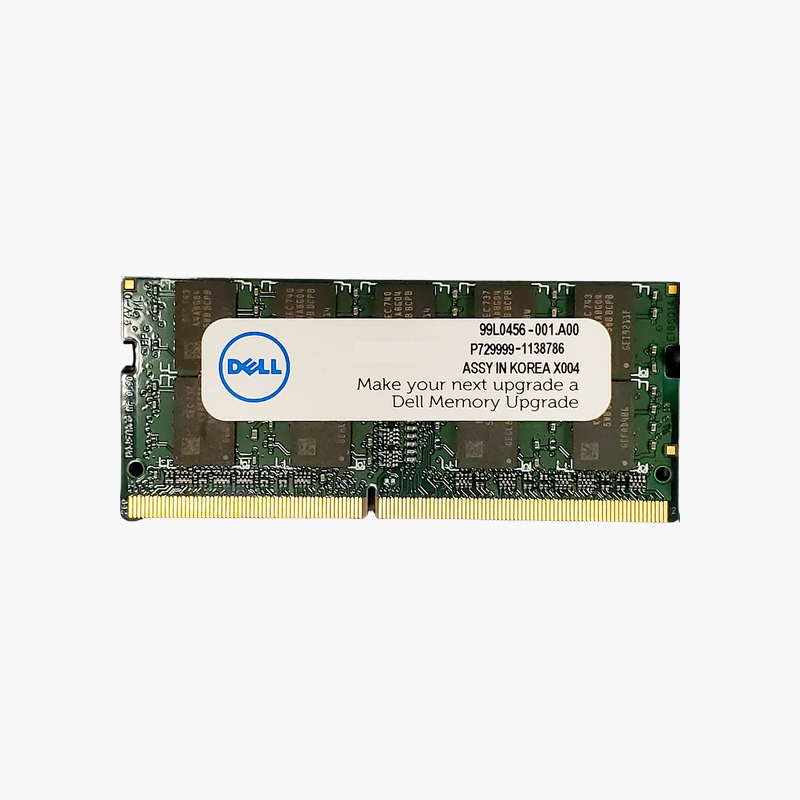
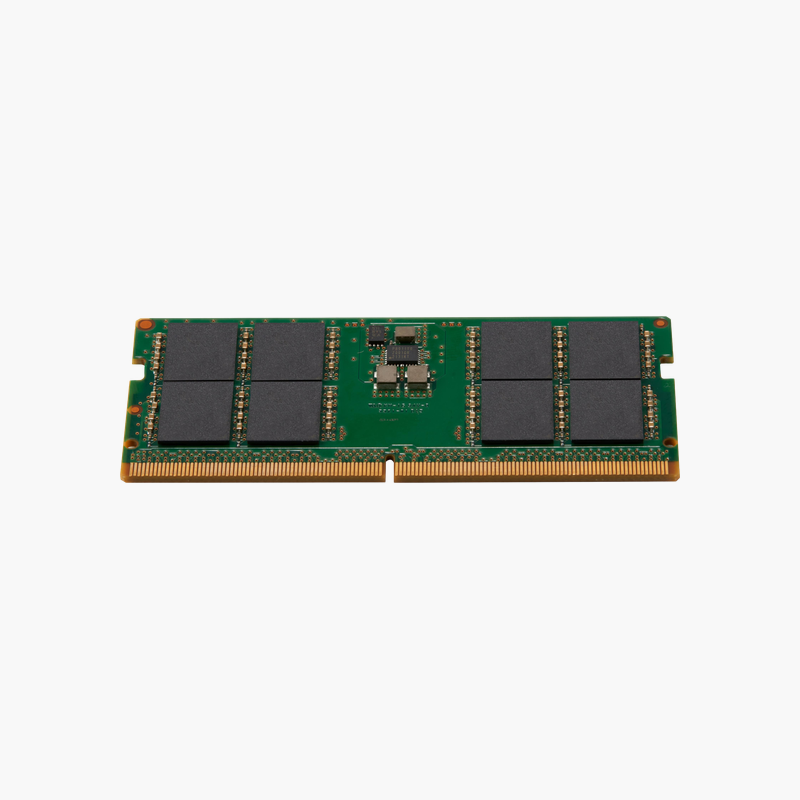
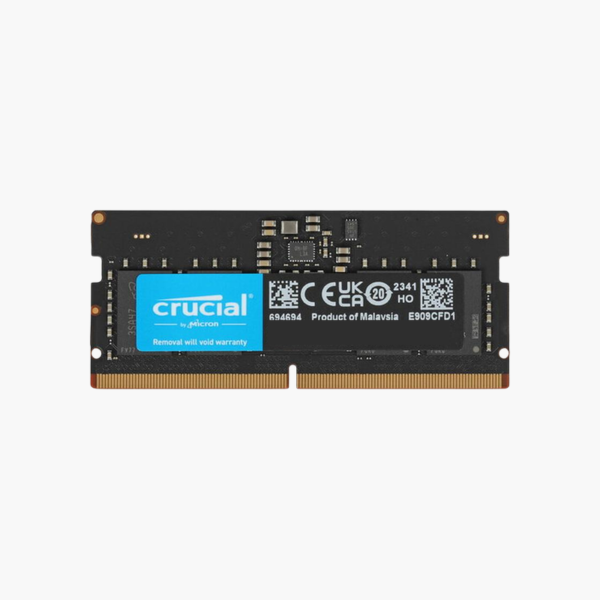
The Crucial CT16G56C46S5 is a 16GB DDR5-5600 SODIMM for laptops, gaming notebooks, and mini PCs. It reaches 5600 MT/s on supported Intel 13th Gen and newer and AMD Ryzen platforms and steps down to 5200 or 4800 MT/s on older DDR5 laptops, so it is a safe upgrade across generations.
Speed and Capacity Together
Two of these modules give 32GB at up to 5600 MT/s in dual channel, a configuration that suits gaming, creative software, and development work. Higher speed matters most on systems with integrated graphics and on processors that are sensitive to memory latency and bandwidth.
The module includes JEDEC profiles for 5600, 5200, and 4800 MT/s. The laptop reads them at boot and selects the fastest supported speed, with no BIOS changes required.
As a single-rank 1Rx8 DDR5 module running at 1.1V, it combines broad compatibility with low power use.
Strong Pairing for Gaming Laptops
Gaming laptops benefit from 32GB when streaming, recording, or running browsers alongside games. Faster DDR5 also helps CPU-bound titles maintain steadier frame times.
Future-Proof for Newer Systems
Because it runs at 5600 MT/s, the module remains fully useful if you move it to a newer laptop or mini PC later.
How to Install the Crucial 16GB DDR5 SODIMM
- Turn off the laptop, unplug the charger, and disconnect the internal battery if your service manual recommends it.
- Remove the bottom cover and locate the DDR5 SODIMM slots; release any existing module by spreading the clips.
- Insert the module at an angle with the notch aligned, then press down until it locks.
- Power on. The first DDR5 boot can take longer while the system trains memory; then confirm capacity and speed in BIOS or Task Manager.




Reviews
There are no reviews yet.