
Networking
Shop all 595 products
Proven Cisco Layer 2 access for Fast Ethernet desks, phones and point-of-sale devices.
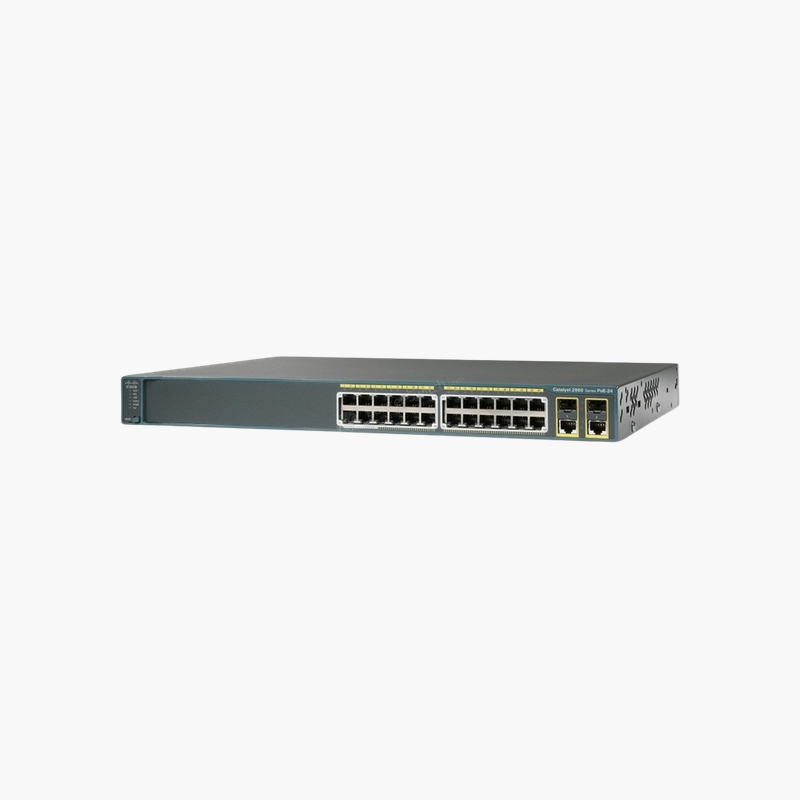
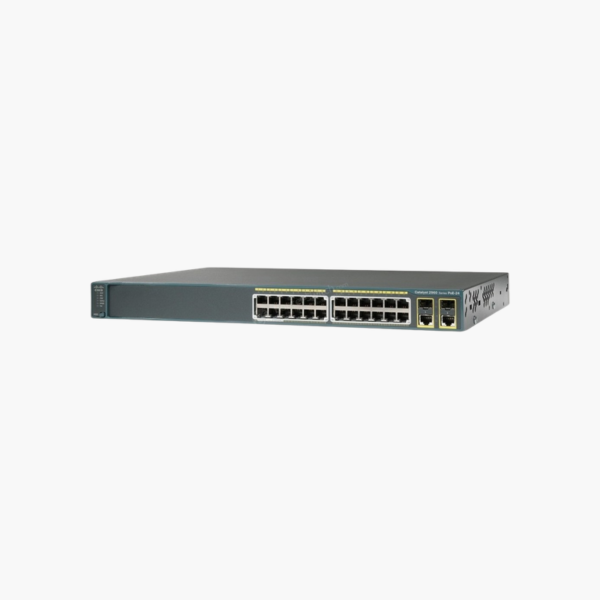
The Cisco WS-C2960+24PC-S is a Fast Ethernet access switch from the Catalyst 2960-Plus Series, with 24 10/100 PoE ports, 2 x dual-purpose Gigabit uplinks and a 370W power budget. It runs the LAN Lite Cisco IOS feature set and suits office wiring closets and branch networks that need dependable Cisco management on a controlled budget.
How the WS-C2960+24PC-S Simplifies Powering and Securing Edge Devices
In most offices, IP phones, wireless access points and security cameras sit far from a power outlet. Running separate power to each one adds cost, clutter and failure points, and unmanaged PoE switches leave you with no way to prioritize power or isolate device traffic.
The WS-C2960+24PC-S supplies IEEE 802.3af PoE over the same Ethernet cable as data, from a shared 370W budget. Intelligent power management lets you allocate and monitor power per port, so critical devices such as phones stay on when demand peaks.
Its LAN Lite feature set adds the controls a shared network needs: separate VLANs for voice, cameras and staff traffic, QoS so calls stay clear, and 802.1X or port security to stop unknown devices from connecting.
Flexible Uplinks for Fiber or Copper
The uplinks (2 x dual-purpose Gigabit uplinks (SFP or 10/100/1000BASE-T)) connect this switch to a core switch, router or another closet. Use copper for short runs today and switch to an SFP fiber module when you need longer distance or electrical isolation.
Rack-Ready Build for the Wiring Closet
The 1RU chassis mounts in a standard 19-inch rack, and the console port gives direct CLI access for setup and recovery. Cisco IOS is familiar to most network technicians, so existing configurations and skills carry over.
How to Set Up the Cisco WS-C2960+24PC-S
- Mount the switch in a 19-inch rack or on a shelf, keep the vents clear, and connect the AC power cord.
- Connect the uplink to your core switch or router (copper or SFP module), then patch end devices including PoE phones, cameras and access points to the access ports.
- Connect to the console port with a terminal program, or use Express Setup / the web interface where available, and assign a management IP, hostname and secure passwords.
- Create your VLANs, enable Spanning Tree and port security, set PoE priorities, update to the latest supported Cisco IOS release, and save the configuration.















Reviews
There are no reviews yet.