
Networking
Shop all 595 products
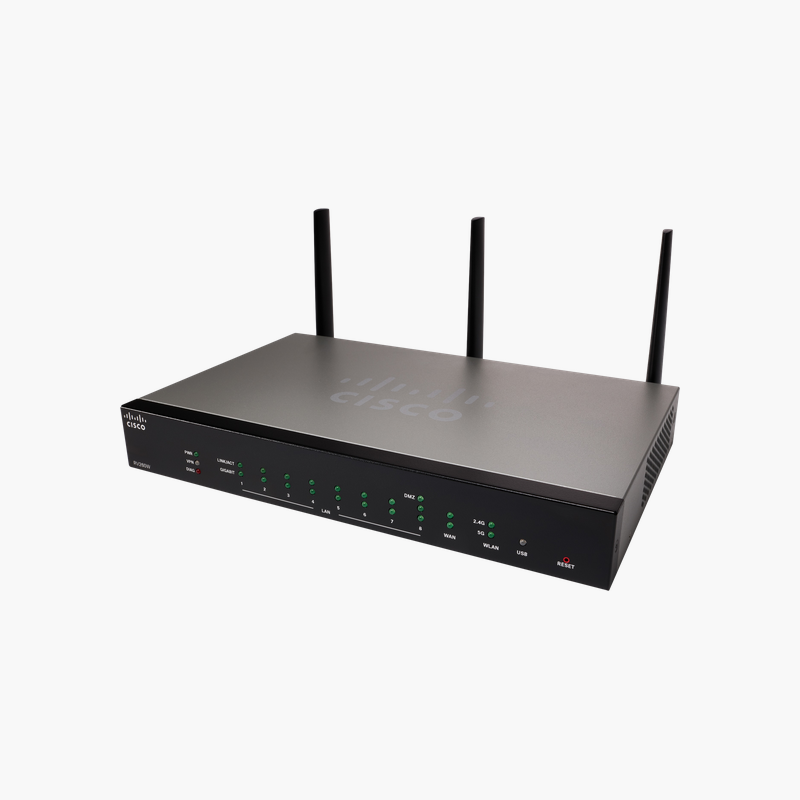
A compact Cisco VPN firewall and Wi-Fi router for small offices.
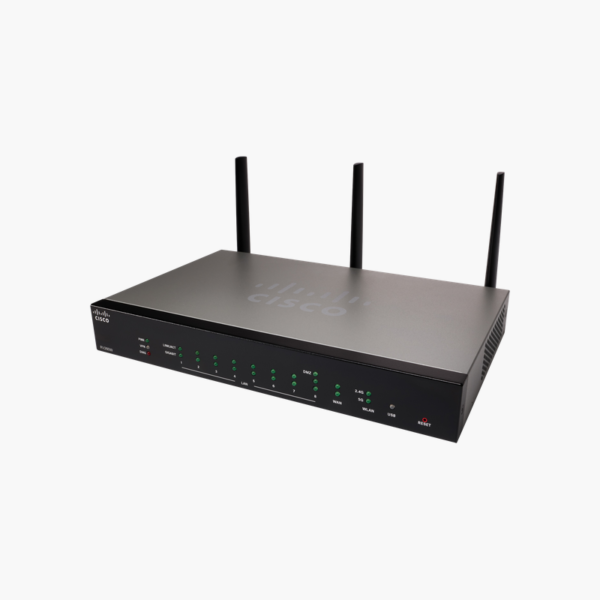
The Cisco RV220W is a Wireless-N network security firewall that combines a Gigabit router, SPI firewall, IPsec and SSL VPN and selectable dual-band 802.11n Wi-Fi. It suits small offices and home offices that need secure remote access and wireless in one compact Cisco Small Business device.
Why Small Offices Need More Than a Consumer Wi-Fi Router
Consumer routers are designed for home browsing. They seldom support site-to-site VPN, VLAN separation for guests, or the firewall controls a business needs to protect client data and connect remote staff.
The RV220W adds those business features: a stateful packet inspection firewall, up to 25 IPsec tunnels for branch connections, QuickVPN and SSL VPN for remote users, and up to 16 VLANs to separate traffic. Static URL and keyword filtering help enforce acceptable-use policies.
Its selectable dual-band radio can operate on 2.4 GHz for range or 5 GHz for less congestion, with up to four SSIDs so guests never share the staff network.
Secure Remote Access and Branch VPN
IPsec VPN reaches up to 90 Mbps across 25 site-to-site tunnels, while QuickVPN supports 25 remote clients and SSL VPN supports 5 browser-based tunnels, giving small teams several ways to work securely from outside the office.
Gigabit Wired Performance
Five Gigabit ports and 800 Mbps of NAT throughput keep file transfers and cloud applications fast. Two detachable external antennas let you reposition or upgrade antennas for better coverage.
How to Set Up the Cisco RV220W
- Connect your modem to the WAN port, a computer to a LAN port, and power on the router.
- Open the web-based Device Manager from a browser, sign in, and change the default administrator password.
- Run the setup wizard to configure the internet connection, wireless band, SSIDs and WPA2 security.
- Configure VLANs, firewall rules, web filtering and VPN tunnels as needed, then apply the latest firmware and back up the configuration.














Reviews
There are no reviews yet.