
Networking
Shop all 595 products
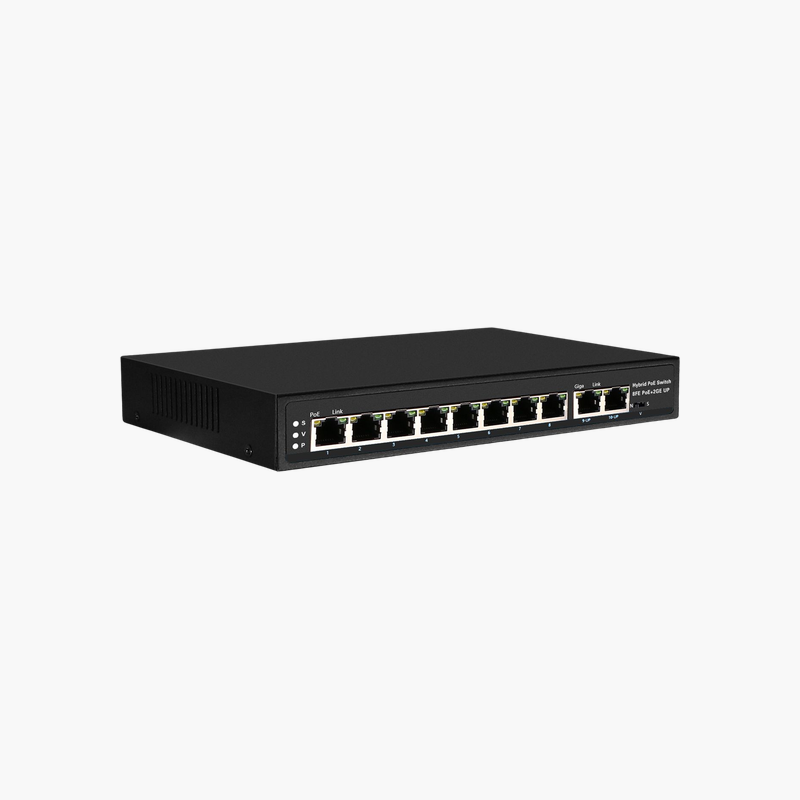
Multi-WAN reliability, VPN and security for small businesses in one fanless router.
The TP-Link ER7206 is a Gigabit multi-WAN VPN router from the Omada SafeStream line, with one SFP port, five Gigabit RJ-45 ports and support for up to five WAN links. It suits small and mid-sized offices, shops and hotels that need reliable internet, secure VPN and central Omada SDN management.
How the ER7206 Prevents Internet Outages and Unsecured Branch Links
When a business depends on one internet line, any ISP outage stops card payments, cloud apps and calls. Consumer routers rarely support more than one WAN link, and their VPN performance is too slow to connect branches properly.
The ER7206 supports up to five WAN connections with load balancing and failover, so traffic keeps flowing when one link drops. A USB 3.0 port accepts an LTE dongle as a last-resort backup, and the SFP port connects fiber directly without a separate media converter.
For security, it includes signature-based IDS/IPS, deep packet inspection, URL filtering, country-based access rules and DoS protection. IPsec throughput of about 885 Mbps and 100 IPsec tunnels let you link sites and remote staff without a separate VPN appliance.
Omada SDN Centralized Management
Adopt the ER7206 into Omada Central (cloud), an OC hardware controller or the free software controller to manage it alongside Omada switches and access points. Zero-touch provisioning, SD-WAN between sites, alerts and scheduled tasks are all handled from one dashboard or the Omada app.
Fanless Steel Design
The fanless metal enclosure runs silently and draws only about 7.5W. It can sit on a desk, mount on a wall or go into a rack, which suits small server cabinets and front-of-house locations.
How to Set Up the TP-Link ER7206
- Connect your primary internet line to the WAN port (or the SFP port for fiber) and connect a computer or switch to a LAN port.
- Open the router web interface or adopt it into your Omada controller or Omada Central, then set an admin password.
- Configure additional WAN ports, load balancing and failover rules, and set up VLANs and DHCP for your LAN.
- Enable IDS/IPS, URL filtering and VPN tunnels as needed, update the firmware, and back up the configuration.














Reviews
There are no reviews yet.