
Networking
Shop all 595 products
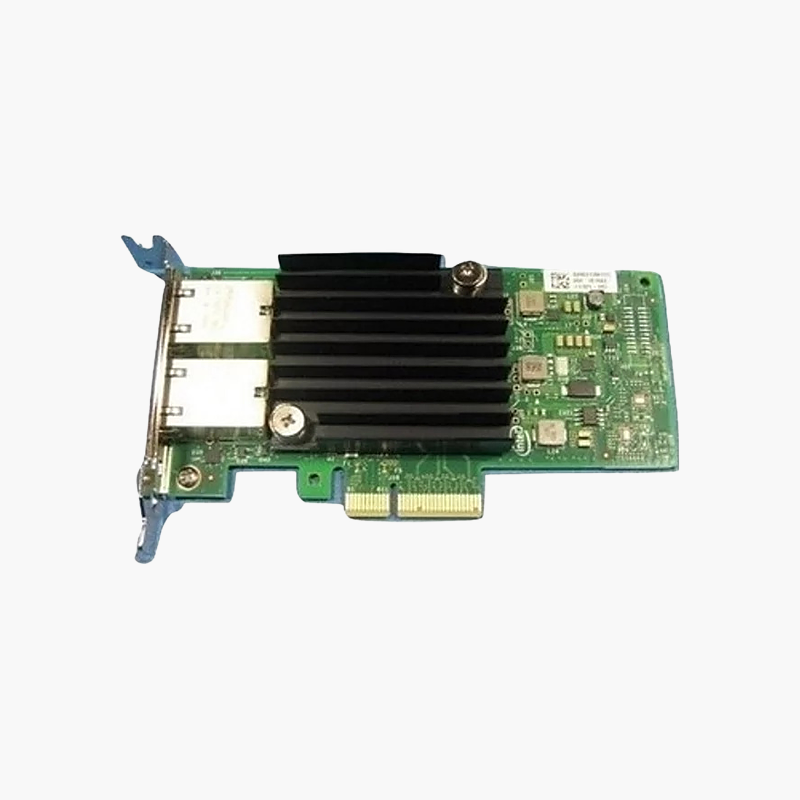
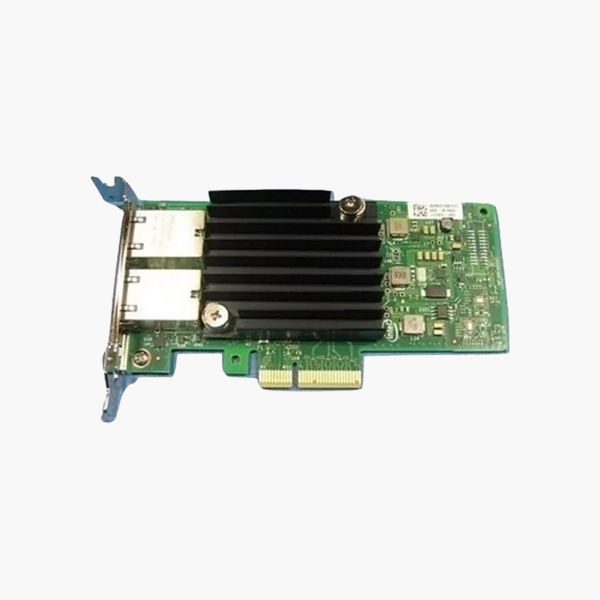
The Dell Intel X550-T2 Dual Port 10GbE RJ45 Network Adapter, Low Profile is a server network adapter with 2x 10GbE RJ45 (10GBASE-T) ports based on the Intel X550 controller, in a PCIe low-profile adapter format. It adds high-throughput, low-latency Ethernet for virtualisation hosts, storage networks and busy application servers. Dell part C4D5P.
More bandwidth for every server.
Faster Server Connectivity for Data-Heavy Workloads
Onboard network ports quickly become a bottleneck when servers host virtual machines, storage traffic and backups at the same time.
The Dell Intel X550-T2 Dual Port 10GbE RJ45 Network Adapter, Low Profile adds 2x 10GbE through RJ45 (10GBASE-T) connections, giving each server more bandwidth and the ability to separate management, storage and application traffic.
Ports and Controller
2x 10GbE RJ45 (10GBASE-T) ports on the Intel X550 controller. RJ45 ports use standard Cat6/Cat6a cabling.
Form Factor and Compatibility
PCIe low-profile adapter. Confirm the server model and slot type before installing.
Setup Instructions
How to Install the Dell Intel X550-T2 Dual Port 10GbE RJ45 Network Adapter, Low Profile
- Power down the server, unplug it and use anti-static precautions.
- Install the adapter in the matching slot and secure it.
- Power on and install or update the network driver and firmware.
- Connect cables or transceivers and configure the interfaces in the OS or hypervisor.














Reviews
There are no reviews yet.