
Networking
Shop all 595 products
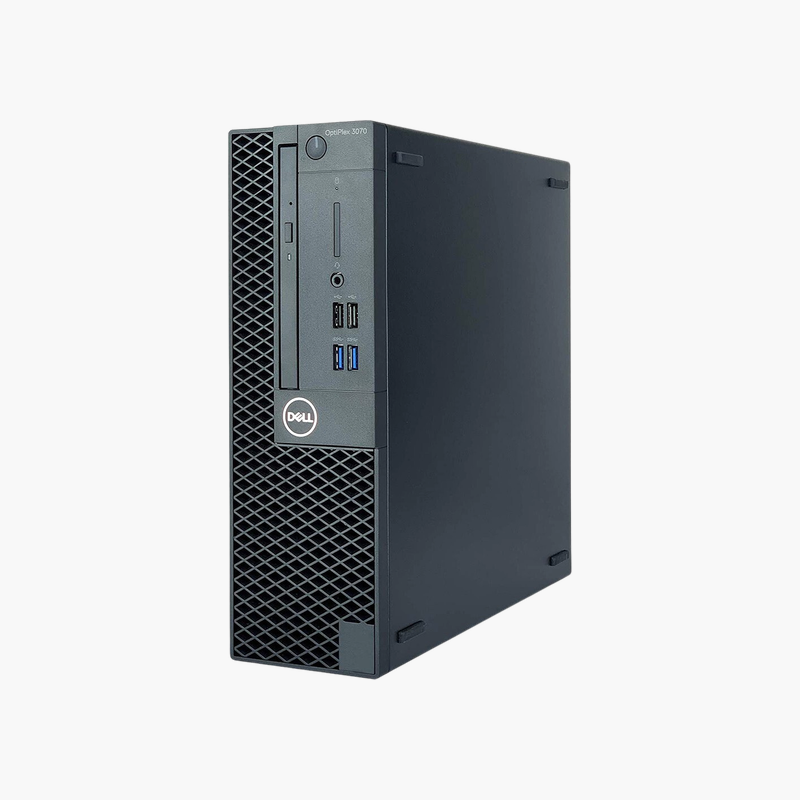
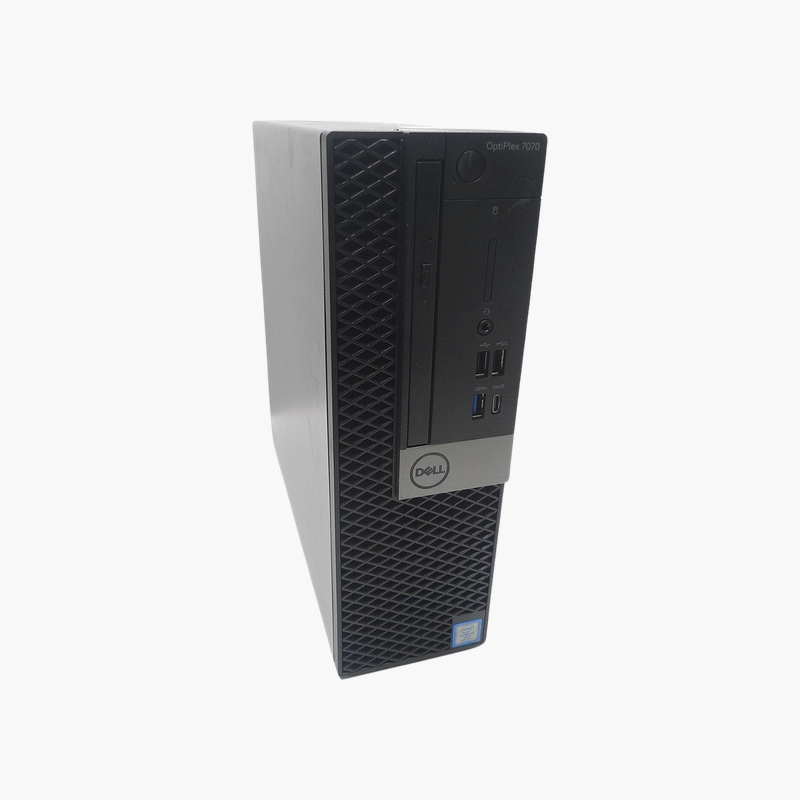
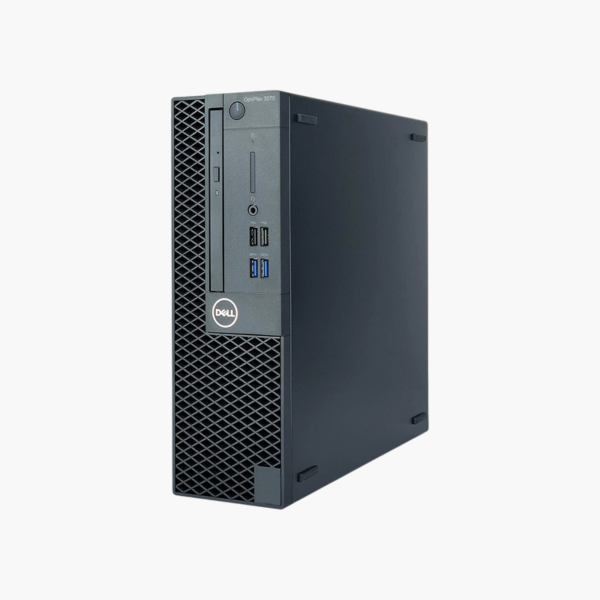
A Windows 11-ready value desktop with 16GB of memory.
The refurbished Dell OptiPlex 3070 SFF features a 9th Gen Intel Core i5, 16GB of memory, and a 256GB SSD. It suits small businesses, schools, and home offices that want an affordable, Windows 11-capable desktop for office applications, web browsing, and video calls.
A Value Desktop With Modern OS Support
Many refurbished desktops on the market are too old for Windows 11. The OptiPlex 3070’s 9th Gen Core i5 meets Windows 11 requirements, so you get a supported OS at a refurbished price.
6 cores, 16GB of memory, and an SSD provide smooth performance for office suites and browsers.
The compact SFF chassis fits easily on or under desks.
Windows 11 Supported
With a supported processor and TPM 2.0, the desktop runs Windows 11 and receives security updates.
Value for Small Businesses
Its price-to-performance ratio suits small offices outfitting several workstations.
How to Set Up Your Dell OptiPlex 3070 SFF
- Unbox the desktop and connect your monitor, keyboard, mouse, Ethernet cable, and power cord.
- Power on and complete the Windows 10 Pro setup, connecting to your network and signing in.
- Run Windows Update and Dell SupportAssist or Dell Command | Update to install the latest drivers, BIOS, and security patches.
- Set a BIOS password if required, enable BitLocker on Pro editions, and configure backups for important files.






Reviews
There are no reviews yet.