
Networking
Shop all 595 products
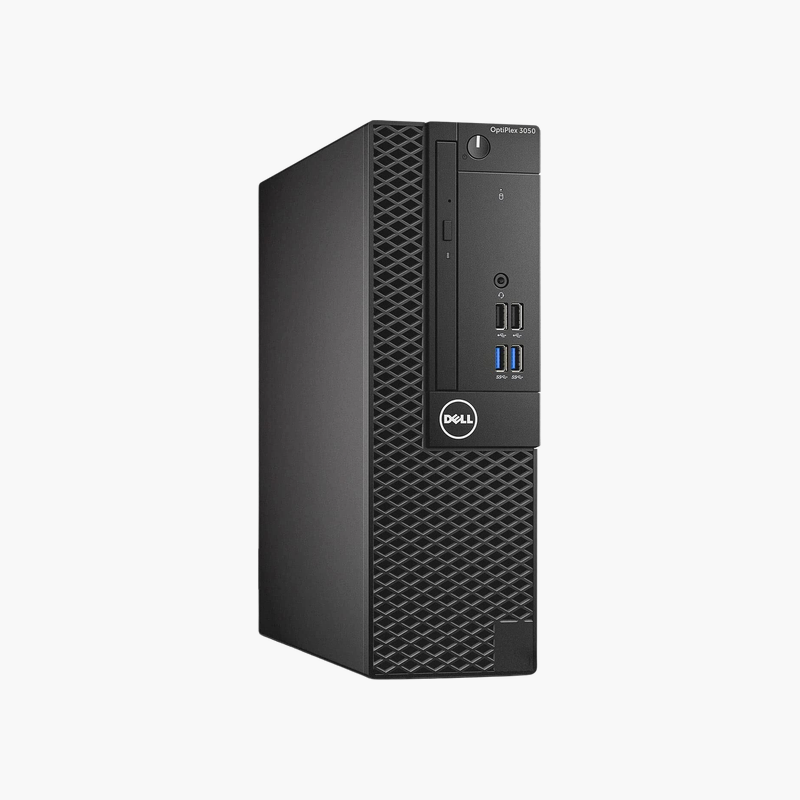
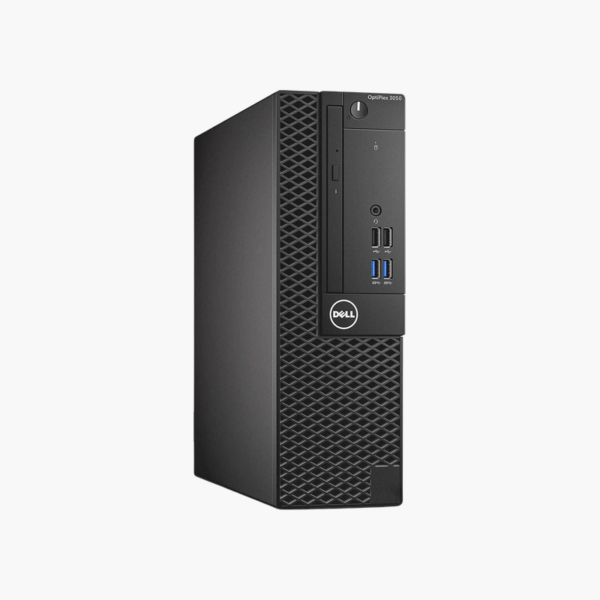
A low-cost SFF desktop for dedicated and secondary workstations.
The refurbished Dell OptiPlex 3050 SFF combines a 6th Gen Intel Core i5 with 16GB of memory and a 256GB SSD. It suits budget buyers, IT labs, kiosks, and Linux users who need a dependable desktop for lightweight workloads, dedicated tasks, or home server projects.
Smart Uses for an Older Business Desktop
Older OptiPlex desktops remain useful for tasks that do not need the latest processor, including thin-client roles, digital signage, label printing, and home server projects.
A quad-core Core i5, 16GB of memory, and an SSD provide responsive performance for these roles.
Windows 10 has reached end of support; for internet-connected daily use, Linux is a good fit on this hardware.
Home Lab and Linux Projects
Its low power use and reliable hardware make it a popular base for home servers, Pi-hole, and Linux desktops.
Compact and Serviceable
The SFF chassis is easy to open and service, with standard parts.
How to Set Up Your Dell OptiPlex 3050 SFF
- Unbox the desktop and connect your monitor, keyboard, mouse, Ethernet cable, and power cord.
- Power on and complete the Windows 10 Pro setup, connecting to your network and signing in.
- Run Windows Update and Dell SupportAssist or Dell Command | Update to install the latest drivers, BIOS, and security patches.
- Set a BIOS password if required, enable BitLocker on Pro editions, and configure backups for important files.






Reviews
There are no reviews yet.