
Networking
Shop all 595 products

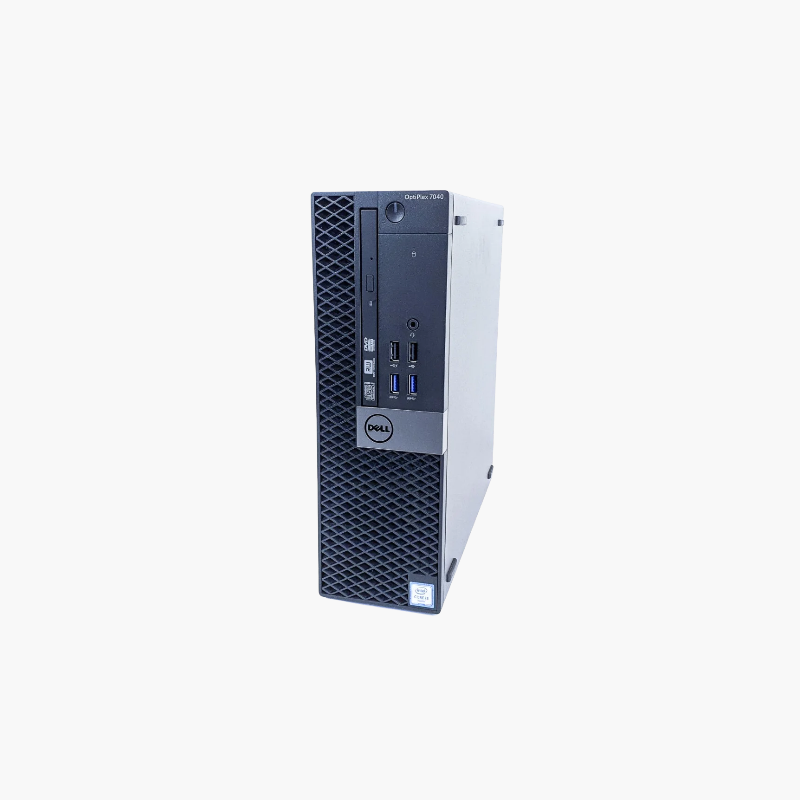
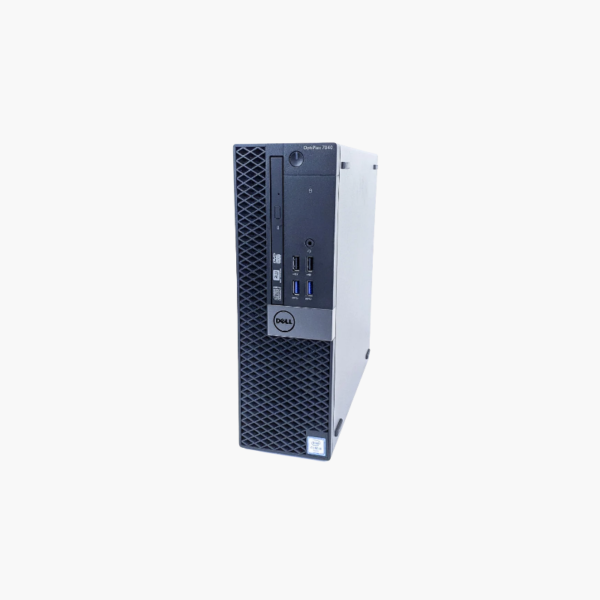
32GB of memory and 512GB SSD in a compact business desktop.
The refurbished Dell OptiPlex 7040 SFF features a 6th Gen Intel Core i5, 32GB of DDR4 memory, and a 512GB SSD. The large memory configuration suits home lab users, IT trainers, and small offices running virtual machines, containers, or memory-heavy applications on a budget.
Why Extra Memory Makes Older Desktops Useful
Virtual machines, containers, and home server software are often limited by memory rather than CPU. This OptiPlex 7040 includes 32GB, enough to run several lightweight VMs or containers.
A quad-core Core i5 and a 512GB SSD provide reliable performance and ample storage for lab environments.
Windows 10 has reached end of support, so many users run Proxmox, a Linux distribution, or other supported systems on this hardware.
Ready for Home Labs
32GB of memory makes it a practical Proxmox or Docker host for learning and testing.
Premium Business Build
As part of Dell’s 7000 series, it features a tool-less chassis and strong manageability.
How to Set Up Your Dell OptiPlex 7040 SFF
- Unbox the desktop and connect your monitor, keyboard, mouse, Ethernet cable, and power cord.
- Power on and complete the Windows 10 Pro setup, connecting to your network and signing in.
- Run Windows Update and Dell SupportAssist or Dell Command | Update to install the latest drivers, BIOS, and security patches.
- Set a BIOS password if required, enable BitLocker on Pro editions, and configure backups for important files.




Reviews
There are no reviews yet.