
Networking
Shop all 595 products
A 6-core, 12-thread Core i7 desktop for demanding office work.
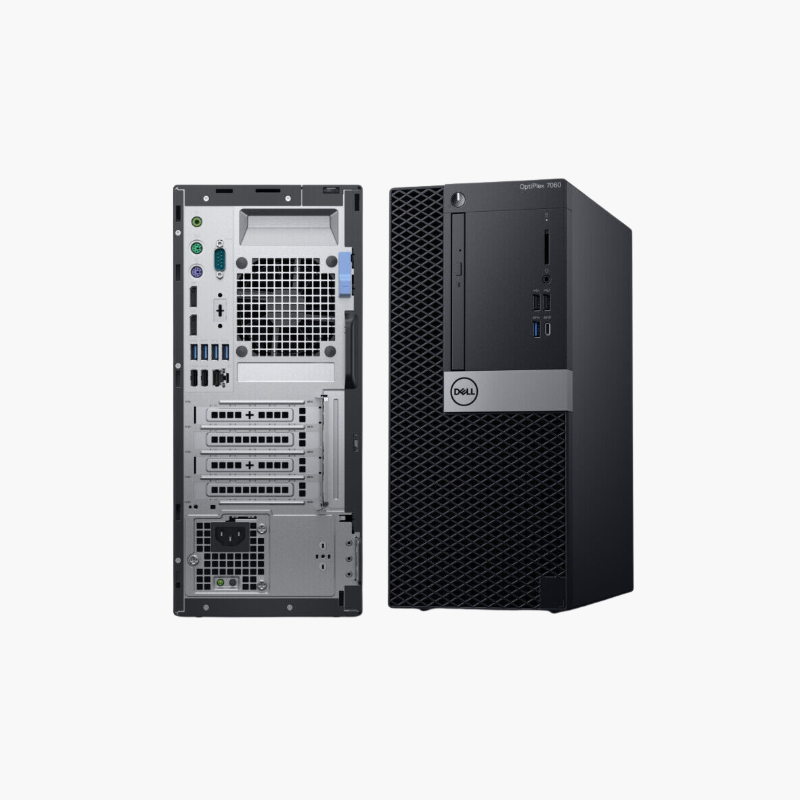
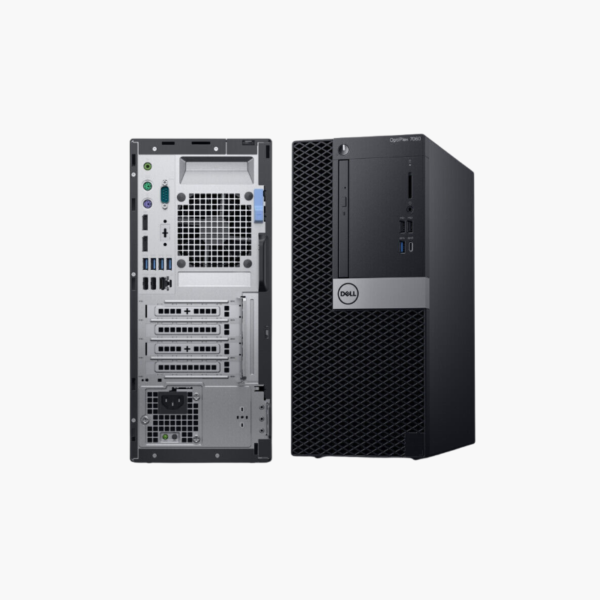
The refurbished Dell OptiPlex 7060 SFF pairs an 8th Gen Intel Core i7 with 6 cores and 12 threads, 16GB of memory, and a 256GB SSD. It suits accountants, analysts, and developers who need more processing power than a typical office PC in a compact, business-grade chassis.
When Office Work Needs More Than a Core i5
Large spreadsheets, accounting databases, code compiles, and multitasking with many apps benefit from extra cores and threads. The 8th Gen Core i7 provides 6 cores and 12 threads for those heavier workloads.
16GB of memory and an SSD keep the system responsive, and memory can be expanded to 64GB.
The 8th Gen processor meets Windows 11 requirements.
Power for Analysts and Developers
Extra threads speed up compiles, data processing, and running several heavy applications at once.
Expandable SFF Design
The SFF chassis supports additional storage and memory upgrades as needs grow.
How to Set Up Your Dell OptiPlex 7060 SFF
- Unbox the desktop and connect your monitor, keyboard, mouse, Ethernet cable, and power cord.
- Power on and complete the Windows 10 Pro setup, connecting to your network and signing in.
- Run Windows Update and Dell SupportAssist or Dell Command | Update to install the latest drivers, BIOS, and security patches.
- Set a BIOS password if required, enable BitLocker on Pro editions, and configure backups for important files.






Reviews
There are no reviews yet.