
Networking
Shop all 595 products
Enterprise-class 3TB storage with a data-center reliability rating, at a renewed price.
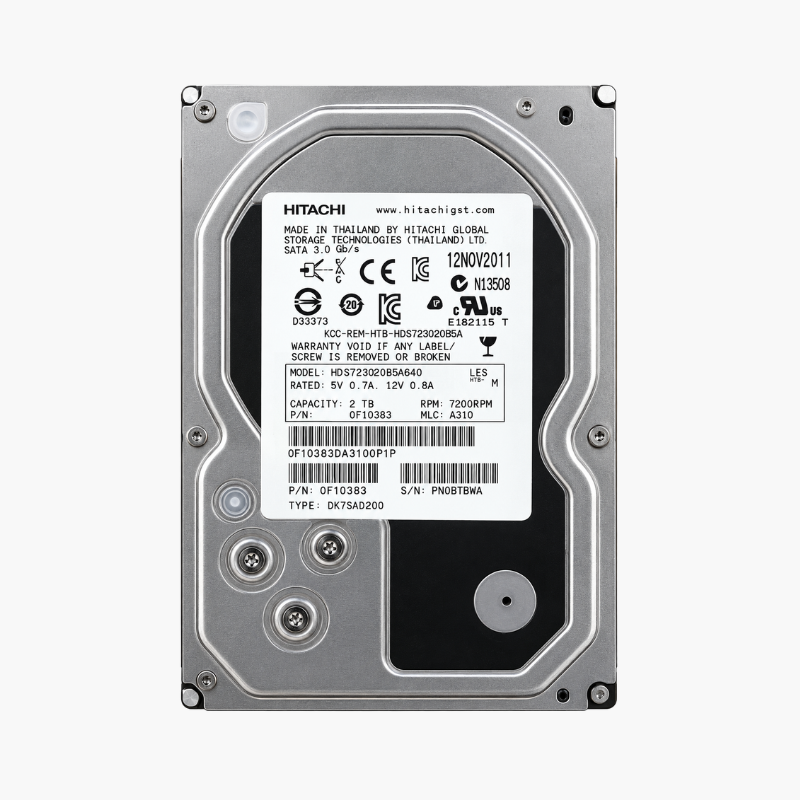
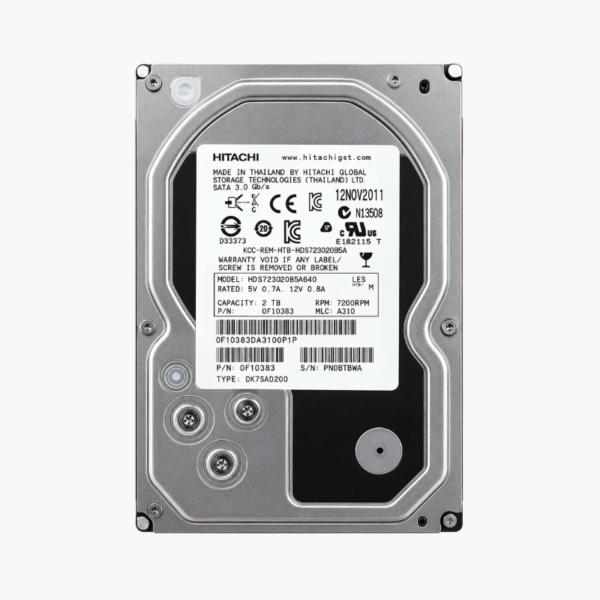
The Hitachi 0F12471 (HUA723030ALA641) is a 3TB HGST Ultrastar 7K3000 enterprise hard drive with a 7,200 RPM spindle, 64MB cache and SATA 6Gb/s interface. This renewed unit suits home servers, small-business RAID arrays, NAS backup targets and DVR systems that need enterprise-grade construction without the cost of a new enterprise drive.
Why an Enterprise Drive Beats a Desktop Drive for Always-On Storage
Desktop hard drives are designed for a few hours of use a day in a single-drive PC. Put them in a server or multi-bay NAS running around the clock and they face heat, constant workload and vibration from neighboring drives that they were never tested against. That is where early failures and dropped RAID members come from.
The Ultrastar 7K3000 was engineered for exactly that environment. It uses a five-platter mechanical design proven in data centers, carries a 2.0 million hour MTBF rating and is built for 24×7 operation. Its 1 in 10^15 unrecoverable read error specification means fewer read errors during long sequential jobs such as RAID rebuilds, where a single unreadable sector on a desktop drive can stall a recovery.
This drive uses conventional recording rather than shingled (SMR) technology, so write performance stays consistent during large transfers and array rebuilds.
Data-Center Mechanics in a Standard 3.5-Inch Drive
The 7,200 RPM spindle and 64MB buffer deliver up to 152 MB/s sustained, which is enough to saturate a gigabit network link during file transfers. The dual stage actuator gives finer head positioning, helping the drive maintain throughput even under heavy, mixed workloads.
Built for Multi-Drive Enclosures
Hitachi’s Rotational Vibration Safeguard detects vibration from adjacent drives and compensates for it in real time. In a four-, eight- or twelve-bay chassis, this keeps performance stable where a desktop drive would slow down or time out, making the 7K3000 a dependable member of a RAID 1, 5, 6 or 10 array.
How It Works / Setup Instructions
How to Install the Hitachi Ultrastar 7K3000 3TB
- Power down the PC, server or NAS, and ground yourself before handling the drive to avoid static discharge.
- Mount the drive in a free 3.5-inch bay or drive tray and secure it with four screws or your enclosure’s tool-less clips.
- Connect the SATA data and power cables (or slide the tray into the backplane), then power the system back on.
- Initialize the drive with a GPT partition table in your operating system, NAS software or RAID utility. Run a S.M.A.R.T. check before adding it to an array.





Reviews
There are no reviews yet.