
Networking
Shop all 595 products
Enterprise drive performance tuned specifically for Synology NAS and DSM.
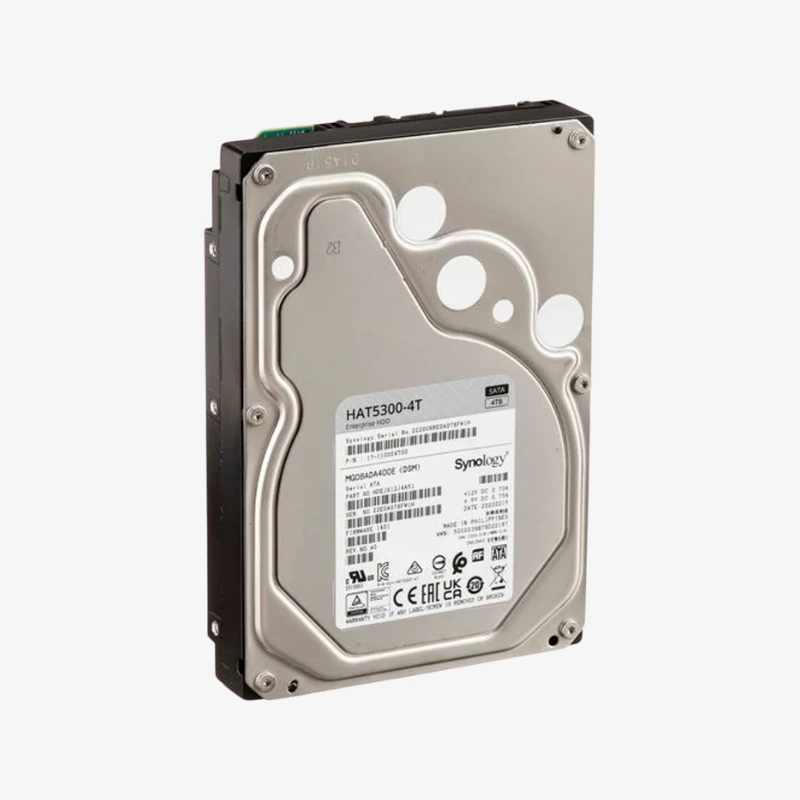
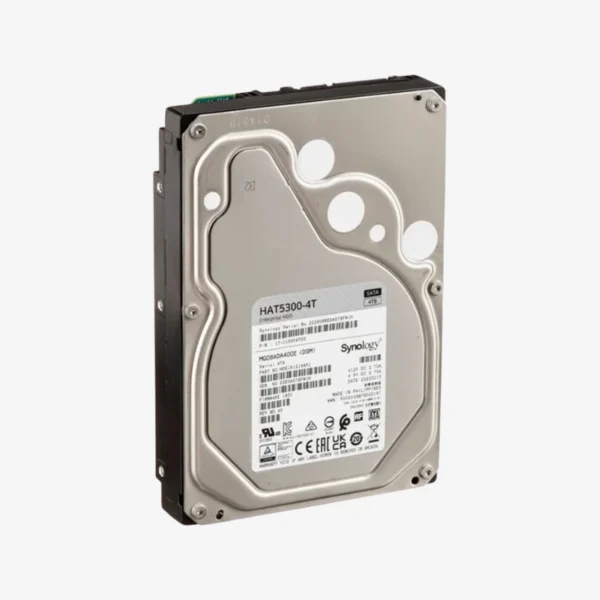
The Synology HAT5300-4T is a 4TB, 7,200 RPM, 3.5-inch SATA enterprise hard drive built by Synology for its own DiskStation and RackStation systems. With a 256MB cache, CMR recording, a 550 TB/year workload rating and firmware managed through DSM, it is aimed at small and medium businesses running demanding, multi-user NAS workloads.
Why Synology NAS Systems Run Best on Synology Drives
A NAS is only as dependable as the drives inside it. Generic drives can work, but they are tested by their own makers, not against your NAS’s specific hardware and software. When something goes wrong, compatibility questions can slow down troubleshooting and support.
The HAT5300 series goes through extended in-house validation with Synology hardware and DSM. Because Synology controls both the NAS and the drive, it can tune firmware behavior for its systems, deliver updates through DSM and report drive health accurately in Storage Manager. Some Synology models list only Synology drives on their compatibility lists, so the HAT5300 keeps you within the supported configuration.
The drive also uses CMR recording, which avoids the long write slowdowns SMR drives suffer during RAID and SHR rebuilds. Consistent write speed shortens the window in which a degraded array is exposed to a second failure.
Enterprise Throughput for Multi-User Workloads
With a 7,200 RPM spindle and 256MB cache, the HAT5300-4T sustains up to 243 MB/s. Synology states the series delivers higher sustained sequential read performance in multi-user environments, which helps when many employees access shared folders, video files or backup jobs at the same time.
Firmware Managed Inside DSM
Drive firmware updates arrive automatically through DiskStation Manager, so there are no separate utilities to run or downtime spent flashing drives manually. Combined with a 2.0 million hour MTTF rating and persistent write cache protection, this reduces both maintenance effort and the risk of data loss from power interruptions.
How It Works / Setup Instructions
How to Install the Synology HAT5300-4T
- Check your NAS model’s compatibility list on Synology’s website to confirm HAT5300 support.
- Remove an empty drive tray, mount the HAT5300-4T with the tray’s clips or screws, and slide it back into the NAS.
- Open DSM Storage Manager. The NAS will detect the new drive and display its health status.
- Create a new storage pool or add the drive to an existing one, choose SHR, RAID 1, 5, 6 or 10, and let DSM complete the setup.




Reviews
There are no reviews yet.