
Networking
Shop all 595 products
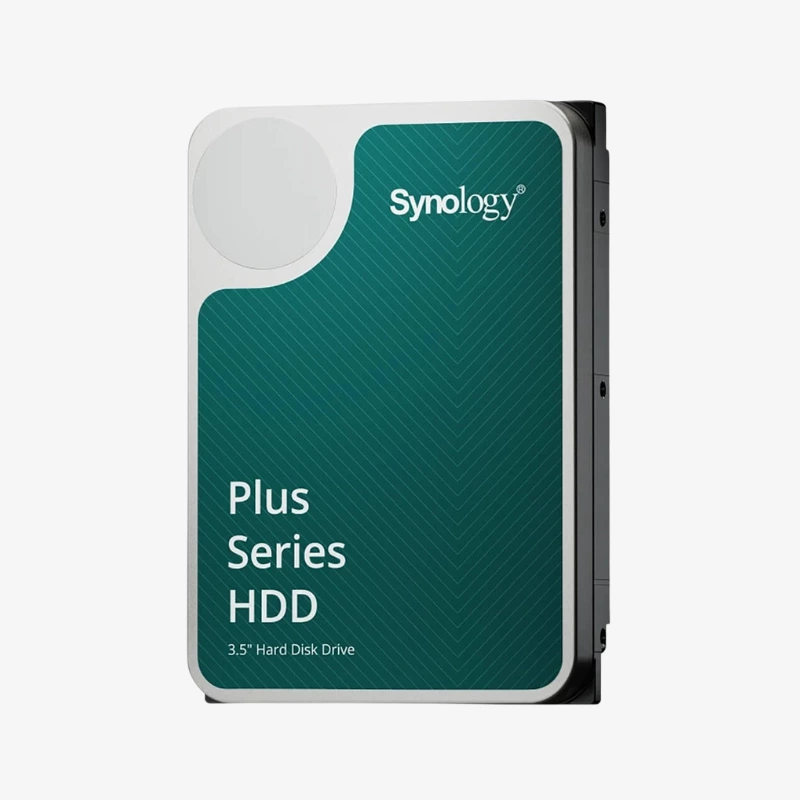
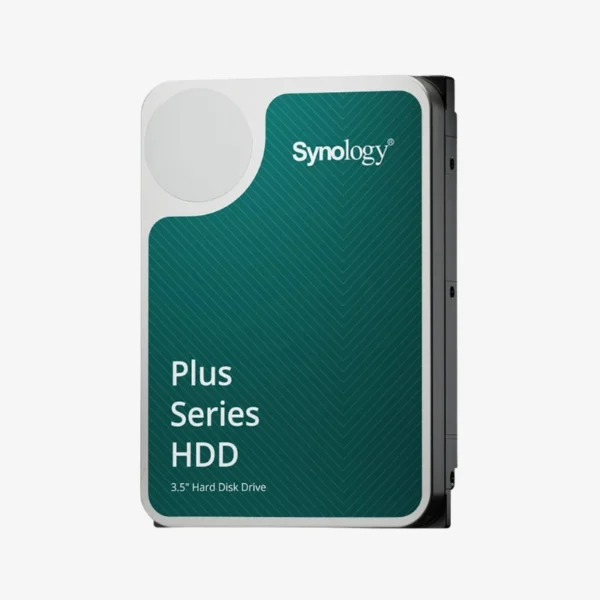
Quiet, efficient CMR storage built by Synology for Synology home and small-office NAS.
The Synology HAT3300-2T is a 2TB Plus Series 3.5-inch SATA hard drive designed for Synology NAS systems in homes and small offices. It combines CMR recording, a 5,400 RPM spindle, 256MB cache and up to 180 MB/s sustained transfer with a 180 TB/year workload rating and firmware that updates through DSM.
Why the Drive Type Matters in a Home or Small-Office NAS
Two common mistakes shorten the life of a home NAS: using desktop drives that are not rated for 24/7 operation, and using SMR drives that slow to a crawl during RAID rebuilds. Both problems tend to appear at the worst moment, right after a drive fails and the array needs to recover.
The HAT3300 Plus avoids both. It is rated for continuous NAS duty with a 180 TB/year workload and uses CMR recording, where each track is written independently. That keeps write speed steady when DSM rebuilds an SHR or RAID array, shortening the time your data is exposed.
Because Synology builds and validates the drive for its own systems, Storage Manager reports its health accurately and DSM handles firmware updates for you, which removes much of the guesswork from drive selection.
CMR Performance You Can Plan Around
The 256MB cache and CMR design deliver up to 180 MB/s sustained throughput. In practice, that means a 2-bay or 4-bay NAS can serve family photo libraries, Plex or Synology Photos, and nightly PC backups over gigabit Ethernet without the drives becoming the bottleneck.
Low Power and Low Noise for Always-On Use
At 5,400 RPM, the HAT3300 draws about 3.10 W while operating and 2.80 W at idle. Lower power means less heat inside compact enclosures, quieter operation in a living room or office, and lower electricity costs over years of continuous uptime.
How It Works / Setup Instructions
How to Install the Synology HAT3300-2T
- Confirm your Synology model on the HAT3300 compatibility list, then power down the NAS if it does not support hot-swapping.
- Mount the drive in an empty tray using the tool-less clips or screws, and slide it back into the bay.
- Power on and open DSM Storage Manager, where the new drive appears with its health status.
- Create a storage pool with SHR or RAID 1 for redundancy, or add the drive to an existing pool, and follow the DSM wizard.





Reviews
There are no reviews yet.