
Networking
Shop all 595 products
Stackable Gigabit PoE+ switching with room to add 10G uplinks.
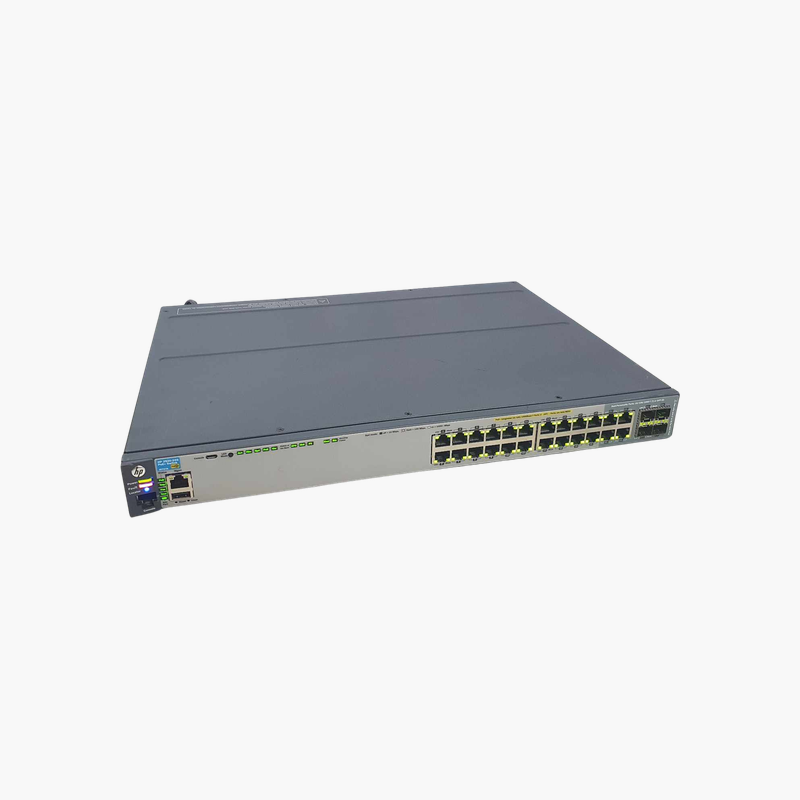
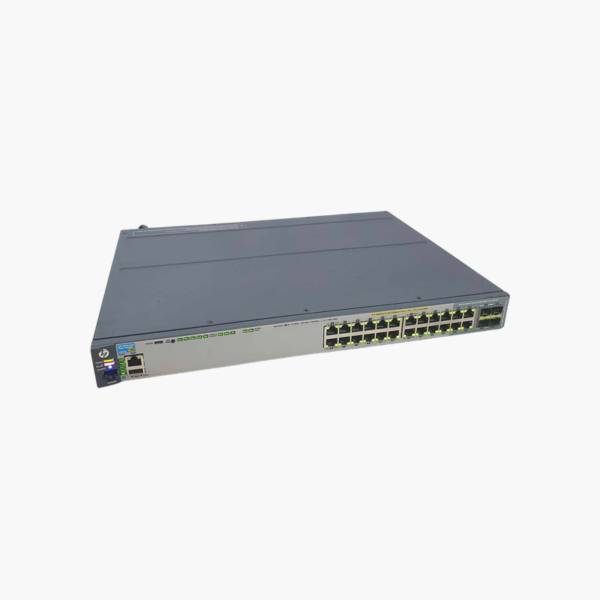
The HPE Aruba 2920-24G-PoE+ (J9727A) is a 24-port Gigabit PoE+ managed switch with a 370W PoE budget, four dual-personality ports, two 10G module slots and optional stacking. It suits SMB and enterprise access layers that need PoE+, Layer 3 lite routing and future 10G uplinks.
How the 2920-24G-PoE+ Handles Growth Without a Forklift Upgrade
Access switches often need to change over their life: more PoE devices, faster uplinks or more ports in the same closet. Fixed switches force a replacement when any of those needs change.
The J9727A is built to grow. Two expansion slots accept 10G SFP+ or 10GBASE-T modules, a dedicated slot accepts a stacking module for up to four switches, and the 370W PoE+ budget powers a closet full of IP phones and access points.
Running ArubaOS-Switch software, it supports VLANs, 802.1X, QoS, ACLs, static and RIP routing and sFlow, with management through web, CLI, SNMP or Aruba Central (on supported releases).
Flexible Uplinks and Stacking
Four dual-personality ports work as RJ-45 or SFP, two module slots add 10G uplinks (J9731A 2-port SFP+ or J9732A 2-port 10GBASE-T), and the J9733A stacking module links up to four switches with dedicated stacking cables (sold separately).
Modular Power Supply
The switch uses an HPE X332 575W modular power supply (J9738A), which can be replaced on site. Fans and the power supply are designed for continuous operation in wiring closets.
How to Set Up the HPE Aruba 2920-24G-PoE+
- Rack-mount the switch, confirm the 575W power supply is installed, and connect power.
- Install any 10G or stacking modules, then connect uplinks to the core and patch PoE devices to the access ports.
- Connect to the console port or web interface, set credentials and a management IP, and update to the latest ArubaOS-Switch firmware.
- Configure VLANs, PoE priorities, QoS and stacking, then save the configuration.














Reviews
There are no reviews yet.