
Networking
Shop all 595 products
Run 10G over older multimode fiber without re-cabling.
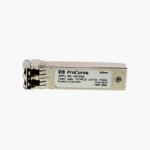
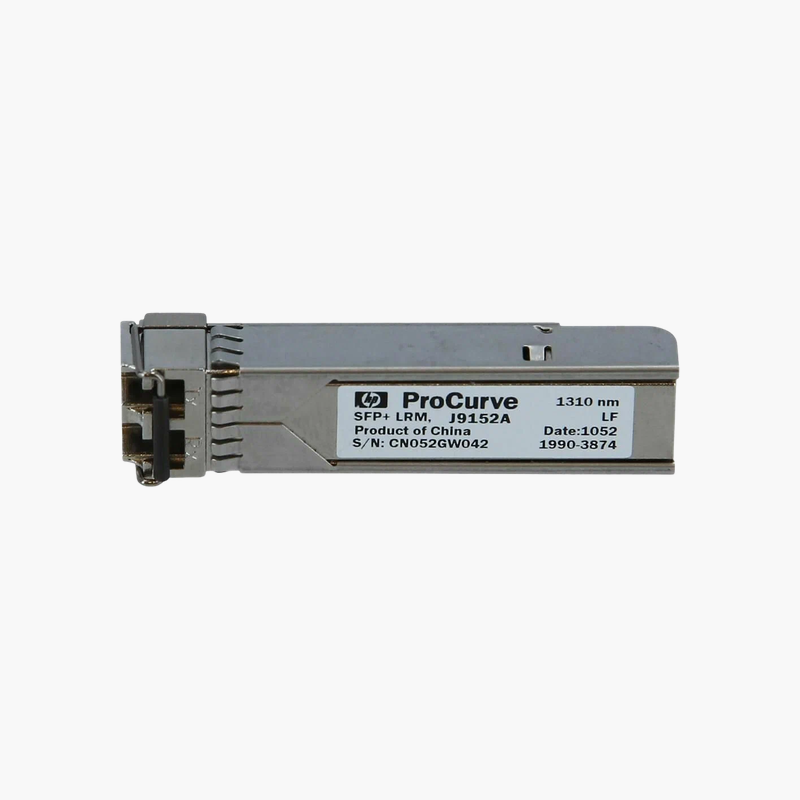
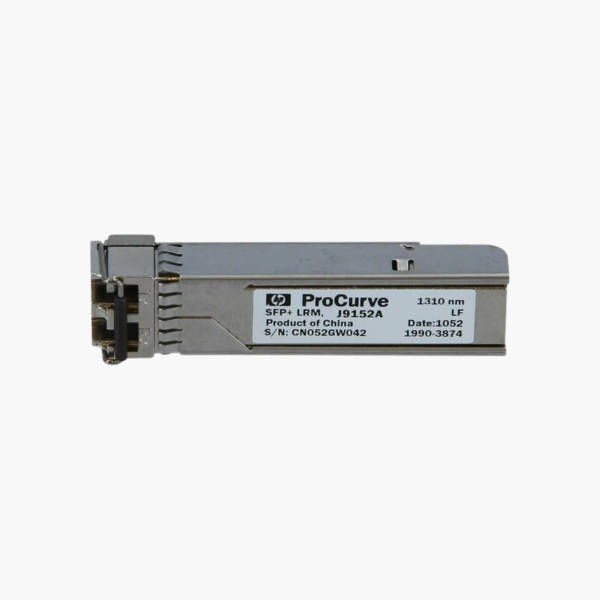
The HPE J9152A is a 10GBASE-LRM SFP+ transceiver that carries 10 Gbps over multimode fiber at 1310 nm with a duplex LC connector. It is designed for HPE ProCurve/Aruba switches with SFP+ ports, reaching up to 220 m on legacy multimode fiber.
Why Matching Optics Matter for Stable Fiber Links
Fiber links fail in frustrating ways when optics are mismatched: the link may not come up, may flap under load, or may log errors that slowly degrade performance. Third-party modules can also trigger unsupported-transceiver messages on HPE switches.
The J9152A follows the IEEE 10GBASE-LRM standard at 1310 nm, so it interoperates with any compliant optic at the other end of the link, and as a genuine HPE part it is recognized by HPE firmware without workarounds.
10GBASE-LRM is designed for older FDDI-grade and OM1/OM2 multimode fiber, where standard 10GBASE-SR only reaches a few dozen meters, letting you upgrade to 10G without pulling new fiber.
10GBASE-LRM Performance and Reach
The J9152A runs at 10 Gbps using a 1310 nm laser over multimode (FDDI-grade OM1, OM2, OM3) fiber, reaching up to 220 m on legacy multimode fiber (OM1/OM2/OM3). Both ends of the link must use matching 10GBASE-LRM optics.
Hot-Swappable with Diagnostics
The module can be inserted or removed while the device is running. Supported HPE switches report optical diagnostics such as transmit and receive power, which help find dirty connectors or damaged fiber.
How to Install the HPE J9152A
- Confirm the host port supports 10GBASE-LRM SFP+ modules and that the other end of the link uses a matching optic.
- Remove the dust plug and slide the transceiver into the port until it latches.
- Clean the LC connectors and connect a multimode duplex patch cord, crossing transmit and receive.
- Verify link status and optical levels from the switch or array management interface.















Reviews
There are no reviews yet.