
Networking
Shop all 595 products
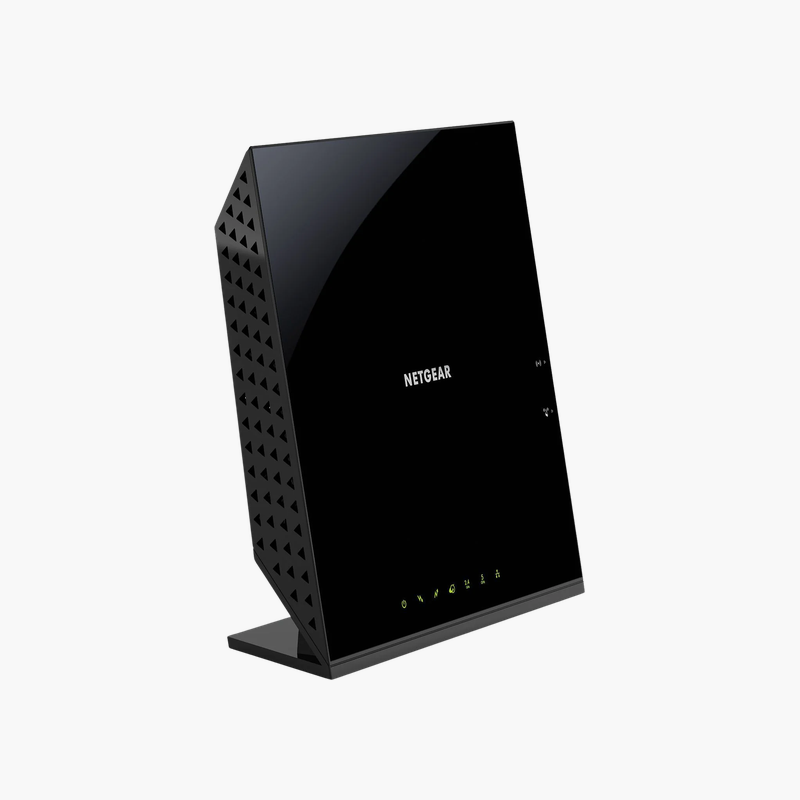
Own your modem and router in one device and stop paying monthly rental fees.
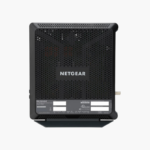
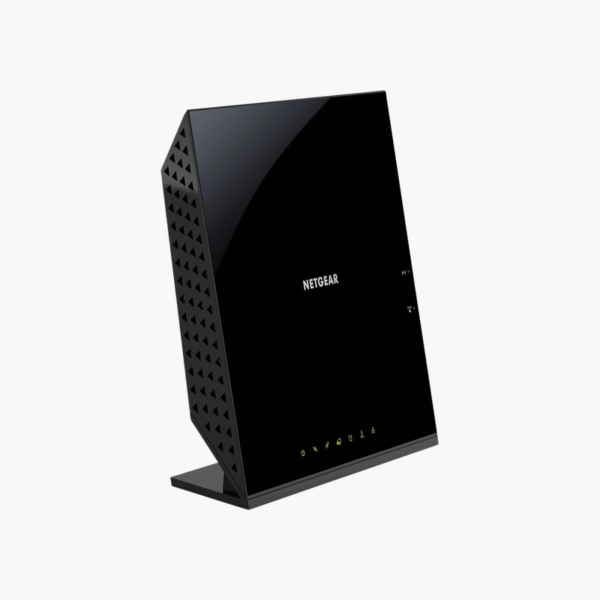
The NETGEAR C6250 is a DOCSIS 3.0 cable modem and Wi-Fi router with 16×4 channel bonding, supporting internet plans up to about 400 Mbps. It provides 2 x Gigabit Ethernet LAN ports and a USB port, plus AC1600 dual-band wireless, for apartments and small homes.
Why Owning Your Cable Modem Saves Money and Improves Reliability
Many cable internet customers rent a modem from their provider every month. Over a few years, those fees often exceed the cost of buying a modem, and rental units are frequently older models that cannot deliver the full speed of current plans.
The C6250 uses DOCSIS 3.0 technology with 16×4 channel bonding to support internet plans up to about 400 Mbps, so the modem is not the bottleneck in your connection.
Because it combines a modem and Wi-Fi router, it reduces clutter and gives you one device to manage for both internet access and wireless coverage.
Speed and Compatibility
The C6250 is compatible with major US cable providers such as Xfinity, Spectrum and Cox (check your provider’s approved device list). It supports plans up to about 400 Mbps.
Built-in Wi-Fi Router
Its AC1600 dual-band radio covers a typical apartment or small home, with 2 x Gigabit Ethernet LAN ports and a USB port for wired devices.
How to Set Up the NETGEAR C6250
- Connect the coaxial cable from your wall outlet to the modem and connect power.
- Wait for the power, downstream, upstream and internet LEDs to show a stable connection.
- Connect to the default Wi-Fi network printed on the label, or connect a computer by Ethernet.
- Activate the modem with your internet provider using its app, website or phone line, then restart the modem and test your speed.














Reviews
There are no reviews yet.