Networking
Shop all 595 products
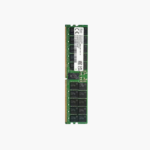
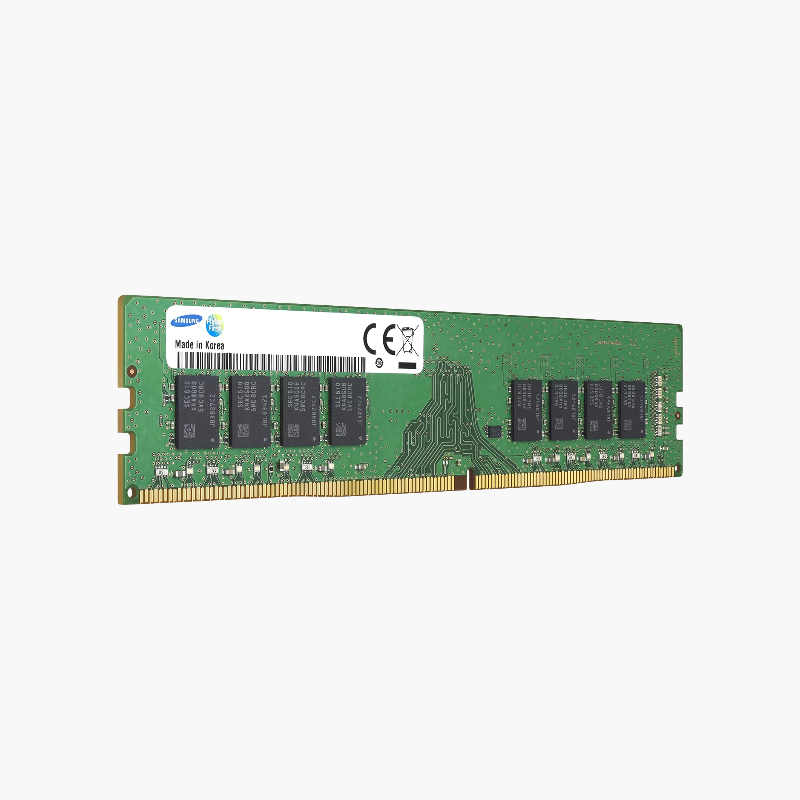
Samsung 3DS-based 128GB memory for dense server builds.
The Samsung M386AAG40AM3-CWE is a 128GB DDR4-3200 ECC LRDIMM using stacked (3DS) DRAM in a 4DRx4 configuration. It suits enterprises and cloud providers scaling DDR4 Intel Xeon Scalable and AMD EPYC servers for analytics, high-performance computing, virtualization, and large database caches.
Why High-Capacity LRDIMMs Exist
Some workloads need far more memory per server than standard RDIMMs can provide: large in-memory databases such as SAP HANA, dense virtualization, and analytics clusters. Load-Reduced DIMMs exist for exactly this case.
An LRDIMM adds data buffers alongside the register chip, so the memory controller sees a lighter electrical load even when each module carries many ranks of high-density DRAM. That allows 128GB per slot while keeping signal integrity across fully populated channels.
This module runs at 3200 MT/s on supporting platforms at 1.2V. Its 4DRx4 layout uses stacked DRAM, and ECC protects every access.
Stacked DRAM for High Density
Through-silicon-via (3DS) stacking places multiple DRAM dies in one package, which is how a single module reaches 128GB.
Signal Integrity in Fully Populated Channels
Data buffers on the LRDIMM isolate the DRAM load from the memory bus, helping servers maintain stable speeds with two DIMMs per channel.
How to Install the Samsung 128GB Server Memory
- Shut down the server, disconnect all power cords, and wear an anti-static wrist strap.
- Open the chassis and follow the vendor’s DIMM population guide so channels are balanced across each processor.
- Align the module notch with the slot key and press evenly until both ejector latches lock.
- Power on, allow memory training to finish, and confirm capacity, speed, and ECC status in BIOS or the management controller (iDRAC, iLO, XClarity, IPMI).