
Networking
Shop all 590 products
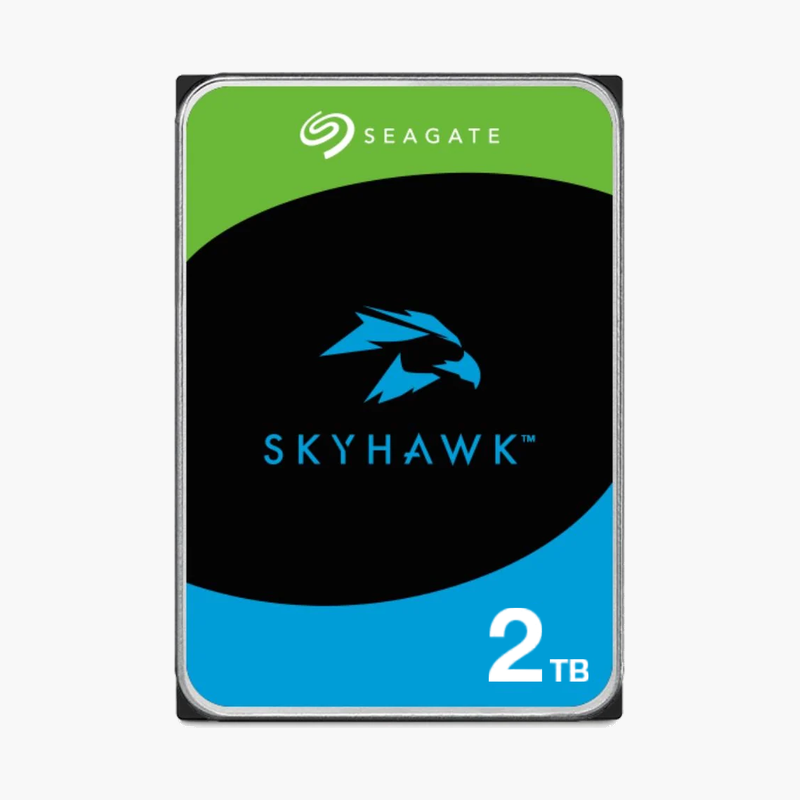
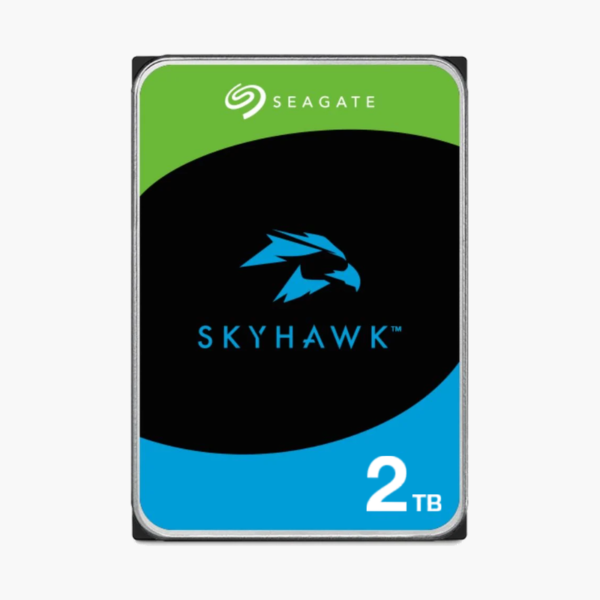
The Seagate SkyHawk 2TB (ST2000VX008) is a 3.5-inch internal surveillance hard drive designed for DVRs and NVRs. ImagePerfect firmware, a 180TB per year workload rating and a 24/7 duty design make it suited to small DVR systems covering a home, shop or small office.
Deep-Dive Story & Problem/Solution
Why Surveillance Systems Need a Purpose-Built Drive
A security recorder writes video every second of every day — often from many cameras at once. Desktop drives are optimised for bursts of reads followed by idle time, so under constant writes they can drop frames, run hot inside sealed recorder cases and wear out well before their time. The result is gaps in footage exactly when you need evidence.
SkyHawk drives are tuned for write-heavy, always-on video. ImagePerfect firmware manages streaming writes so recordings stay smooth with up to 64 HD cameras, and the 180TB per year rating reflects the constant duty of surveillance. Its efficient design keeps recorder temperatures in check.
ImagePerfect Firmware — Smooth, Continuous Recording
With 2TB of capacity, the ST2000VX008 lets you keep more days of footage before the recorder overwrites old video. ImagePerfect prioritises sustained write streams, reducing dropped frames and recording gaps during peak motion.
SkyHawk Health Management — Fewer Surprises in the Field
On compatible DVR/NVR platforms, SkyHawk Health Management monitors drive condition and provides alerts, helping installers replace drives proactively and reducing call-outs after deployment.
Setup Instructions
How to Install the Seagate SkyHawk 2TB in a DVR/NVR
- Power off the recorder and disconnect it from mains power before opening the case.
- Connect the SATA data and power cables to the drive and secure it to the mounting bracket with screws.
- Close the recorder, power it on and open the storage or HDD menu.
- Initialise (format) the drive, then set recording schedules and overwrite settings to match your retention needs.




Reviews
There are no reviews yet.